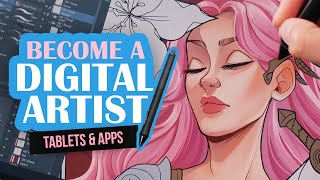
A Beginners Guide to Become a Digital Artist - Drawing Tablets & Apps
Comprehensive guide to digital art essentials: drawing tablets, software, and beginner tips. Explores tablet types, app options for various devices, and practical advice for aspiring digital artists.
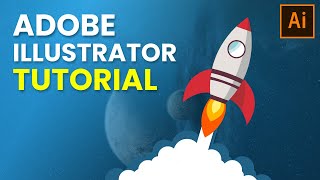
Adobe Illustrator Tutorial for Beginners - Rocketship Logo Design
Learn to create a simple rocket ship logo using Adobe Illustrator's basic tools and techniques, including pen tool, shape manipulation, and effects for beginners.
Adobe Illustrator Crash Course 2023 - For Complete Beginners
Comprehensive guide to Adobe Illustrator essentials, covering key tools and techniques for creating beautiful designs. Perfect for beginners seeking to master vector graphics.
Illustration Masterclass - Vector Art in Adobe Fresco
Master vector art in Adobe Fresco: Learn to use vector brushes, shape tools, and advanced techniques for creating clean, scalable illustrations. Explore trimming, CC Libraries, and efficient workflows.

Sculpting Skin Details With Zbrush
Learn advanced ZBrush techniques for creating realistic skin details, including surface noise, fine lines, and asymmetry. Master sculpting lips, noses, and other facial features for lifelike 3D character models.
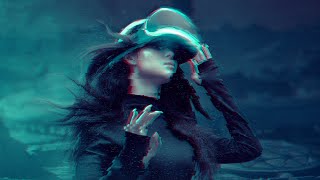
Add a Glitch Effect to Anything in Photoshop
Learn to create a versatile glitch effect in Photoshop using smart objects, filters, and layer techniques. Master this eye-catching digital distortion for any image or design project.
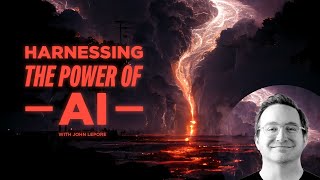
Harnessing the Power of AI Art
Explore AI art's potential in design and animation. Learn how AI tools work, create with Midjourney, and discuss ethics and future applications in this insightful overview.
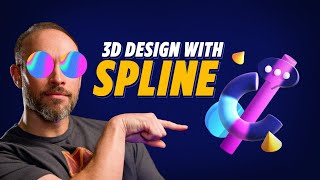
3D Design with Spline
Learn to create, animate, and export 3D designs using Spline, a free browser-based tool. Covers basics, materials, lighting, modeling, and importing for beginners and experienced designers alike.

Procreate Course for Beginners - Graphic Design and Illustration Tutorial
Comprehensive digital illustration tutorial covering Procreate's features, from basic tools to advanced techniques, guiding you through creating a high-quality artwork from start to finish.
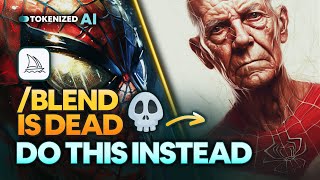
Blend Images with Reverse Engineering in Midjourney
Learn advanced image blending techniques in Midjourney v5 using reverse engineering and multiprompt methods for more creative and controllable results.

AI Art Explained - How AI Generates Images
Explore the inner workings of AI image generation models like Stable Diffusion, including their components, training process, and how they transform text prompts into stunning visuals.
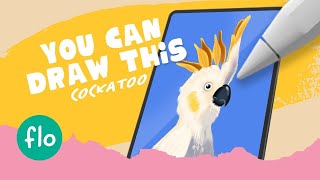
Draw a Parrot in Procreate - Easy Beginner Tutorial
Step-by-step guide to drawing a vibrant parrot using Procreate. Learn digital painting techniques, brush tools, and color blending for stunning results.

Firefly - New Image Gen A.I. Like Midjourney but Made for Creators
Explore Adobe Firefly, a new AI image generation tool for professionals. Learn its features, capabilities, and potential commercial applications compared to Midjourney.

How to Draw Like Animal Crossing - Tutorial - With Template - Cute Cartoon Characters
Learn to create adorable Animal Crossing-inspired characters with step-by-step guidance. Master sketching, detailing, coloring, and shading techniques to bring your cute cartoon creations to life.
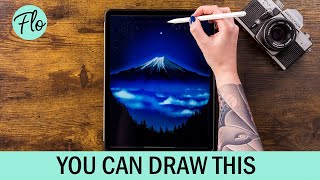
Draw Mount Fuji in Procreate
Step-by-step tutorial for drawing Mount Fuji in Procreate, covering techniques like gradients, textures, and layer blending. Learn to create a stunning digital landscape illustration.

How to Animate in Krita for Beginners - Updated 2022
Learn frame-by-frame and digital puppet animation in Krita, covering essential techniques like keyframes, tweening, and timing. Gain practical tips for creating professional-quality animations using this free software.

How to Animate in Krita for Beginners
Learn to create animated cartoons using Krita, a free software. Covers drawing basics, animation techniques, sound integration, frame manipulation, and exporting your finished work.
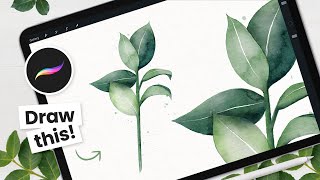
How to Paint Watercolor Leaves - Procreate Tutorial
Learn to create beautiful watercolor leaves in Procreate with step-by-step instructions. Master sketching, color selection, and achieving realistic watercolor effects using digital tools on your iPad.

How to Cartoon Yourself in Procreate - Step-by-Step Tutorial, Pro Tips & Tricks
Learn to transform photos into cartoons using Procreate. Master line art, coloring, shading, and digital art techniques. Discover pro tips for creating stunning illustrations and enhancing your digital art workflow.

Midjourney Course for Beginners - AI Art Generation Tutorial
Master AI art generation with Midjourney: Learn prompt creation, model versions, and advanced techniques to produce stunning imagery. Gain practical skills for navigating the platform and optimizing your creative process.
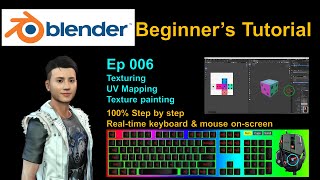
Blender Beginner's Tutorial - Texturing, UV Mapping and Texture Paint
Step-by-step guide for beginners on texturing, UV mapping, and texture painting in Blender. Real-time demonstration with on-screen keyboard strokes and mouse clicks for easy follow-along.