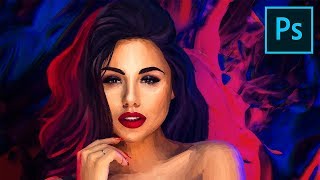
Digital Painting - Photoshop Tutorial
Learn advanced Photoshop brushes and techniques for digital portrait painting with pastels. Create a stunning artwork using reference images, filters, and compositing for a professional finish.
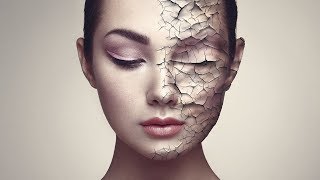
Create Realistic Cracked Skin in Photoshop
Learn to create realistic cracked skin effects using Photoshop's blend modes, Liquify tool, and smart masking techniques. Master advanced texture manipulation and adjustment layers for stunning visual results.
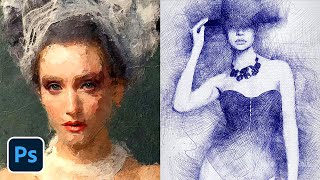
Photoshop Actions to Turn Photos into Art
Learn to transform photos into stunning artworks using three powerful Photoshop actions. Discover installation tips, usage techniques, and customization options for creating paintings, sketches, and mixed media effects.

How to Apply Beautiful Eye Makeup in Photoshop
Master advanced Photoshop techniques to create stunning digital eye makeup, including liners, shadows, and highlights. Learn to use Pen Tool, Masking, and Adjustment Layers for realistic results.
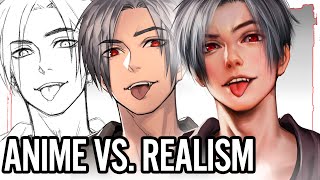
Lineart vs. Painting - Digital Art for Beginners
Explore digital art techniques, comparing lineart and painting approaches. Learn sketching, coloring, and tool usage in Clip Studio Paint for creating stunning digital illustrations.
Easy Tips to Improve Your Digital Art
Enhance your digital art skills with tips on edges, texture, contrast, color adjustment, and custom brushes for more professional and visually appealing results.
How I Made This Render in Blender - Starting With a Sketch - Useful Tools and Lazy Hacks
Explore the process of translating an art idea into Blender, from initial sketch to final render. Learn useful tools, techniques, and creative hacks for improving your 3D artwork and artistic skills.
The Explorer - Watch Me Prompt Live in Midjourney
Unscripted tutorial showcasing real-time Midjourney prompting techniques for creating a social media banner, demonstrating problem-solving and adaptability in AI image generation.
Can You Make AI Art Directly in Photoshop - Alpaca Plugin Beta Review
Explore Alpaca, a Photoshop plugin for AI-generated art. Learn its features, including image generation, fill, and transfer, with a hands-on demo and practical guide.
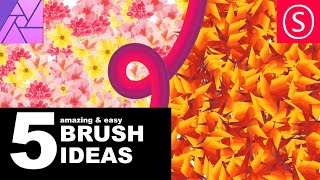
Affinity Photo - Awesome Brush Ideas
Discover 5 creative brush techniques in Affinity Photo, including gradient, texture, rainbow, and flower brushes for enhancing digital art and photo editing projects.
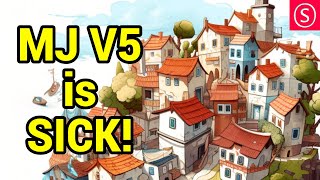
Midjourney V5 - Massive Review
Comprehensive review of Midjourney V5's enhanced AI image generation capabilities, showcasing improvements in detail, consistency, and versatility across various artistic styles and complex compositions.
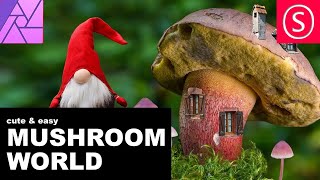
Affinity Photo - Samorost Inspired Mushroom World
Create a whimsical mushroom fantasy world in Affinity Photo, inspired by Samorost 3. Learn photo stitching techniques to craft a playful, imaginative scene that sparks viewer curiosity.
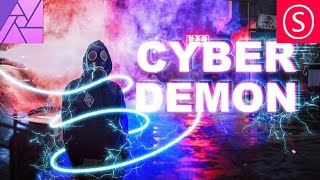
Affinity Photo - Cyber Demon Tutorial
Learn to create a striking cyber demon cover design using Affinity Photo, combining neon effects, glows, and textures in this step-by-step tutorial.
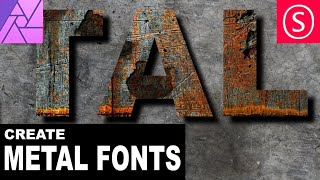
Affinity Photo - Rusty Metal Font Tutorial
Create a rusty metal font effect in Affinity Photo with step-by-step guidance on textures, layers, and effects for an apocalyptic look. Perfect for designers seeking unique, grungy text styles.
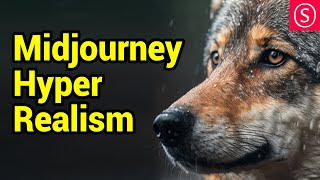
Hyper-Realistic Midjourney Images - Complete Prompt Guide
Unlock hyper-realistic AI art with Midjourney's secret tricks. Learn a perfect prompt formula for creating images more real than photos, from landscapes to macro photography.

Beginners Guide - AI Image Generation
Explore AI image generation with Midjourney: learn its workings, impact on art, practical applications, and tips for improved results in this comprehensive beginner's guide.
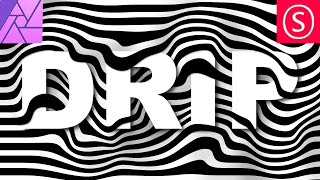
Creative Text Effect - Affinity Photo Beginner Tutorial - 3D Look
Learn to create a striking 3D text effect using Affinity Photo's Liquify Person tool and layer masks. Perfect for beginners seeking to enhance their graphic design skills.
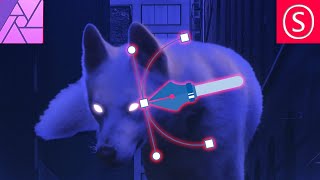
Pen Tool Explained - Affinity Photo Tutorial
Master the Pen Tool in Affinity Photo: Learn to create curves, shapes, selections, gradients, and glow effects. Discover versatile applications beyond illustration and vector graphics.
Adobe Illustrator CC Tutorial - Creating a Recycling Logo
Learn to create a precise recycling logo in Adobe Illustrator CC while mastering essential tools and techniques for document setup, shape creation, layering, and precise art manipulation.

Mini Mortising Jig for Loose Tenon Joinery - No Domino Required
Learn to build and use a mini mortising jig for loose tenon joinery, compatible with trim routers. Discover techniques for precise woodworking joints without expensive specialized tools.
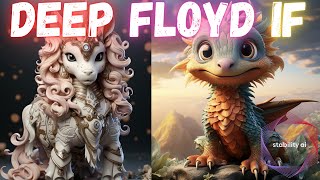
DeepFloyd IF by Stability AI - Review and How to Use
Explore DeepFloyd IF, a cutting-edge image generation model. Learn its architecture, capabilities, and how to use it on Kaggle. Compare with other models and see practical examples of text-to-image generation.