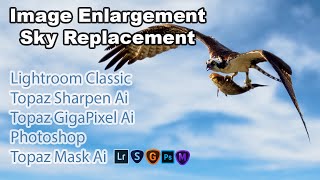
Image Enlargement and Sky Replacement - Lightroom, Topaz AI, and Photoshop Tutorial
Aggressive image cropping, upsizing, and sky replacement using Lightroom, Topaz AI tools, and Photoshop for enhanced photo editing results.
Lightroom, Photoshop, and Luminar 4 Workflow Tutorial - Sky Replacement in Cityscape Photography
Comprehensive photo editing workflow using Lightroom, Photoshop, and Luminar 4, featuring sky replacement techniques for cityscape images and tips for achieving optimal results.

Photoshop, Lightroom, Topaz Studio 2, and Luminar 4 - Full Image Editing Tutorial
Comprehensive photo editing workflow using Lightroom, Photoshop, Topaz Studio 2, and Luminar 4. Learn advanced techniques to enhance images from raw format to polished final product.

Luminar AI - Working with Lightroom
Seamlessly integrate Luminar AI with Lightroom for enhanced RAW image editing, combining powerful asset management with advanced AI-driven tools to elevate your photo editing workflow.
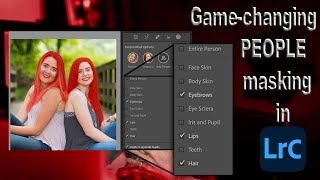
Lightroom 12 and ACR Update - One-Click Beauty Retouching with New Selection Tools
Discover new masking tools in Lightroom Classic and Adobe Camera Raw for effortless one-click beauty retouching, enhancing portraits with precision selections for hair, eyes, skin, and lips.

Select Anything with One Click in Lightroom and Adobe Camera RAW
Discover the new Select Objects tool in Lightroom and Adobe Camera RAW, enabling one-click selection of any item. Learn how this powerful feature simplifies photo editing workflows.
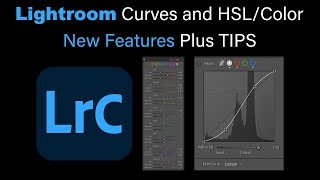
Lightroom Classic: New Features in Tone Curves and HSL/Color
Explore new features in Lightroom Classic's Tone Curves and HSL/Color panels, with expert tips for enhancing your photo editing workflow and achieving better results.
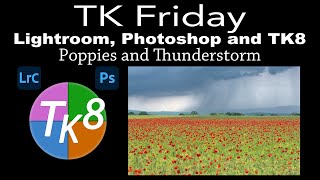
Lightroom Classic, Photoshop, and TK8 Editing Tutorial - Poppies and Thunderstorm Image
Comprehensive tutorial on enhancing a poppy and thunderstorm image using Lightroom Classic, Photoshop, and TK8 plugin, featuring advanced techniques like Saturation Painting for stunning results.
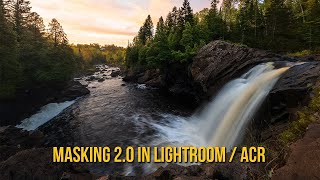
Mastering Lightroom and ACR Masking 2.0 - New Features and Techniques
Explore Adobe's Masking 2.0 update for Lightroom and ACR, learning new tools and techniques to enhance your RAW processing skills in this comprehensive tutorial.
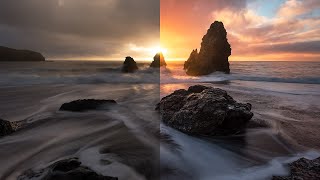
Color Grading in Lightroom and Adobe Camera Raw - New Features Tutorial
Explore advanced color grading techniques in Lightroom and ACR, including midtone control, luminosity adjustments, and blending options for enhanced photo editing.

Topaz Photo AI - New RAW Support via Lightroom Classic (Version 0.9.0)
Explore TOPAZ PHOTO AI's new RAW support via Lightroom Classic, enabling efficient batch processing of RAW files with enhanced image quality and streamlined workflow.
Topaz Photo AI - Batch Processing RAW Files in Lightroom Classic
Discover efficient batch processing of RAW files using Topaz Photo AI in Lightroom Classic, enhancing image quality with advanced AI-powered tools for sharper, cleaner results.

Lightroom Classic: Quick and Easy Edits Using Linear and Radial Gradient Adjustments
Master quick and effective image editing using Linear and Radial Gradient Adjustments in Lightroom Classic. Learn to enhance photos with precision and create stunning visual effects in just 21 minutes.

Lightroom Classic Update - New Features in Version 12.3
Explore exciting new features in Lightroom Classic 12.3 update, including enhanced editing tools and workflow improvements for photographers.
Discover the Magic of Lightroom Classic's Object Selection Tool
Explore Lightroom Classic's Object Selection Tool for precise photo editing. Learn to create accurate selections and leverage advanced masking capabilities to enhance your images.

How to Use Lens Blur and Point Color in Lightroom - 2024 Tutorial
Master Lightroom's lens blur and point color tools for stunning image enhancements. Learn to adjust skin tones, manipulate hue ranges, and utilize subject masks for professional-quality edits.

Automating Lightroom Classic - Pro Workflow Tips
Discover six pro tips to streamline your Lightroom Classic workflow, including mobile integration, tethering, metadata management, and exposure matching for enhanced efficiency and productivity.
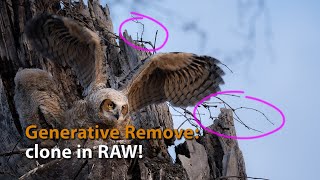
Generative Remove in Lightroom and ACR - Advanced Cloning for RAW Files
Explore advanced cloning techniques using Generative Remove in Lightroom/ACR for non-destructive RAW file editing, enhancing your photo manipulation skills.
Lightroom Classic 13.3 - New AI Generative Remove Tool Tutorial
Explore Lightroom Classic's new AI-powered Generative Remove tool for effortless photo editing. Learn techniques for object removal, hair refinement, and glare elimination without Photoshop.

Mastering Lightroom's Masking Tools for Advanced Photo Editing
Discover efficient masking techniques in Lightroom and learn how to refine them in Photoshop for optimal image editing results.
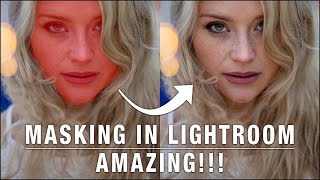
Masking in Lightroom - Complete Tutorial
Learn powerful masking techniques in Lightroom for local adjustments. Explore object, sky, and people selection tools to enhance specific image areas with precision and creativity.