
AutoCAD 3D - Tutorials for Beginners
Learn AutoCAD 3D fundamentals through step-by-step tutorials, covering basics to advanced techniques like floor plan modeling and roof creation for beginners.
ROBLOX University
Learn to create racing and mystery games on Roblox with step-by-step tutorials covering game design, building, scripting, and debugging. Gain hands-on experience in game development.

Wheel Throwing Pick-A-Passion Project Ideas
Explore diverse wheel throwing techniques to create unique ceramic pieces, from juicers to platters. Learn texturing, glazing, and decorative methods to enhance your pottery skills.
Creo Parametric Tutorials for Beginners with Training Guide
Comprehensive tutorials for Creo Parametric versions 8.0, 7.0, and 6.0, covering basic design, solid modeling, assemblies, detailing, and sheet metal, with midterm and final exam reviews included.

Creo Parametric 2D to 3D Modeling Exercise
Comprehensive tutorial series on 3D modeling in Creo Parametric, covering beginner to advanced techniques for creating complex parts, surfaces, and assemblies.
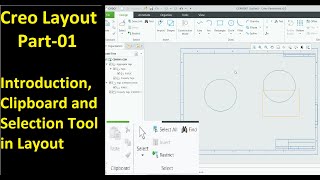
Creo Layout
Master Creo Layout tools for efficient 2D design: shapes, editing, dimensions, graphics, tables, tags, sub-layouts, sheets, and integration with 3D part modules. Enhance your CAD skills and workflow.
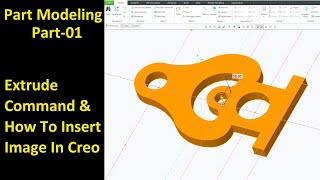
Creo Part Module
Master Creo Part Module commands for efficient 3D modeling. Learn extrude, revolve, sweep, blend, pattern, and advanced features to create complex parts and improve design skills.
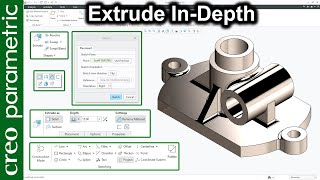
Basic Commands in Creo Parametric
Comprehensive guide to essential Creo Parametric commands, covering extrude, revolve, sweep, blend, and advanced techniques for complex modeling and surface design.
A Few Minutes of Design
Engage in creative design challenges, from object transformations to typographic explorations, enhancing your visual thinking and problem-solving skills through hands-on exercises.
Creo Tutorial for Beginners
Comprehensive Creo tutorial series covering basics to advanced techniques, including sketching, part design, modeling, and various tools, with practical exercises for hands-on learning.
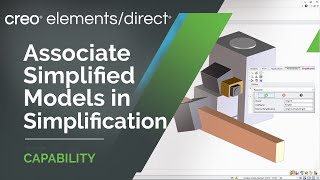
Creo Elements-Direct
Explore new features in Creo Elements/Direct 20.4, including simplified models, enhanced annotations, and improved AR design sharing. Learn about updates to modeling, dimensioning, and drawing imports.
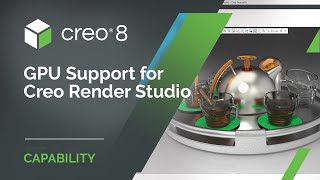
Creo Render Studio
Generate stunning photorealistic images of products with Creo Render Studio Extension, powered by KeyShot®. Easily create high-quality renders directly from Creo, with GPU support and advanced features for professional results.
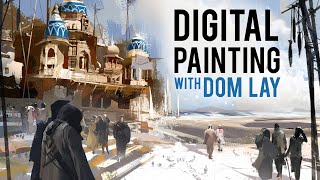
Digital Painting
Learn digital painting techniques, from environment storytelling to character concepting, with expert guidance on tools, color theory, and creating traditional-looking digital art.
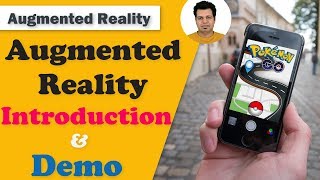
Augmented Reality Tutorial
Explore augmented reality through hands-on Unity projects. Learn to create, manipulate 3D objects, add physics, and deploy AR apps on smartphones using Vuforia.
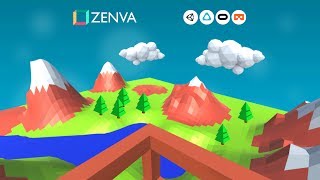
Intro to VR Game Development with Unity - Complete Course
Learn to create VR games for multiple platforms using Unity. Build a flying platform demo in a low-poly world, covering SDK setup, movement mechanics, and platform-specific implementations.

How to Make Interiors in Blender
Learn to create captivating interiors in Blender, from building empty rooms to applying design principles. Discover model resources and essential techniques for realistic, visually appealing 3D interior scenes.
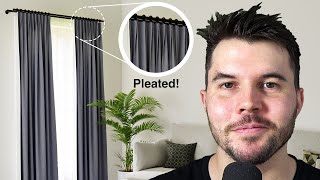
How to Make Realistic Curtains in Blender
Learn to create lifelike curtains using Blender's cloth simulator. Master pleating, texturing, and translucency for stunning archviz renders in Cycles.
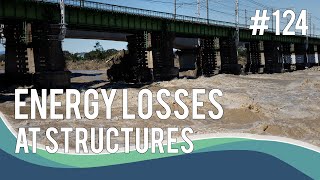
Energy Losses at Structures
Explore energy losses in water structures, from form losses to modeling approaches. Learn about constrictions, piers, bridge decks, and industry-standard techniques for understanding and mitigating hydraulic energy dissipation.
Using SketchUp Pro
Essential SketchUp Pro tutorials covering basics, interior design, 3D modeling, LayOut, rendering, extensions, and advanced techniques for architects and designers.

Using SketchUp Free? Watch These
Learn essential SketchUp Free tips, create floor plans and house models, and understand key differences between free and paid versions in this comprehensive tutorial series.
Visio 2019 Beginner Tutorial
Learn to create diagrams, flowcharts, and visualizations using Visio 2019. Master drawing components, organizational charts, floor plans, network diagrams, and advanced features for effective data representation.