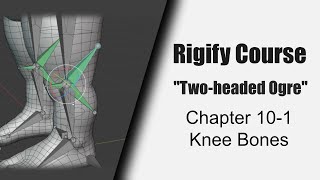
Custom Knee Bones for Ogre Rig - Rigify Course Chapter 10-1
Create custom knee bones for advanced leg rigging in Blender's Rigify. Enhance leg deformations, fix volume loss, and prevent intersections during bending.
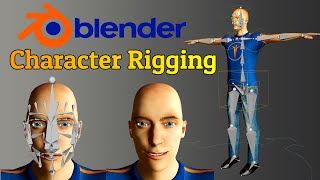
Blender 3.0 Tutorial - Human Meta Rig - Including Face Rigging
Learn to create a fully rigged 3D character in Blender 3.0, including face rigging. Master joint adjustments, control rig generation, weight painting, and facial expressions for realistic character animation.
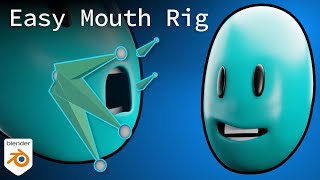
Easy Mouth Rig in Blender
Learn to create a simple, effective mouth rig in Blender, covering head modeling, teeth, armature setup, weight painting, bone constraints, shape keys, and drivers for realistic facial animations.
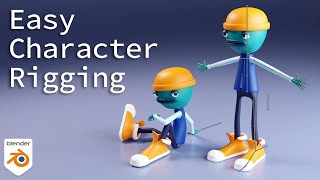
Easy Character Rigging, Simple and Stylized - Blender 2.92
Learn character rigging in Blender 2.92 with step-by-step guidance on armature creation, IK setup, weight painting, and posing techniques for simple and stylized characters.

Blender Beginner Tutorial - Geometry Nodes
Learn to create a sprinkle scattering system using Blender's geometry nodes and new fields system in 3.0, covering node types, scattering techniques, and advanced concepts like weight painting and Poisson disk sampling.

Make a Grassy Meadow in Blender
Learn to create a realistic grassy meadow scene in Blender using particle systems, texturing, and advanced techniques for natural-looking vegetation and lighting effects.
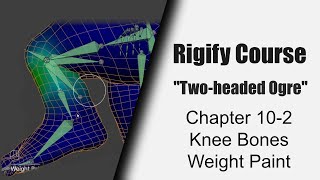
Knee Weight Painting for Two-headed Ogre Rig - Part 10-2
Master weight painting techniques for rigging knees in Blender's Rigify system through hands-on demonstration and practical application.
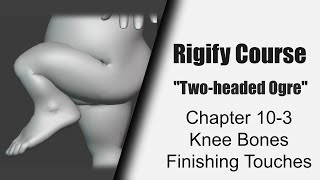
Rigging a Two-headed Ogre with Rigify: Knee Finishing Touches - Part 10.3
Master advanced knee rigging techniques in Blender's Rigify system through fine-tuning adjustments and customizations for creating more realistic and controllable character animations.

Blender - Rig a Character From Scratch - Clear Beginners Guide
Comprehensive beginner's guide to character rigging in Blender, covering setup, IK systems, symmetry, and weight painting for creating functional 3D character rigs.
Rig MagicaVoxel Characters in Blender
Learn to rig MagicaVoxel characters in Blender, covering export, import, model cleanup, materials, armature creation, parenting options, and weight painting tips for smooth animations.
Complex Human Rigging in Blender 4.0 with Rigify - Face and Fingers - Lecture 4
Learn to create a complex human rig with facial features in Blender 4.0 using Rigify. Master meta-rig alignment, weight painting, and troubleshooting for professional character animation.
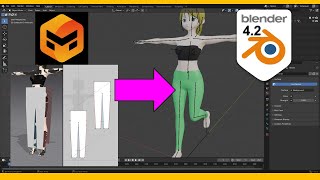
Make Pants for Blender 4.2 with Marvelous Designer - Tutorial
Step-by-step guide for creating realistic pants in Blender 4.2 using Marvelous Designer, covering 3D modeling techniques, cloth simulation, and weight painting for game development.
Blender- Introduction to Character Rigging
Learn essential character rigging techniques in Blender, from basic bone structures to advanced controls, enabling you to bring your 3D characters to life with realistic movements and animations.
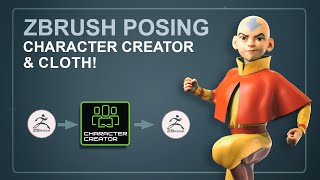
Character Creator Cloth Simulation and Painting Weights, with ZBrush Cloth Sculpting
Learn cloth simulation, weight painting, and ZBrush cloth sculpting techniques for character creation. Master AccuRig, GoZ, pose tools, and advanced features in Character Creator and ZBrush for realistic cloth effects.
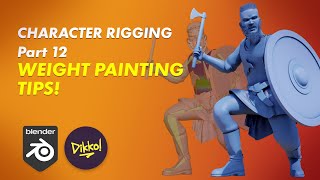
Character Rigging in Blender - Weight Painting Tips and Techniques
Discover advanced weight painting techniques for character rigging in Blender, including smoothing, high-poly meshes, clothing, and time-saving plugins.
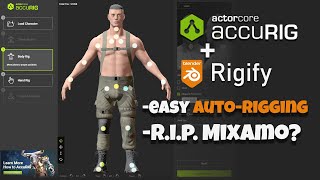
AccuRig - Easy Auto-Rigging
Learn to auto-rig characters using AccuRig, export to Blender, convert to Rigify, and retarget animations. Covers custom character setup, joint tweaking, texture reassignment, and weight painting.
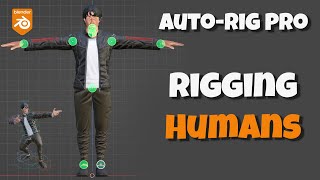
Auto-Rig Pro Tutorial - Rigging Humans
Learn to rig human and humanoid characters using Auto-Rig Pro's smart tools. Master complex model rigging, facial setup, and manual weight painting techniques for professional character animation in Blender.
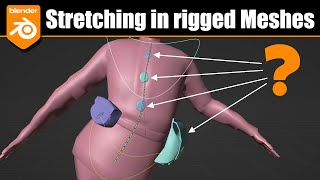
Blender - Unwanted Stretching, Bending and Twisting in Rigged Characters
Learn techniques to fix unwanted stretching, bending, and twisting in rigged Blender characters. Covers Bendy Bones issues, weight painting, and solutions like removing BBones, adding bones, and pinning props to mesh.
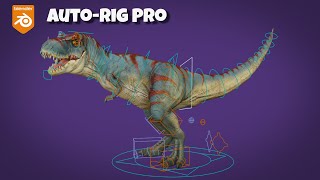
Auto-Rig Pro - T-Rex Rigging - Blender Tutorial
Learn to rig a T-Rex in Blender using Auto-Rig Pro. This tutorial covers model setup, hand and face rigging, weight painting, and advanced techniques for creating a fully animated dinosaur character.

Bone Heat Weighting Failed - Automatic Weights Doesn't Work in Blender
Learn techniques to resolve Blender's "Bone Heat Weighting failed" error when binding complex meshes to armatures. Explore solutions like merging vertices, scaling, splitting parts, and using specialized addons for successful automatic weighting.
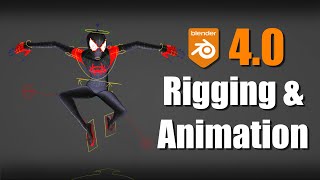
Blender 4.0 - New Rigging and Animation Features
Explore new rigging and animation features in Blender 4.0, including improved bone collections, colors, weight painting, pose library, and updates to NLA, Graph Editor, and Rigify. Learn about compatibility and more.