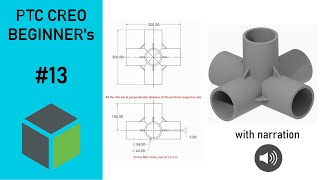
Creo Beginner's Tutorials
Learn 3D modeling in Creo Parametric through hands-on exercises. Master essential tools like extrude and sweep, and progress to part and assembly modeling with practical tutorials and narrated examples.
Top 10 Tips for SolidWorks Users
Discover 10 essential Fusion 360 techniques for SolidWorks users, covering interface, modeling, assemblies, and collaboration to enhance your CAD workflow efficiency.

Pencil Sharpener Project
Learn to design a multi-part pencil sharpener assembly using advanced techniques like top-down design, edit-in-place, in-context design, and motion links in this comprehensive 10-part series.
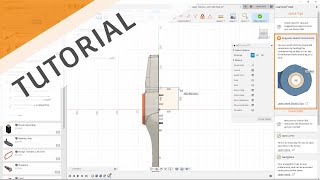
Solidworks Transition Guide
Comprehensive guide for SolidWorks users transitioning to Autodesk software, covering UI, modeling techniques, data management, collaboration, and advanced features.

Creo Parametric 2D to 3D Modeling Exercise
Comprehensive tutorial series on 3D modeling in Creo Parametric, covering beginner to advanced techniques for creating complex parts, surfaces, and assemblies.
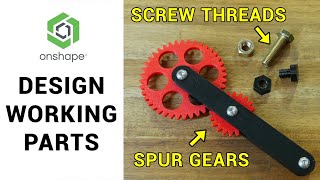
Designing and Assembling Parts with Screw Threads and Gears - 3D Design for 3D Printing
Learn to design 3D-printable parts with screw threads and gears using Onshape's FeatureScript tools. Create a working fidget toy mechanism while exploring advanced CAD techniques for improved 3D printing results.
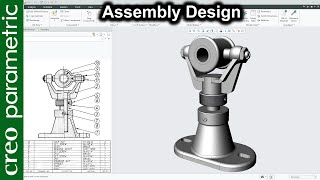
Swivel Bearing Assembly Design in Creo Parametric
Learn to design a swivel bearing assembly using Creo Parametric, covering base, fork, rib, spindle, disk, and set screw components through extrude, revolve, and assembly techniques.
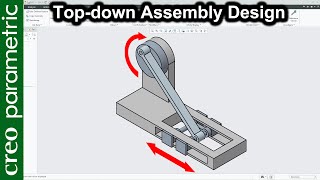
Rotary Slider Mechanism - Top-Down Assembly Design in Creo Parametric
Design a rotary slider assembly using top-down approach in Creo Parametric. Create parts within assembly environment, design mechanism, and simulate motion to check for interference between components.
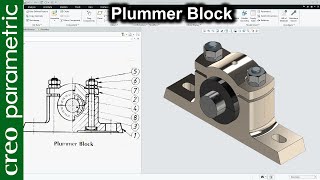
Plummer Block Assembly Design in Creo Parametric
Learn to design a Plummer block using Creo Parametric, covering extrusion, cuts, revolves, and assembly techniques for creating a detailed mechanical component.