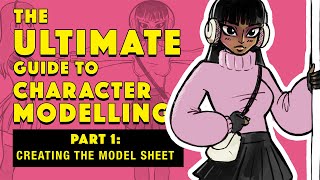
The Ultimate Guide to Character Modeling - Creating the Model Sheet - Part 1
Learn to create a model sheet, the essential first step in 3D character design for films and animation. Master this crucial skill to set the foundation for high-quality character modeling.
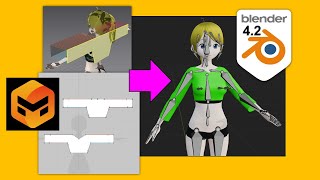
Marvelous Designer to Blender 4.2 Tutorial - Cloth Making Guide 2024
Step-by-step guide for transferring cloth designs from Marvelous Designer to Blender 4.2, covering modeling, skin weighting, and binding techniques for 3D animation and game development.
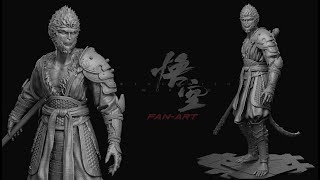
Black Myth Wukong Fanart - Blender 4.2 Sculpting Tutorial - Part 1
Learn sculpting techniques in Blender 4.2 to create fan art inspired by Black Myth Wukong, focusing on detailed character modeling and artistic expression.
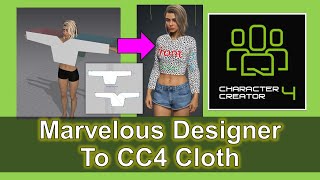
Marvelous Designer to Character Creator 4 Cloth Design Tutorial
Step-by-step guide for designing clothes in Marvelous Designer and importing them into Character Creator 4, enhancing 3D character creation for animation and game development.
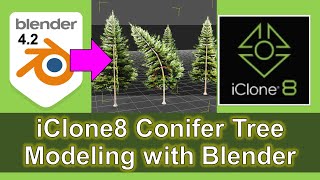
iClone 8 Conifer Tree Modeling with Blender - Tutorial
Learn to model realistic conifer trees using Blender and iClone 8. Master 3D techniques for creating detailed, natural-looking vegetation for animations and game development.
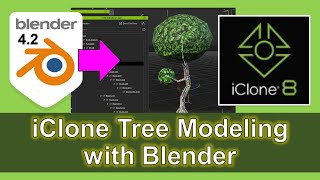
iClone 8 Tree Modeling with Blender - Full Tutorial
Comprehensive tutorial on creating realistic tree models using Blender and importing them into iClone 8, enhancing 3D animation and game development skills.
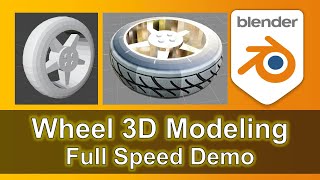
3D Modeling a Car Tire with Rim in Blender - Step-by-Step Silent Demo
Learn to create a detailed 3D model of a car tire with rim in Blender. Follow a step-by-step silent demonstration with music, covering base shape, tread pattern, rim design, and final touches.
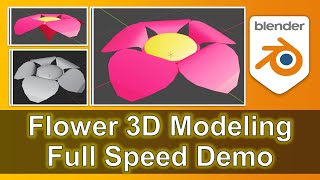
Flower 3D Modeling in Blender - Full Speed Demo
Step-by-step demonstration of 3D flower modeling in Blender, showcasing techniques for creating realistic floral designs. Perfect for aspiring 3D artists and game developers.
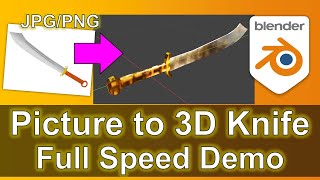
Knife 3D Modeling in Blender - Full Speed Demo from Picture to 3D
Step-by-step demonstration of 3D knife modeling in Blender, transforming a picture into a detailed 3D model. Ideal for aspiring 3D artists and game developers looking to enhance their modeling skills.
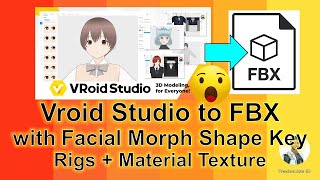
Vroid Studio to FBX Export Tutorial - Facial, Material, and Bone Rigging
Step-by-step guide for exporting Vroid Studio manga avatars as FBX files with full skeleton rigs, facial morphs, and embedded textures, compatible with various 3D software.
Character Creator 4 Export to GLB and GLTF with Blender - CC4 Pipeline Tutorial
Step-by-step guide for exporting Character Creator 4 models to GLB and GLTF formats using Blender, enhancing 3D modeling and game development workflows.
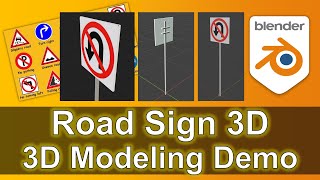
Road Sign 3D Modeling Demo in Blender
Paso a paso para modelar señales de tráfico en 3D con Blender. Aprende técnicas de modelado, texturas y renderizado para crear señales realistas para animación y desarrollo de juegos.
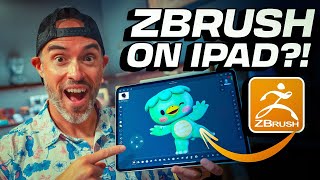
ZBrush on iPad - First Look and Sculpting Demo
Explore Maxon's ZBrush for iPad: powerful 3D sculpting on-the-go. Tour new UI, customization options, and sculpting capabilities with industry expert EJ Hassenfratz.
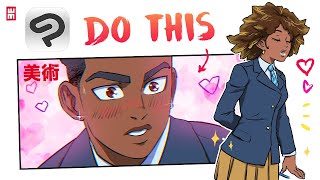
Drawing and Coloring Manga in Clip Studio Paint - Tips and Techniques
Discover advanced manga drawing techniques in Clip Studio Paint, including 3D tools, chromatic aberration, and retro film effects. Master storyboarding, inking, coloring, and special effects for stunning manga pages.
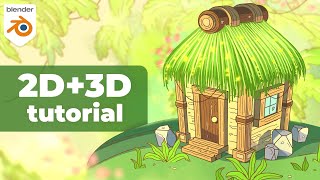
Cozy Jungle Hut Tutorial - Blender 2D and 3D with Grease Pencil
Learn to create a cozy jungle treehouse using Blender and Grease Pencil. Master 3D modeling, scene setup, shading, and 2D drawing techniques to bring your imaginative designs to life.
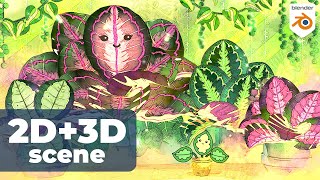
Creating a 2D and 3D Scene in Blender - Timelapse and Breakdown
Timelapse and breakdown of creating a 2D + 3D scene in Blender, combining elements inspired by previous projects. Showcases the process, techniques, and tools used in blending 2D and 3D animation.
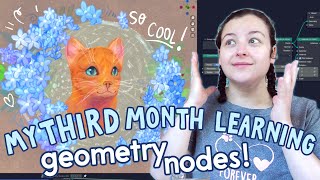
Instancing to Curves with Grease Pencil and Geometry Nodes in Blender
Explore powerful instancing techniques in Blender, combining Grease Pencil and Geometry Nodes to create stunning snowflakes and flowers with randomized scales and animations.
Things I Wish I Knew Before Starting 3D Art
Insider tips for aspiring 3D artists: essential knowledge, common pitfalls to avoid, and strategies for success in the competitive world of digital art and design.
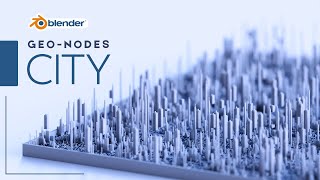
Blender Tutorial - Geometry Nodes Procedural City
Explore Geometry Nodes to create a procedural city in Blender. Learn techniques for generating urban landscapes using free assets and starting from scratch.
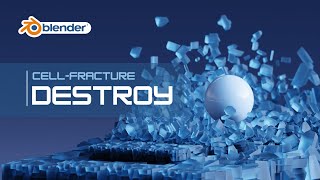
Blender Tutorial - Dynamic Object Destruction
Learn to create dynamic object destruction effects in Blender using physics. Master techniques for realistic simulations and enhance your 3D animation skills with this hands-on tutorial.
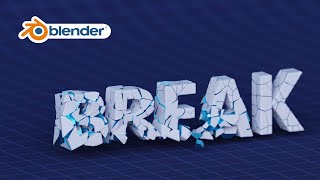
Blender Tutorial - Text Break Effect with Physics
Create a dynamic text break effect using physics in Blender. Learn techniques for shattering and animating 3D text with expert guidance from KennyPhases in this hands-on tutorial.