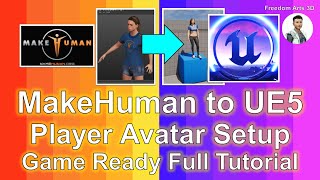
MakeHuman to Unreal Engine 5 - Player Avatar Setup for Game-Ready Characters
Step-by-step guide for importing MakeHuman 3D models into Unreal Engine 5, setting up game-ready skeletons and materials, and creating player avatars or NPCs for game projects.
Creating Realistic Fire in Unreal Engine with Niagara Fluids
Learn to create realistic fire effects in Unreal Engine using Niagara fluids. Master techniques for flaming text, objects, logos, and animated characters. Explore particle simulations and advanced applications.
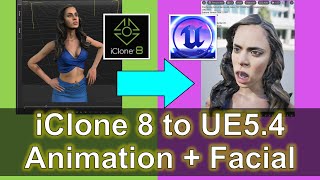
iClone 8 to Unreal Engine 5.4 - Facial Animation, Lip Sync, and Morph Targets Tutorial
Comprehensive guide on importing iClone 8 animations into Unreal Engine 5.4, including 3D models, body motion, lip sync, and morph target animations for game development projects.
Stable Diffusion Animation Tutorial - Deforum All Settings Explained - Make Your Own AI Video
Comprehensive guide to creating AI videos using Stable Diffusion's Deforum, covering all settings and providing step-by-step instructions for beginners to make their own animations.
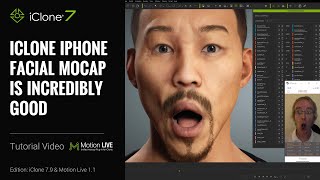
Getting the Best iPhone Mocap in iClone - Advanced Techniques and Features
Learn advanced iPhone facial motion capture techniques for iClone, including live smoothing, multitrack recording, data mapping, and new clip functions to enhance animation quality and efficiency.
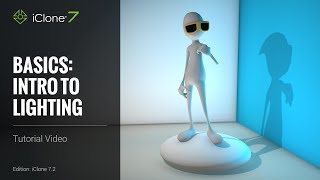
iClone 7 Basics Tutorial - Introduction to Lighting
Learn essential lighting techniques in iClone 7 to transform scenes from drab to visually stunning. Explore image-based, ambient, directional, spotlight, and point lights to set the perfect mood for your 3D projects.
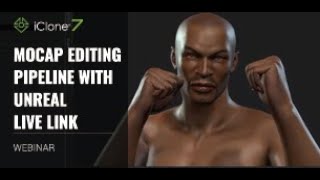
Mocap Editing Pipeline with Unreal Live Link
Learn to combine motions from various sources into a customized character animation and stream it live into Unreal Engine 4 using iClone's Live Link plug-in. Covers motion import, editing, facial capture, and Unreal integration.

Transformer Parts and Functions
Comprehensive overview of transformer components and functions, including core, windings, bushings, tank, relays, and cooling systems. Explains key parts and their roles in power engineering.
iClone Beginner's Guide: Basic Scene Lighting
Learn essential scene lighting techniques in iClone, including directional lights, spot lights, point lights, and image-based lighting. Master the basics to set the mood and enhance your 3D scenes effectively.
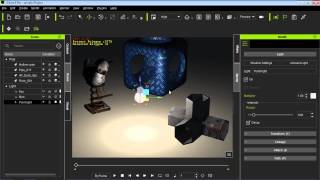
iClone 6 Tutorial - Lighting in Indigo Rendering
Learn to adjust iClone lights for optimal rendering in Indigo, exploring various techniques to achieve different lighting effects and enhance your 3D scenes.
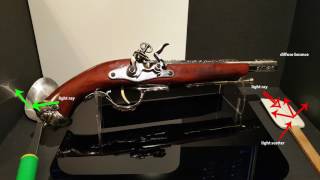
iClone 7 PBR New Render System - July 13, 2017
Explore iClone 7's new Physically-Based Rendering system. Learn about real-world material simulation, content importing, and working with PBR to enhance your 3D animations and visualizations.
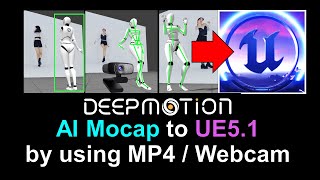
DeepMotion to Unreal Engine 5.1 - Converting MP4 to FBX with Embedded Mocap Animation
Learn to convert MP4 videos into FBX files with embedded mocap data, integrate DeepMotion with iClone 8 and Unreal Engine 5.1, and overcome common challenges in the animation pipeline.
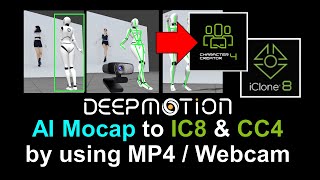
DeepMotion Mocap Integration - MP4 Video to Lifelike Animation in iClone 8
Learn to integrate DeepMotion's AI-powered mocap technology with iClone 8, converting MP4 videos into lifelike animations using 3DXchange 7 for seamless character animation workflows.
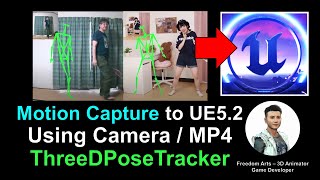
From Webcam to Unreal Engine 5.2: Free Motion Capture Using ThreeDPoseTracker
Learn to create free motion capture animations using a webcam or MP4 video with ThreeDPoseTracker, then import and retarget them onto 3D models in Unreal Engine 5.2 for game development and animation projects.
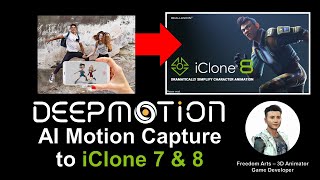
DeepMotion AI Motion Capture for iClone and Character Creator - Full Tutorial
Step-by-step guide on using DeepMotion AI to convert MP4 videos into body motion for iClone and Character Creator, enhancing 3D animation workflows with AI-powered motion capture technology.
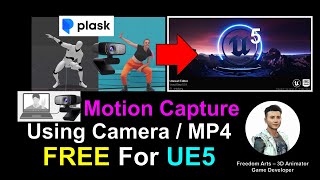
Webcam and MP4 AI Motion Capture for Unreal Engine 5.0.1 - Plask AI Tutorial
Learn to create AI-powered motion capture animations using webcam or MP4 video for Unreal Engine 5.0.1 with Plask. Step-by-step guide covers workflow from capture to import, enhancing 3D animation skills.
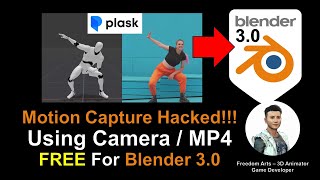
AI Motion Capture for Blender Using Camera or MP4 Video - Plask Tutorial
Learn to create AI-powered motion capture animations in Blender using webcam or video footage. Step-by-step guide covers Plask.ai integration, 3DXchange Pipeline, and iClone workflow for seamless animation transfer.
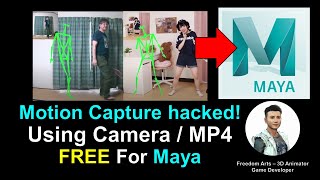
AI Motion Capture for Maya 3D Avatar Using Camera or MP4 Video - ThreeDPoseTracker Tutorial
Learn to create AI-powered motion capture for Maya 3D avatars using a camera or MP4 video with ThreeDPoseTracker. This tutorial covers the complete workflow from capturing motion to importing into Maya.
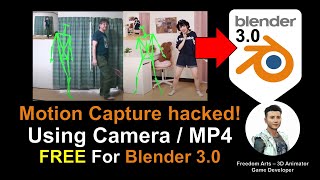
AI Motion Capture for Blender 3D Avatar Using Camera or MP4 Video - ThreeDPoseTracker Tutorial
Learn to create AI-powered motion capture for Blender 3D avatars using a camera or MP4 video with ThreeDPoseTracker. This tutorial covers the complete workflow from capturing motion to applying it in Blender.
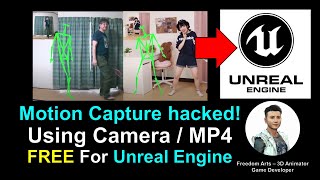
AI Motion Capture for Unreal Engine Using Camera or MP4 Video - Full Tutorial
Learn to create AI-powered motion capture animations for Unreal Engine using a webcam or MP4 video. This tutorial covers the complete workflow from capture to import, enabling free and accessible mocap for game development.
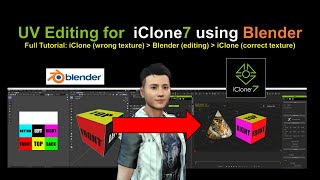
UV Editing for iClone Using Blender
Step-by-step guide for UV editing in Blender to enhance iClone models. Real-time demonstration with on-screen actions for easy follow-along and guaranteed results.