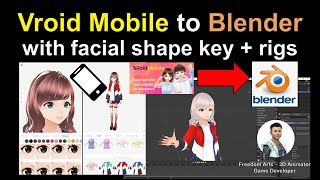
Vroid Mobile to Blender - Facial Shape Key and Rig Tutorial
Learn to export Vroid Mobile manga characters to Blender with facial expressions and full skeleton, enabling 3D animation. Step-by-step guide for creating facial and body animations in Blender.
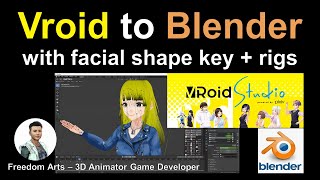
Vroid to Blender Tutorial: Importing Characters with Facial Expressions and Skeleton Bones
Step-by-step guide for exporting Vroid Studio characters to Blender, including facial expressions and skeleton setup. Learn to create facial and body animations in Blender for manga-style characters.
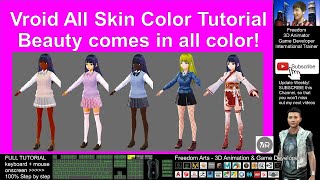
Creating Different Skin Colors in VRoid Studio - Full Tutorial
Step-by-step guide for creating diverse skin tones in Vroid Studio, enabling users to design manga characters with African, Asian, and European features for 3D animation projects.
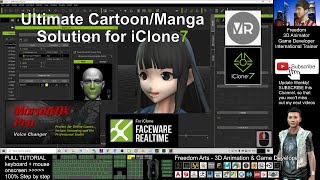
Ultimate Solution for Vroid Studio/Mobile to iClone - Full Facial, Skeleton, and Faceware Profile
Comprehensive tutorial for integrating Vroid Studio/Mobile characters into iClone with automated facial animation, skeleton rigging, and Faceware compatibility for manga-style animations.
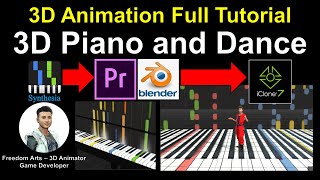
How to Create 3D Piano and Dance Animation - Full Tutorial
Learn to create a 3D animated piano and dance sequence using Blender, iClone, and video editing software. Master modeling, texturing, and animation techniques for realistic musical performances.
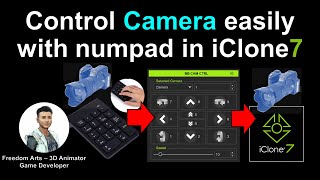
BB EZ CAM Controller Plugin Tutorial for iClone 7
Learn to control cameras in iClone 7 using the BB EZ CAM Controller plugin. Master FPS-style camera movements, automate timeline pausing, and enhance your 3D animation workflow with easy-to-use numpad controls.
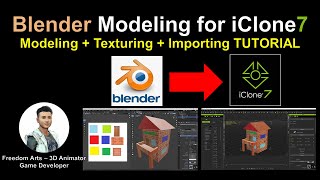
Blender Modeling for iClone - Tutorial
Learn to create custom 3D props in Blender, add textures, and import them into iClone for animation. Step-by-step guide covers modeling, UV mapping, and file conversion for seamless integration.
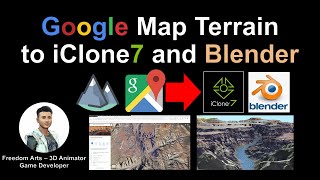
Google Map Terrain to iClone and Blender
Learn to extract 3D terrain from Google Maps and import it into iClone and Blender for 3D animation and game development. Step-by-step guide with real-time demonstrations using the Grand Canyon Skywalk.
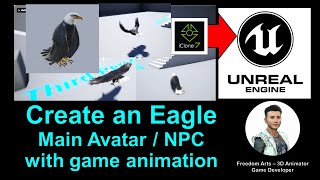
Creating an Eagle Avatar with Animation for Unreal Engine - iClone and Unreal Engine Tutorial
Step-by-step guide to create an animated eagle avatar for Unreal Engine using iClone. Learn to model, animate, and integrate a fully functional eagle NPC with flying and gliding capabilities.
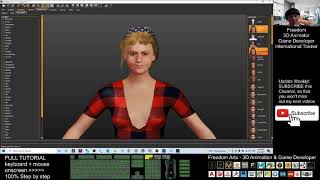
Makehuman to Unreal Engine 4.26 - Character Creation with Facial and Mouth Morphs
Learn to create custom avatars with facial expressions and mouth movements, then export them from MakeHuman to iClone 7 and finally to Unreal Engine 4.26 for use in games or animations.
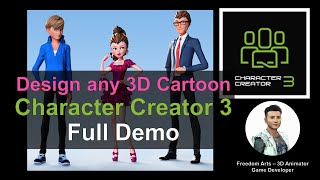
Creating Cartoon 3D Avatars in Character Creator 3 - Full Demo
Step-by-step demonstration of creating cartoon 3D avatars using Character Creator 3 software. Showcases the process of designing four unique cartoon characters in just 30 minutes, with real-time screen capture.
Fuse to Unreal Engine 5 - Full Tutorial for Character Creation and Import
Step-by-step guide to create 3D characters with Fuse and import them into Unreal Engine 5, covering installation, avatar creation, skeleton setup, exporting, and importing using Retarget Manager.
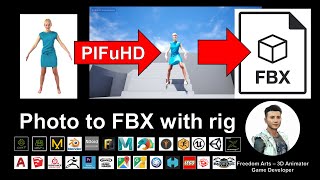
Photo to FBX with Rig - 3D Modeling Animation and Game Dev Tutorial Using PIFuHD
Generate 3D human avatars from photos using PIFuHD and export as rigged FBX files for use in various 3D software. Learn to create unlimited characters for animation and game development projects.
Character Creator 3 to FBX - 3D Modeling Animation and Game Development Tutorial
Learn to create and export 3D human characters from Character Creator 3 as FBX files with full rigging and facial shapekeys, compatible with various 3D modeling and game development software.
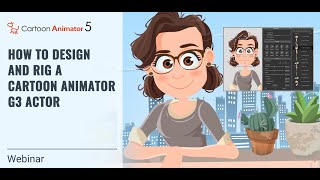
Designing and Rigging a Cartoon Animator 5 G3 Actor
Learn essential techniques for layering and rigging G3 actors in Cartoon Animator 5, including vector layers, bone pivots, custom parts, eyes for puppetry, and mouth sprites. Elevate your character animation skills.

Importing and Auto-rigging 3D Characters with Advanced AccuRIG in Character Creator 4
Learn to import and auto-rig 3D characters using AccuRIG in Character Creator 4. Master efficient workflows for Maya HumanIK, Blender MetaRig, and custom meshes, then animate in iClone 8 for streamlined 3D character creation.
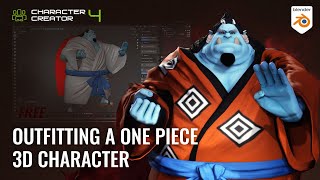
Outfitting a One Piece 3D Character - Jinbe Using Blender and Character Creator
Learn efficient 3D character outfitting techniques using Blender and Character Creator. Master mesh updates, texture baking, sculpting, and brush creation to streamline your workflow and create impressive character designs.

Accurate Character Rigging for Any 3D Character with AccuRIG
Learn to quickly and accurately rig 3D characters using AccuRIG, a free auto-rigging tool. Master a 5-step process for various model types and export options, streamlining character creation for games, films, and more.
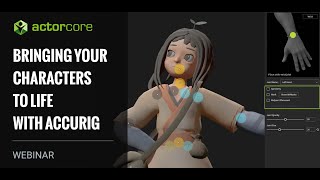
Bringing Characters to Life with AccuRig - Character Rigging and Animation Webinar
Explore AccuRig for quick character rigging, animation in iClone, and integration with Character Creator 4. Learn to generate functional skeletal rigs, apply motions, and import facial blend shapes for efficient 3D character creation.
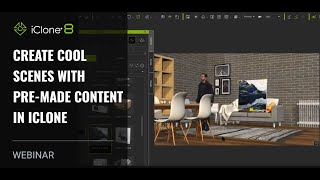
Creating Cool Scenes with Pre-made Content in iClone
Learn to create impressive 3D scenes quickly using pre-made content in iClone. Discover time-saving techniques for scene setup, animation, and production without prior modeling or rigging experience.
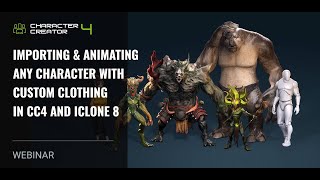
Importing and Animating Characters with Custom Clothing in CC4 and iClone 8
Learn to import, animate, and customize characters with industry-standard rigs in Character Creator 4 and iClone 8. Explore motion generation, custom clothing import, and efficient 3D character production workflows.