
VidHD-style HDMI Solution with Ethernet-out Bus Card for Apple //e - Demonstration
Explore a new HDMI output system for Apple //e, featuring split design, Pico-based bus card, and external graphics processing. Learn about enhanced capabilities and cost-effective alternatives.
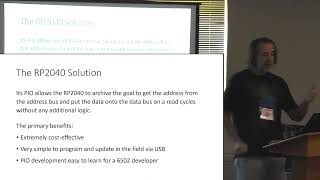
Peripheral Cards with the Raspberry Pi Pico for Apple II
Explore RPi Pico-based Apple II peripheral cards, comparing designs and featuring a live demo of the A2retroNET prototype.
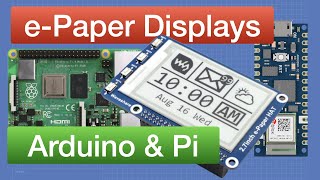
E-Paper with Arduino and Raspberry Pi
Explore e-Paper displays with Arduino and Raspberry Pi. Learn how they work, see demos, code in Python, and discover PaperPi for codeless information panels.
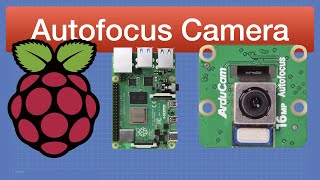
Raspberry Pi Autofocus Camera and Libcamera
Explore Raspberry Pi autofocus camera and libcamera for capturing images, videos, and streaming. Learn installation, usage, and compare quality with other Pi cameras.
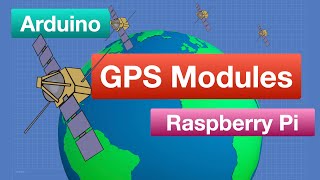
GPS Modules with Arduino and Raspberry Pi
Explore GPS functionality with Arduino and Raspberry Pi, from basic operations to building a position logger. Learn about satellite systems and practical applications in DIY projects.

Arduino Nano RP2040 Connect - Arduino Meets Raspberry Pi
Explore the Arduino Nano RP2040 Connect's advanced features, including WiFi, Bluetooth, IMU with machine learning, and MEMS microphone through hands-on experiments and practical demonstrations.
CircuitPython with Raspberry Pi Pico - Getting Started
Learn CircuitPython on Raspberry Pi Pico: Create keyboard and mouse emulators, work with microSD cards, and control RGB LEDs. Hands-on projects for beginners using MU Editor and Adafruit libraries.

Raspberry Pi Pico - Control the I-O World
Explore Raspberry Pi Pico's capabilities through hands-on experiments with LEDs, switches, analog inputs, OLED displays, and motors using MicroPython. Learn soldering, setup, and practical coding techniques.
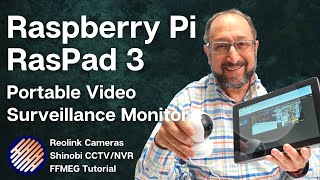
Raspberry Pi - RasPad 3 Wireless Video Security Monitor
Build a portable video surveillance monitor using Raspberry Pi, RasPad 3, and IP cameras. Learn SSH, VNC, FFMPEG, and Shinobi for a DIY security solution with step-by-step guidance on hardware setup and software configuration.
Raspberry Pi OMV 6 NAS
Learn to install and configure OpenMediaVault 6 NAS software on a Raspberry Pi 4, including drive mapping on Windows PC. Step-by-step guide for beginners with hardware setup and software installation.
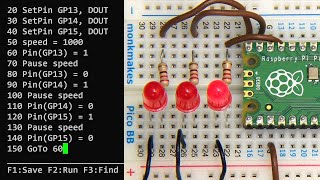
Running BASIC on a Raspberry Pi Pico
Learn to run BASIC on Raspberry Pi Pico with PicoMite firmware. Set up hardware, write programs, control outputs, and explore opportunities for BASIC programming on this microcontroller platform.
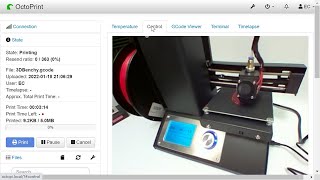
Raspberry Pi Zero 2 W OctoPi 3D Printer Control
Learn to install and use OctoPrint 3D printer control software on a Raspberry Pi Zero 2 W, with step-by-step setup instructions and demonstrations using a Monoprice Mini Select V2 printer.
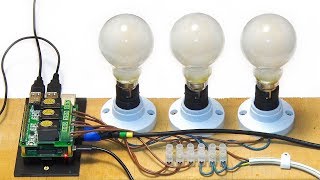
Raspberry Pi Automation - Mains Relay HAT
Tutorial on using Raspberry Pi with a mains relay HAT for home automation, including Python code for controlling light bulbs and other devices. Covers hardware setup and programming basics.
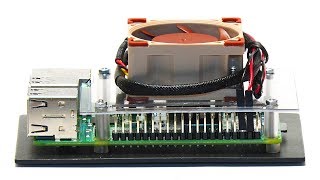
Raspberry Pi 3 B+ Overclocking
Explore Raspberry Pi 3 B+ overclocking techniques using a Noctua cooling fan. Learn to safely push CPU speeds to their limits while managing heat and performance in this hands-on demonstration.
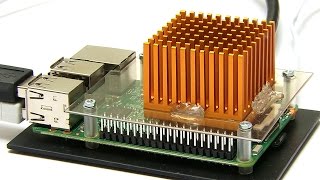
Raspberry Pi 3 - Overclocking
Explore Raspberry Pi 3 overclocking with custom heatsink, including process details and comparative temperature tests at various speeds. Learn about potential risks and performance gains.
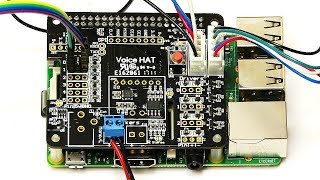
Raspberry Pi Google AIY GPIO Voice Control
Learn to control Raspberry Pi GPIO pins using Google AIY Voice Kit. Setup Cloud Speech services, wire GPIO, and implement voice commands for hardware control.
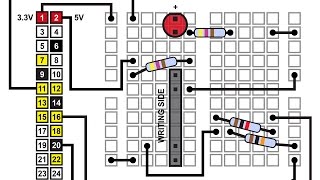
Raspberry Pi - Using GPIO Inputs
Learn to connect and communicate with physical switches and sensors on Raspberry Pi using Python, including in-depth explanations of pull-up and pull-down resistors and IR reflectance sensors.

Raspberry Pi Robotics - Zumo Robot
Build a Zumo robot chassis with Raspberry Pi, using an L298N motor controller and Python code. Learn to assemble, interface, and program a functional robot in this hands-on tutorial.
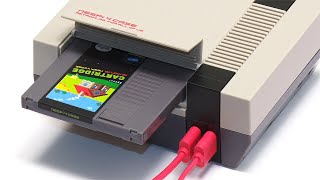
Raspberry Pi NESPi 4 Case - Retro Housing with SSD Cartridge
Review and assembly of NESPi 4 case for Raspberry Pi 4, featuring retro design, SSD cartridge, and active cooling. Includes unboxing, temperature testing, and comparison with other cases.
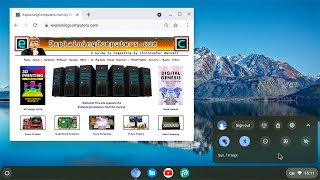
Chromium OS for Raspberry Pi
Explore Chromium OS on Raspberry Pi: installation, web apps, and Windows 365 compatibility. Discover a versatile, cloud-centric computing experience on affordable hardware.
Raspberry Pi Time Lapse Photography
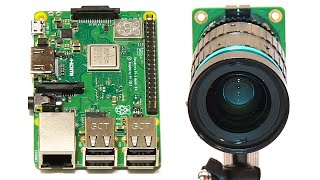
Learn to create time-lapse movies using Raspberry Pi and camera. Covers hardware setup, Python coding, and video editing in Kdenlive. Includes practical examples and tips for capturing stunning time-lapse footage.