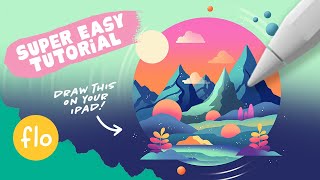
Easy Procreate Drawing Tutorial - Stylized Landscape Illustration Tutorial
Step-by-step guide to create a stylized landscape illustration in Procreate, covering essential techniques like gradients, alpha lock, clipping masks, and blending modes for beginners.
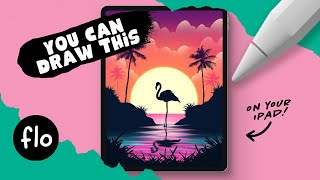
You Can Draw This Tropical Scene in Procreate
Create a tropical scene in Procreate with easy-to-follow steps. Learn to draw islands, flamingos, palm trees, and water ripples using basic features like alpha lock, adjustments, and layer masks.

Photoshop for Beginners - Complete Course
Comprehensive guide to mastering Photoshop fundamentals, covering layers, masks, blending modes, selections, and filters. Ideal for beginners and professionals seeking a strong foundation in essential tools and techniques.
TK8 Plugin for Photoshop: Mask Painting Through Selections - New Update V1.1.1
Aprenda a criar máscaras personalizadas no Photoshop usando o plugin TK8. Técnicas avançadas de seleção e pintura de máscaras para edição de imagens profissional.
Luminar 4 Tutorial - Creative Edits - Episode 7
Learn creative editing techniques in Luminar 4, including glow filters, layer masks, and textures, to enhance your photos and achieve unique, professional-looking results.

Drawing a Cute Christmas Bear in Procreate - Step-by-Step Tutorial
Step-by-step tutorial for creating a cute Christmas bear illustration in Procreate, covering basic features and techniques for beginners. Includes drawing character, presents, tree, and festive elements.

Photo Manipulation Basics in Adobe Photoshop
Master essential photo manipulation techniques in Adobe Photoshop, from image extraction and blending to color matching and advanced compositing. Learn to create professional-quality manipulations with expert guidance.
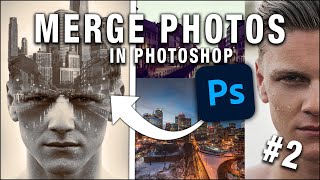
How to Merge Photos in Photoshop
Learn various techniques to merge photos in Photoshop, including blend modes, layer masks, adjustment layers, and gradient maps. Enhance your photo editing skills with practical examples and downloadable images.

Character Controller in Unity 2D - Move, Dodge, Dash
Learn to create a 2D character controller in Unity with physics-based movement, instant dash, and dodge roll abilities. Gain practical skills for implementing dynamic character controls in your games.

Awesome Radar Effect in Unity
Learn to create a rotating radar sweep effect in Unity, detecting enemies and items using raycasts and layer masks. Enhance your game with stealth and hidden object mechanics.
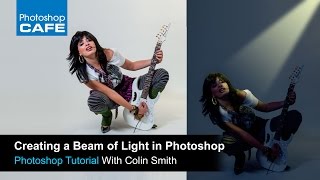
How to Make a Spotlight in Photoshop Tutorial
Learn to create dramatic lighting effects, transform day to night, and illuminate subjects using layer masks and adjustment layers in Photoshop.
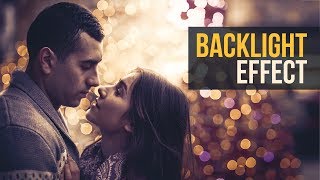
Brilliant Backlight or Rim Light Effect in Photoshop
Learn to create realistic rim lights and backlight effects in Photoshop using layer masks, understanding diffraction principles, and applying creative filters for enhanced image impact.
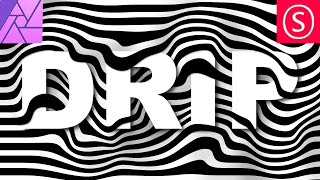
Creative Text Effect - Affinity Photo Beginner Tutorial - 3D Look
Learn to create a striking 3D text effect using Affinity Photo's Liquify Person tool and layer masks. Perfect for beginners seeking to enhance their graphic design skills.
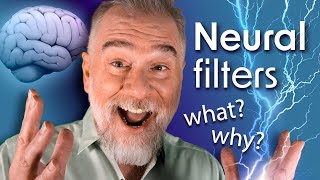
Photoshop Is Smarter Than You Are
Explore Photoshop's Neural Filters for advanced photo editing. Learn skin smoothing techniques, layer masking, and how to balance smoothness and blur for professional-looking results.
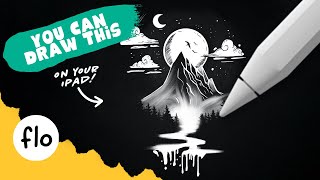
Easy Black and White Landscape Drawing - Step by Step Procreate Tutorial
Step-by-step guide to create a stunning black and white landscape drawing in Procreate. Learn essential techniques like layering, masking, and texturing to bring your digital artwork to life.
Creating Vignettes in Photoshop - Lesson 45
Master non-destructive vignette techniques in Photoshop to enhance image focus through selections, Smart Objects, and blur effects while learning professional post-production workflows.

Creating Zombie Portraits with Generative AI and Photoshop
Master the art of zombie transformation using Photoshop's new Generative AI workspace and classic techniques. Create custom assets, blend textures, and add realistic undead effects for spooky character designs.

Understanding Layer Masks in Photoshop - Live Replay
Discover advanced layer mask techniques in Photoshop, including combining masks, utilizing channels, and creating double exposures. Learn tips and tricks for enhancing your image editing skills.
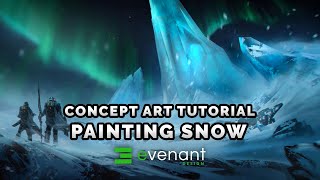
Painting Snow Tutorial - Digital Painting Basics - Concept Art
Learn digital painting techniques for creating realistic snow scenes, including textures, shadows, and composition. Enhance your concept art skills with this comprehensive tutorial on depicting winter landscapes.
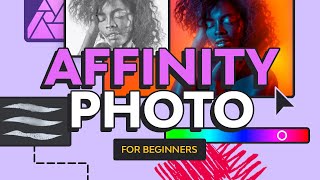
Affinity Photo for Beginners - Your Complete Affinity Photo Tutorial
Comprehensive tutorial covering essential Affinity Photo skills: layers, masks, effects, brush creation, background removal, text editing, and more. Perfect for beginners seeking practical photo editing expertise.