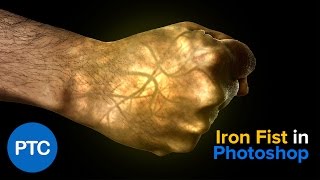
Iron Fist Effect - Glowing Hand - Photoshop Tutorial
Learn to create a glowing fist effect in Photoshop, mastering techniques like blending modes, filters, adjustment layers, and masks. Gain versatile skills applicable to various projects.
Creative Compositing in Adobe Photoshop - Part 1
Learn advanced Photoshop compositing techniques with Jesús Ramirez. Discover how to realistically combine Adobe Stock images, use filters, masks, and color editing to create stunning visual scenes.
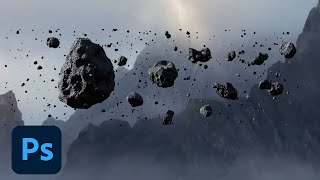
Compositing in Adobe Photoshop - Part 1
Learn advanced compositing techniques in Photoshop with Aaron Nace. Master custom brushes, layer masks, adjustment layers, and create fantasy-style elements to elevate your digital art and photo manipulation skills.
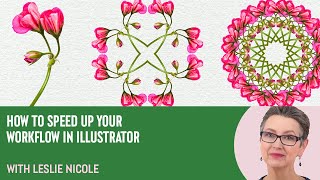
How to Create a 4 Way Mandala in Photoshop With Leslie Nicole
Learn to create a captivating 4-way mandala design in Photoshop. This tutorial covers image selection, canvas preparation, pattern creation, and mandala assembly, offering a unique blend of creativity and therapeutic design.
How to Use Gradient Maps and Layer Masks to Color
Learn to enhance digital art using gradient maps and layer masks in Clip Studio Paint. Discover techniques for color correction, painting, and polishing your artwork with professional tips and tricks.
Creating Dirty Stains Design in Photoshop - Grunge Effects Tutorial
Learn to create eye-catching grunge designs using stain-based techniques in Photoshop. Transform photos with filters, brushes, and textures for unique monochromatic effects in this hands-on tutorial.

Anyone Can Draw This Iris in Procreate
Step-by-step tutorial for beginners to draw a realistic iris using Procreate on iPad. Learn techniques like feathering, smudging, layer masks, and perspective blur with free brushes.
Create Any Kind of Custom Vignette in Photoshop
Learn to create custom vignettes in Photoshop using layer masks. Master techniques for elliptical, rectangular, dark, bright, colorful, grungy, and patterned vignettes to enhance your photo editing skills.
Take Your Photoshop Compositing Skills to the Next Level with Jesús Ramirez
Enhance Photoshop compositing skills with expert Jesús Ramirez. Learn to combine stock images realistically, master advanced techniques, and create stunning visual scenes in this comprehensive tutorial.
Essential Design Tips for Photoshop
Learn 10 essential Photoshop tips to enhance your workflow, including non-destructive editing, smart objects, custom brushes, and layer optimization. Improve your design skills and efficiency.
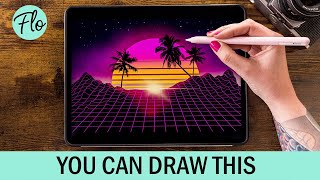
Retrowave Landscape in Procreate
Step-by-step tutorial for creating a retrowave landscape in Procreate, featuring free brushes and beginner-friendly techniques. Learn digital drawing skills while crafting a vibrant, nostalgic illustration.
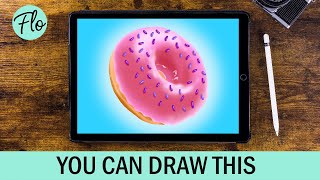
Anyone Can Draw This Donut in Procreate
Step-by-step tutorial for drawing a realistic donut in Procreate, using free brushes and techniques like symmetry tool, alpha lock, and layer masks. Suitable for beginners.
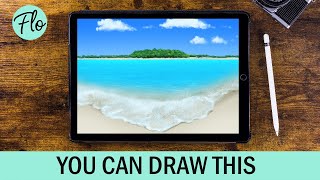
Beach Landscape Drawing in Procreate - Easy Tutorial
Learn to paint a beach landscape in Procreate with easy-to-follow steps. Master techniques like clipping masks, layer masks, and gaussian blur using free brushes included in the app.
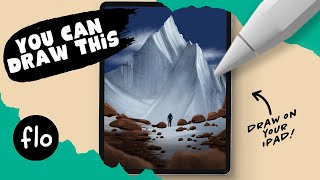
Drawing a Mountain Landscape in Procreate - Easy iPad Tutorial
Step-by-step guide to create a stunning mountain landscape using Procreate on iPad. Learn essential tools and techniques for beginners to craft beautiful digital art.
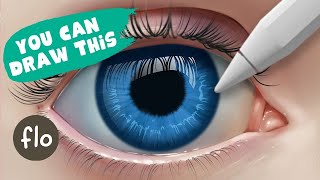
Anyone Can Draw This Iris in Procreate - Easy Drawing Tutorial
Step-by-step guide for beginners to draw a realistic iris using Procreate on iPad. Learn essential tools and techniques while creating beautiful digital art.
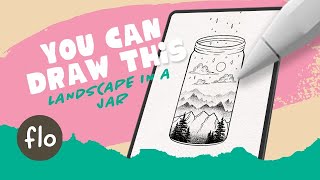
Draw This Landscape in a Jar in Procreate
Step-by-step tutorial for creating a pen and ink style landscape in a jar using Procreate. Learn digital drawing techniques like quickshape tool, layer masks, and selections for beginners.
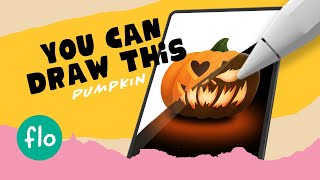
Drawing Pumpkins in Procreate
Step-by-step Procreate tutorial for beginners to draw two pumpkin versions. Learn digital painting techniques, use free brushes, and explore Procreate tools like symmetry and layer masks.
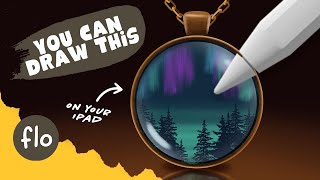
Drawing a Medallion in Procreate
Step-by-step tutorial for drawing a medaillon with landscape in Procreate. Learn digital painting techniques, use free brushes, and enhance your skills with guided instruction for beginners.
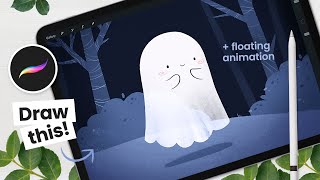
How to Draw a Floating Ghost - Procreate Animation Tutorial
Learn to draw and animate a cute floating ghost on iPad using Procreate. Step-by-step instructions cover background painting, ghost drawing, and animation basics for digital artists of all levels.
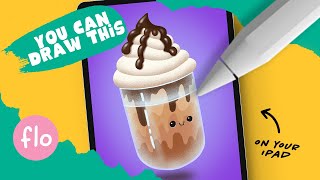
Anyone Can Draw This Iced Coffee in Procreate
Learn to draw an iced coffee in Procreate with easy-to-follow steps. Master digital art techniques like symmetry tools, layer masks, and shading to create a delightful, realistic beverage illustration.
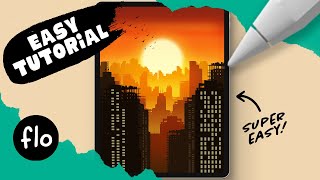
Draw This Sunset City Skyline in Procreate
Learn to create a stunning sunset city skyline in Procreate with step-by-step guidance. Master digital drawing techniques like gradients, layering, and detailing to bring your urban landscape to life.