
How to Convert to Klipper Firmware - 32 Bit Delta Step by Step
Step-by-step guide to converting a 32-bit delta 3D printer to Klipper firmware, covering installation, configuration, and calibration for improved print speed and quality with wireless control.

Beginners Guide to 3D Printer Slicers
Learn essential 3D printing slicer concepts, from file formats to advanced settings. Covers popular software, key parameters, and techniques for successful prints. Ideal for beginners looking to start their 3D printing journey.
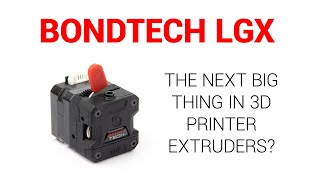
Bondtech LGX Extruder Guide and Test for Prusa MK3 and Artillery3D X1
Comprehensive guide on installing and testing Bondtech LGX extruder for Prusa MK3 and Artillery3D X1 printers. Covers installation, firmware, calibration, benchmarks, and print tests.
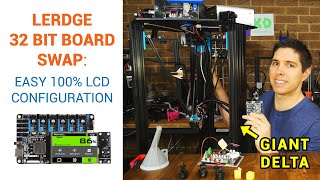
Lerdge 32 Bit Mainboard on Giant Delta - No Firmware Compilation Required
Comprehensive guide on installing and configuring Lerdge 32-bit mainboards for delta 3D printers. Covers hardware setup, firmware updates, and advanced features like auto bed leveling and filament runout detection.
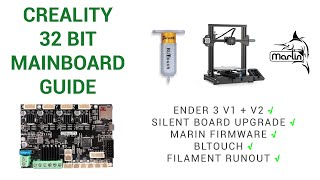
Creality 32 Bit V4 Board Guide - Ender 3 V2, BLtouch & More
Comprehensive guide to Creality 32-bit V4 boards, covering installation, firmware compilation, BLtouch setup, and filament runout sensing for Ender 3 V2 and other 3D printers.
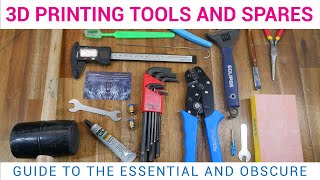
Essential and Obscure 3D Printing Tools and Spares
Comprehensive guide to essential 3D printing tools, spares, and accessories. Covers assembly, maintenance, tuning, wiring, post-processing, and design. Includes product recommendations and timestamps for easy navigation.
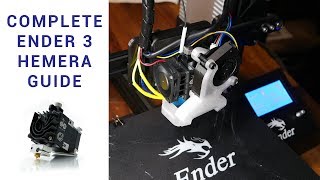
Hemera to Ender 3 - Complete Guide
Comprehensive guide for installing and optimizing the E3D Hemera extruder on an Ender 3 3D printer, covering assembly, mounting, wiring, firmware updates, calibration, and performance testing.

Complete Beginner's Guide to 3D Printing - Assembly, Tour, Slicing, Levelling and First Prints
Comprehensive guide for 3D printing beginners: unboxing, assembly, components, software setup, bed leveling, and first prints. Ideal for new users to start their 3D printing journey.
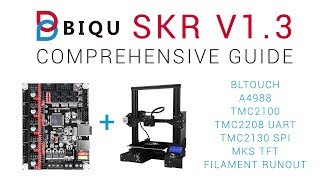
Comprehensive Guide - 32bit 3D Printing for $20
Comprehensive guide to upgrading 3D printers with SKR V1.3 board, covering installation, firmware setup, driver configurations, and advanced features like BLtouch and filament runout detection.

DaVinci Resolve 18 - The Best Free Video Editor
Comprehensive review and demonstration of DaVinci Resolve 18, highlighting its features, improvements, and tips for efficient editing on lower-end hardware, including the new Blackmagic Proxy Generator.
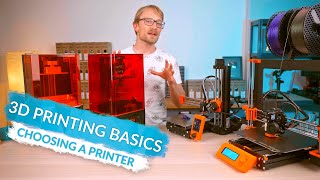
3D Printing Basics - Choosing a Printer
Comprehensive guide to selecting a 3D printer, covering types, features, and components. Explores filament vs. resin, hardware specifics, and performance considerations for informed decision-making.
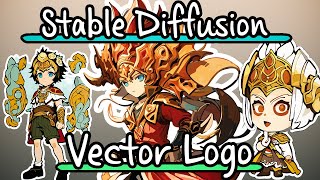
Create Stylized Vector Logo Chibi Characters with Stable Diffusion
Learn to create stylized vector logo chibi characters using Stable Diffusion, Blender, and Adobe Illustrator. Covers DreamBooth training, inpainting, outpainting, and vector conversion techniques for unique digital art.
The Best Pro Virtual Tours HDR Workflow - Theta Z1 from Zero to Hero Guide
Master professional 360° virtual tour photography with the Ricoh Theta Z1, covering shooting techniques, HDR editing in Lightroom and Photoshop, and advanced cleanup skills for stunning results.
RAW HDR- Qoocam 8K vs Theta Z1 vs Insta360 ONE R - Tutorial for Virtual Tour in 2020
Comprehensive comparison of 360° RAW HDR capabilities in top cameras, featuring in-depth analysis, live demonstrations, and professional editing workflows for creating high-quality virtual tours.
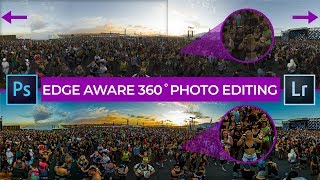
Professional 360 Photo Editing in Photoshop & Lightroom 2020 - Edge Aware Seamless Workflow
Master edge-aware 360 photo editing in Photoshop and Lightroom. Learn seamless workflows, RAW editing techniques, and advanced color grading for professional-looking virtual tours that stand out.
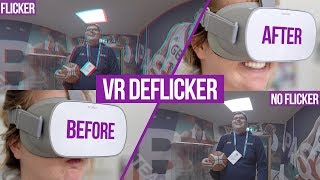
How to Remove Flicker in 360° VR Video
Learn to identify and eliminate flicker in 360° VR videos using Neat Video 5. Covers causes, types, and advanced techniques for both consumer and professional cameras to enhance VR experiences.
Edit VR Video with Oculus Rift S in Premiere Pro and After Effects - The Correct and Fun Way
Learn to edit VR video in Premiere Pro and After Effects using Oculus Rift S. Master immersive editing techniques, avoid common mistakes, and create stunning VR content efficiently.
Invisible Drone - 360 Cinematic Techniques and VR Drone Removal
Discover powerful 360° cinematic techniques using VR cameras and drones, plus learn professional drone removal methods for stunning 360° videos. Master vertical and horizontal movements for immersive storytelling.
Premiere Pro Immersive Workflow for VR180 and VR360 - The In-Depth Tutorial
Explore Adobe Premiere Pro CC 2019's new VR features: improved performance, VR180 workflow, enhanced color grading, VR projection tools, and direct export options for immersive content creators.
Best Oculus Quest Settings for 360 - VR180 Video Rendering in Premiere-FFmpeg
Comprehensive guide for optimizing 360° and VR180 video rendering on Oculus Quest, covering max resolutions, export settings, sideloading, and workflows for Premiere and FFmpeg.
How to 360° VR Motion Graphics - After Effects Workflow & Composition Techniques
Advanced 360° VR motion graphics techniques in After Effects, covering 3D stereo, composition, and workflow. Learn to create immersive environments and enhance your VR post-production skills.