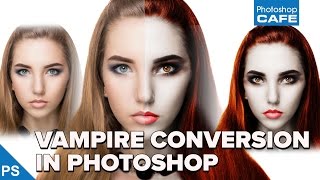
How to Turn a Person into a Vampire in Photoshop Tutorial
Learn to transform a portrait into a realistic vampire using Photoshop techniques. Master skin alteration, facial features adjustment, and eerie eye effects for a chilling supernatural look.
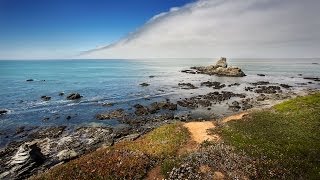
Processing a Landscape HDR Photo with Adobe Camera Raw
Master realistic HDR processing in Adobe Camera Raw or Lightroom with this landscape photo tutorial, enhancing your skills in creating stunning, high-dynamic-range images.
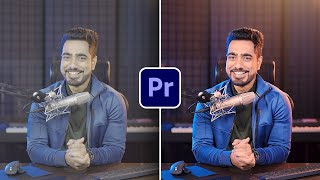
Color Grading in Premiere Pro 2023
Learn advanced color grading techniques in Premiere Pro 2023 using the "Levels" approach. Master skin tones, lighting, and overall color enhancement for talking head videos with precise HSL slider control.
Craziest Photoshop Questions with Matt Kloskowski
Expert Matt Kloskowski addresses challenging Photoshop topics, including fixing blurry photos, logo design, and ethical considerations, offering valuable insights for digital artists and photographers.
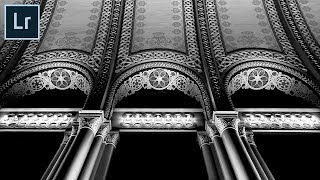
How to Create Impactful Black and Whites in Lightroom
Master dramatic black and white conversions in Lightroom using local adjustments, reshaping light, and enhancing details. Learn to use adjustment brushes and graduated filters for impactful monochrome images.
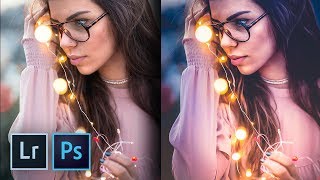
How to Create the Trendy Warm Lights Effect in Lightroom and Photoshop
Master the trendy warm lights effect in Lightroom and Photoshop. Learn color enhancement, drama addition, and dreamy image creation techniques. Discover local adjustments and achieve a painterly effect.
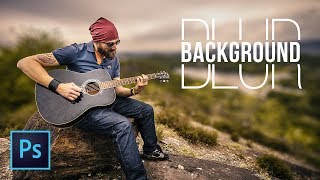
Simple Steps to Blur Background in Photoshop
Learn to create realistic background blur in Photoshop using depth maps, selections, and lens blur. Master techniques to mimic shallow depth of field without expensive lenses.

Remove and Fix Flyaway Hair or Stray Hair in Photoshop
Learn a 3-step process to efficiently remove and fix flyaway hair in Photoshop, with an additional hidden technique for challenging cases. Master this essential retouching skill for polished portraits.

The Right Way to Place Objects on Grass for Photo Manipulation in Photoshop
Learn realistic photo compositing techniques in Photoshop, focusing on placing objects on grass. Master selection refinement, clipping masks, brush manipulation, and shadow creation for seamless integration.

How to Replace Color in Photoshop CC 2017 - Adjust Color Selectively
Learn five powerful techniques for selective color adjustment in Photoshop CC 2017, from global edits to precise local changes, enhancing your ability to manipulate and replace colors effectively.

Color Correction with Easy 4-Point Technique - Photoshop Tutorial
Master Photoshop's "4-Point" color correction technique for precise image enhancement. Learn to locate white, black, and gray points, plus a fourth point for automatic color fixing using Curves.
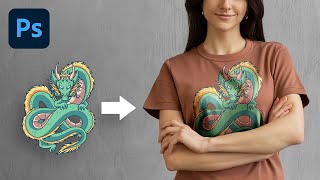
The Most Realistic Way to Place Design on T-Shirt - Photoshop Tutorial
Learn advanced Photoshop techniques to realistically place designs on t-shirts using luminosity masks and channels. Master natural-looking results, color adjustments, and depth creation for professional-quality graphics.

Unlock Amazing Stock Photos Inside Photoshop
Explore free Photoshop plugins for accessing millions of stock photos directly in-app. Learn installation, pros/cons, and real-world applications in compositing, graphic design, and color grading.

How to Flawlessly Iron Clothes in Photoshop
Master Photoshop's frequency separation technique to flawlessly remove wrinkles from fabric, preserving texture for natural-looking results. Learn quick and professional methods for crisp, smooth clothing edits.
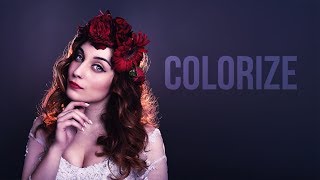
Adding Delicious Color Casts and Tints in Photoshop
Discover techniques for enhancing images with vibrant color casts and tints using adjustment layers, blending modes, and masks in Photoshop to create stunning visual effects.
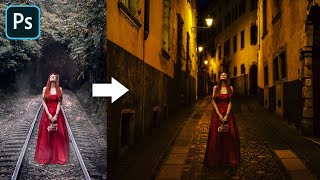
Advanced Color Matching Process in Photoshop
Master advanced color matching for seamless photo compositing in Photoshop. Learn masking, adjustment layers, realistic shadows, and depth of field techniques to create professional-quality manipulations.
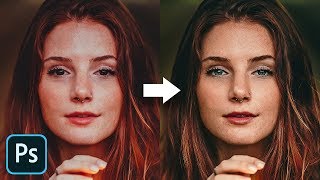
The Master Guide to Reconstructing Skin Tones - Photoshop Tutorial
Advanced Photoshop techniques for reconstructing skin tones, including color matching, curves adjustment, gradient maps, and retouching eyes. Learn to create realistic skin from scratch.
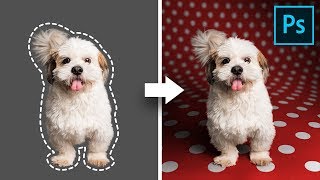
Create Backgrounds with Curved Perspectives - Photoshop Tutorial
Learn advanced compositing techniques to create beautiful backgrounds with curved perspectives in Photoshop, including custom warping, shadow creation, and pattern design for stunning pet photos.
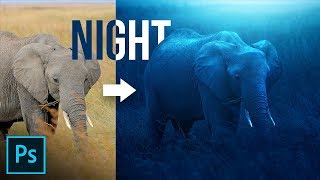
Dramatically Transform the Light in Photoshop
Transform dull daylight scenes into dramatic moonlit nights using Photoshop. Master adjustment layers, lighting effects, and atmosphere creation techniques for stunning visual transformations.
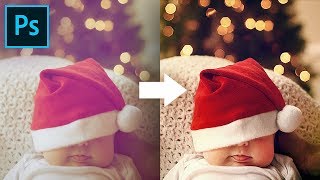
Extreme Color Correction Using 3 Points in Photoshop
Master advanced color correction in Photoshop using a 3-point technique. Learn compensation, curves adjustment, and special effects to achieve stunning, balanced images with pleasing tones.
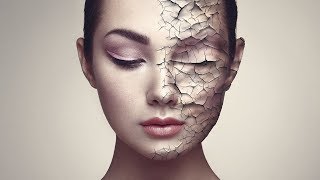
Create Realistic Cracked Skin in Photoshop
Learn to create realistic cracked skin effects using Photoshop's blend modes, Liquify tool, and smart masking techniques. Master advanced texture manipulation and adjustment layers for stunning visual results.