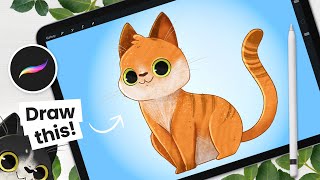
How to Draw a Cat - Cute - Easy Procreate Tutorial
Learn to draw and color adorable cats using Procreate. Master simple textures and techniques for cartoon-style illustrations perfect for children's books. Includes practice challenges and step-by-step guidance.
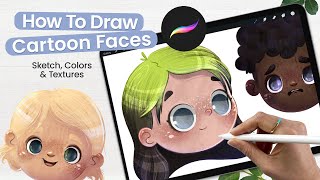
How to Draw Cartoon Faces - Adding Texture to Illustrations - Cute Art - Procreate Tutorial
Learn to create adorable cartoon faces in Procreate with step-by-step guidance on sketching, coloring, texturing, and adding details. Perfect for aspiring illustrators and digital artists looking to enhance their skills.
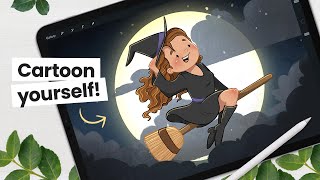
Let's Draw a Cute Witch - Intermediate Illustration Tutorial
Learn to create a charming cartoon witch using digital art techniques. Master line art, coloring, shading, and efficient workflows for character illustration in this step-by-step tutorial.
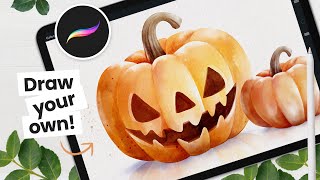
Let's Paint a Watercolor Pumpkin - Procreate Tutorial
Learn to create stunning watercolor pumpkins in Procreate with step-by-step instructions. Master sketching, coloring, shading, and even carving techniques for a perfect Halloween-themed digital artwork.
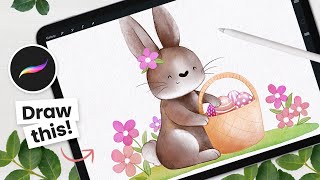
How to Draw a Watercolor Flower Bunny - Procreate Tutorial
Learn to create a charming watercolor flower bunny using Procreate. This step-by-step tutorial covers sketching, coloring, and refining techniques for a delightful Easter-themed digital illustration.
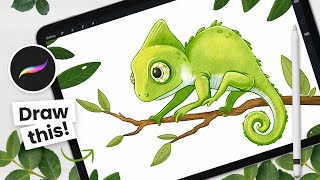
How to Draw a Color-Changing Chameleon - Procreate Animation Tutorial
Learn to draw and animate a color-changing cartoon chameleon using Procreate on iPad. Step-by-step instructions cover sketching, outlining, coloring, shading, and animation techniques for digital artists.
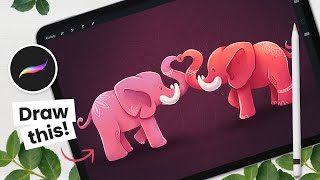
How to Draw Love Elephants Using Symmetry - Procreate Tutorial
Learn to draw adorable love elephants using Procreate's symmetry tool. Master sketching, shading, and digital art techniques while creating a charming Valentine's Day illustration with step-by-step guidance.
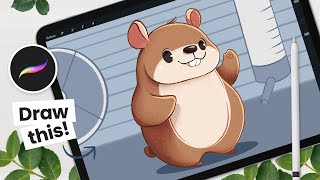
How to Draw a Cute Hamster - Procreate Tutorial
Learn to draw an adorable hamster using Procreate in this step-by-step tutorial. Master sketching, coloring, detailing, shading, and creating a background for your cute digital illustration.

You Can Draw This Cute Puppy in Procreate - Step by Step Procreate Tutorial
Learn to draw a cute puppy in Procreate with step-by-step guidance. Master sketching, lineart, coloring, shading, and creating sticker effects in this beginner-friendly digital art tutorial.
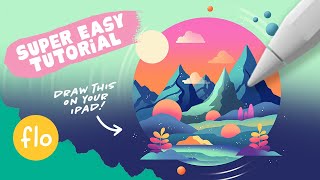
Easy Procreate Drawing Tutorial - Stylized Landscape Illustration Tutorial
Step-by-step guide to create a stylized landscape illustration in Procreate, covering essential techniques like gradients, alpha lock, clipping masks, and blending modes for beginners.
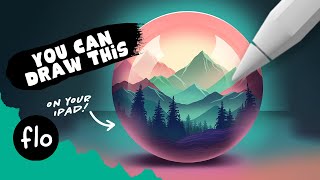
Drawing a Landscape in a Sphere in Procreate - Step by Step Tutorial
Step-by-step guide to create a stylized landscape within a sphere using Procreate, covering techniques from basic shapes to advanced lighting effects for digital artists of all levels.
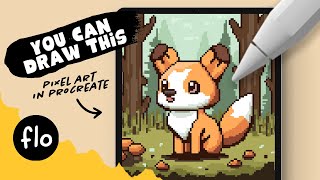
You Can Draw This Pixel Art in Procreate - Step by Step Procreate Tutorial
Step-by-step guide to creating charming pixel art fox illustration in Procreate. Learn essential techniques, from grid setup to shading, perfect for beginners exploring digital art on iPad.
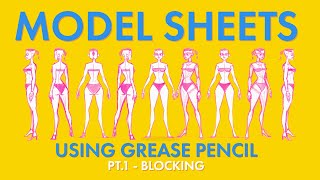
Creating a Model Sheet with Grease Pencil - Part 1 - Blocking
Learn techniques for creating 2D character model sheets using Blender's Grease Pencil tool, focusing on blocking and traditional styling approaches for effective character design.

Cloud Animator Tutorial - Create an Animated Holiday Greeting Card
Learn to create interactive animated holiday greetings using Cloud Animator. Customize templates, add images, edit text, and apply motion effects for engaging, shareable projects across multiple devices.
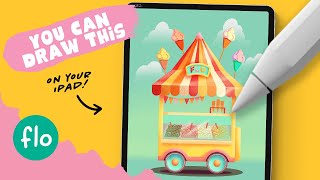
Drawing an Ice Cream Shop in Procreate - Step by Step Tutorial
Step-by-step tutorial for creating a colorful ice cream shop illustration in Procreate. Learn basic features, shaping techniques, and detailing methods to bring your digital artwork to life on iPad.

3D Render Engines for iClone - Choosing the Best
Explore top 3D render engines for iClone with digital artist José Tijerín. Compare Omniverse, Unreal Engine 5, and V-Ray for showcasing 3D sculptures and animations in game development.
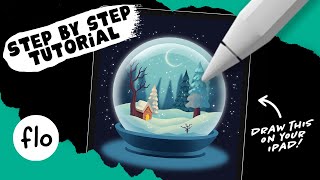
Drawing a Cozy Snow Globe in Procreate - Step-by-Step Tutorial
Step-by-step tutorial for creating a cozy winter snow globe illustration in Procreate. Learn essential techniques like layering, shading, and adding details to bring your digital artwork to life.
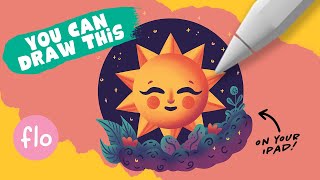
Drawing a Happy Sun Illustration in Procreate - Step-by-Step Tutorial
Step-by-step guide to create a cheerful sun illustration in Procreate, covering basic tools, symmetry, texturing, and shading techniques. Perfect for beginners looking to enhance their digital art skills.
Procreate Dreams: The 2D Animation Revolution for Digital Artists
Explore the journey of Procreate Dreams, a revolutionary 2D animation app, with insights from its creators on development, design philosophy, and impact on digital artistry.

Creating a Sci-Fi Composite with Generative Fill in Photoshop
Learn to create a sci-fi composite using Photoshop's Generative Fill, silhouette brushes, and advanced techniques for glows and Saturn rings. Master digital art skills for stunning alien landscapes.

How to Create a 3D Letter Effect in Photoshop
Learn to recreate the 3D lettering effect from the Sharper movie poster using Photoshop tools like transform, distort, blur gallery, masking, and gradient map for coloring.