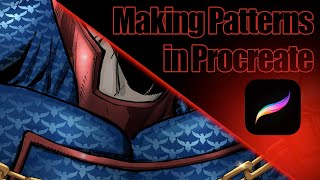
How to Make Patterns in Procreate for Suit Designs
Learn to create efficient, clean patterns in Procreate for suit designs, saving time and enhancing final results. Applicable for various textures and logos, with tips on warping and transforming.
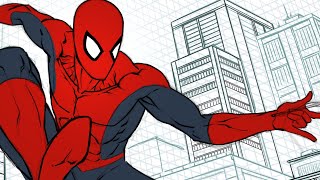
Perspective Drawing with the Procreate App
Learn perspective drawing techniques using Procreate app. Discover how to use grids, guides, and time-saving tricks to create impressive backgrounds and illustrations efficiently.
Inking Avengers Endgame Fan Art in Clip Studio Paint
Learn digital inking techniques for comic art using Clip Studio Paint, demonstrated through an Avengers Endgame fan art project. Gain insights into professional workflow and artistic processes.
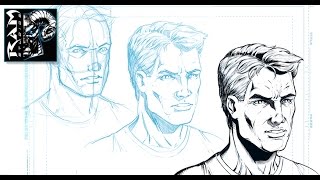
How to Draw a Character - Male Face Angled - Using Sketchbook Pro 7
Learn techniques for drawing a male character's angled face using Sketchbook Pro 7. Discover refinement processes and time management tips for creating comic book and storyboard artwork.
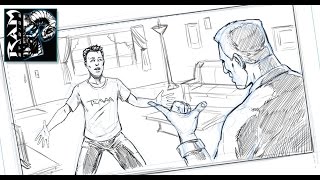
How to Draw Comics - The Quick Read - Manga Studio - Tutorial
Learn to create effective comic sketches using the "Quick Read" technique. Master fundamental sketching, composition, and avoid over-detailing for stronger illustrations using Manga Studio 5 EX.
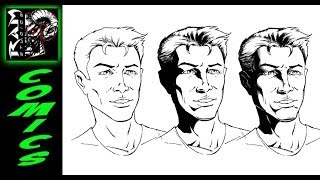
How to Shade Comic Book Art - Tutorial in Sketchbook Pro
Learn techniques for creating shadow shapes and adding detailed shading to comic book illustrations using Sketchbook Pro, demonstrated on a character's face by artist Robert Marzullo.
Creating a Comic Book Page with Midjourney, Comic Life 3, and Photoshop
Learn to craft a comic book page using AI-generated imagery, specialized software, and professional editing tools in this hands-on creative workshop.
Creating Consistent Characters for Comics with Midjourney Version 4
Learn to design consistent characters for comics and graphic novels using personal photos in Midjourney v4, enhancing your visual storytelling skills.
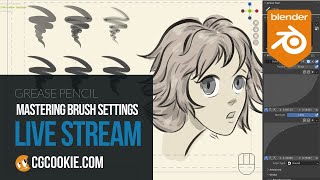
Grease Pencil - Mastering Brush Settings in Blender
Explore Grease Pencil brush settings in Blender, learn troubleshooting techniques, and discover how to customize brushes for optimal results in this informative livestream.
Inkscape Tiled Clone Tool Tutorial - Part 5
Learn to create complex patterns, flowers, and spirals using Inkscape's Tiled Clone Tool. Master cloning, symmetry, scaling, rotation, and more in this comprehensive tutorial.
Inkscape Video Tutorial 4 - Bezier Tool, Node Tool, and Path Effects
Learn to master Bezier and Node tools, explore Inkscape Path Effects, and solve common errors. Gain practical skills with hands-on examples for various effects like Pattern Along Path, Gears, and Spiro Spline.

Inkscape Tutorial - Introduction and Basic Tools
Comprehensive introduction to Inkscape's interface, tools, and basic functions for creating vector graphics and designs, with shortcuts and practical tips.
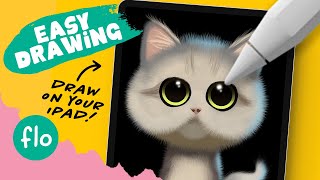
Draw a Cute Cat on Your iPad in Procreate - Easy Tutorial
Step-by-step guide for beginners to draw a cute cat using Procreate on iPad. Learn fur brushes, smudge tool, and alpha lock techniques for creating adorable digital illustrations.
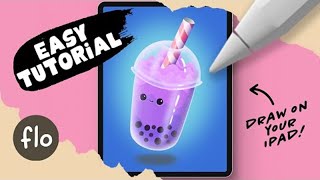
Draw Bubble Tea on Your iPad in Procreate - Easy Tutorial
Step-by-step guide to create a charming bubble tea illustration using Procreate on iPad. Perfect for beginners, with tips on selection tools and masking techniques.

Summer Forest Camping in Blender 3.2 - 3D Modeling Process
Learn to create a detailed 3D summer forest camping scene in Blender 3.2. This tutorial covers modeling techniques, scene composition, and rendering for stunning low-poly illustrations.

How to Draw a Magical Animal - Step-by-Step Tutorial
Learn to create enchanting digital art with a step-by-step guide for drawing a magical deer. Master sketching, background design, and animal illustration techniques using Procreate on iPad.

How to Draw Goku
Learn to draw Goku from Dragon Ball Z, from initial pose to final inks. Master comic art techniques like dynamic line work, costume design, and form-based rendering to create professional-quality illustrations.
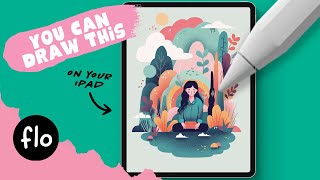
Vector Style Illustration in Procreate - Step by Step Tutorial
Step-by-step guide to creating stylized vector illustrations in Procreate, covering essential techniques from basic shapes to character drawing and texturing.
Creating an iPhone in Photoshop
Learn to create a realistic iPhone design in Photoshop using layers, shapes, gradients, and effects. Master essential techniques for digital product mockups and graphic design.
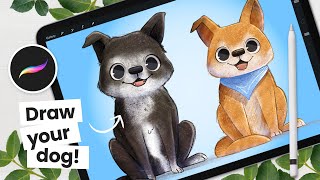
The Cutest Way to Draw a Dog - Procreate Tutorial
Learn to draw and color adorable cartoon dogs using Procreate. Master simple yet effective techniques for creating cute, expressive illustrations perfect for children's books and beginner artists.
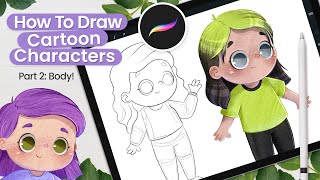
How to Draw Cartoon Characters - Cute Art - Procreate Tutorial
Learn to draw cute cartoon characters with body proportions, coloring techniques, and texturing in Procreate. Perfect for children's book illustrations and developing a charming art style.