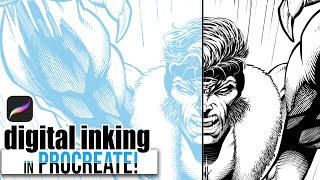
Digital Inking and Cross-Hatching in Procreate - 90s Comic Style Rendering Tutorial
Learn 90's comic-style rendering and cross-hatching techniques using Procreate on iPad Pro. Master digital line art and enhance your comic illustration skills with professional tips and tricks.
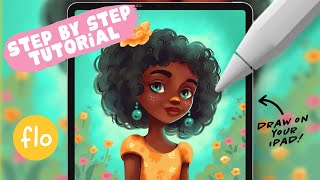
Drawing a Sunny Girl Character in Procreate - Step-by-Step Tutorial
Step-by-step tutorial for creating a sunny girl character in Procreate, covering sketching, coloring, shading, and detailing. Ideal for beginners learning digital art techniques on iPad.
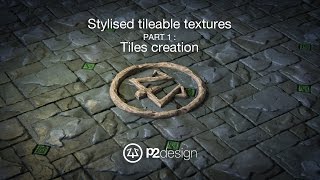
Stylized Tileable Rock Textures Tutorial - Part 1: Setting Up the Blender Scene
Learn to create stylized tileable rock textures using Blender and Photoshop. This tutorial covers setting up the Blender scene, drawing from expert techniques.

Creating Abstract Images with AI for UI/UX Design
Generate abstract images with AI, modify in Photoshop, and integrate into UI design using Figma. Learn to create unique, visually striking interfaces with cutting-edge AI tools.

Drawing a Cute Christmas Bear in Procreate - Step-by-Step Tutorial
Step-by-step tutorial for creating a cute Christmas bear illustration in Procreate, covering basic features and techniques for beginners. Includes drawing character, presents, tree, and festive elements.
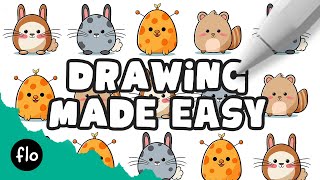
Create Your Own Creature in Procreate - Easy Drawing Tutorial
Step-by-step guide to create unique creatures in Procreate. Learn to draw bodies, features, and add colors and details for cute, personalized illustrations.
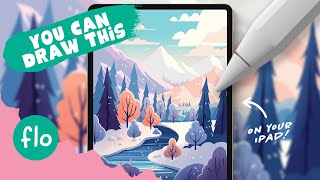
Drawing a Winter Landscape in Procreate - Easy Tutorial
Step-by-step tutorial for creating a winter landscape illustration in Procreate, covering techniques from basic gradients to detailed tree shading and snow effects.
How to Create a Fun, Red-Haired Boy Character in Adobe Photoshop
Learn to design a lively, red-haired boy character in Photoshop using sketching, shapes, layer styles, and brush techniques to bring your creation to life.
How to Create a Magician's Hat in Photoshop
Learn to design a magician's hat using Photoshop's Pen Tool, Shape Tools, blending modes, and lighting techniques. Master beginner-friendly shadow creation for a magical result.
How to Create a Rusty Texture in Photoshop
Learn to create realistic rusty textures using Photoshop's layers, filters, and color adjustments for enhancing your digital illustrations and designs.
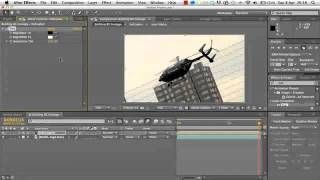
2D Helicopter Game Development Tutorial
Learn to create a dynamic 2D helicopter animation using Adobe After Effects, mastering techniques for realistic movement and visual effects.
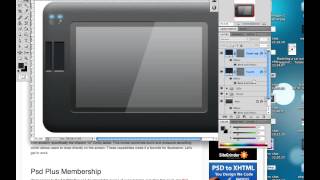
Creating a Set of Digital Painting Icons: Digital Tablet Icon - Part 4
Learn to design a realistic Wacom Cintiq tablet icon using digital illustration techniques, enhancing your icon creation skills for professional-quality graphics.
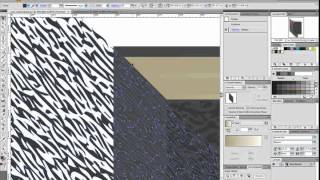
How to Create a Customizable Vector Sketchbook
Create a customizable vector sketchbook using basic shapes, Shear transforms, and Effects to achieve a leather texture in this intermediate-level tutorial.
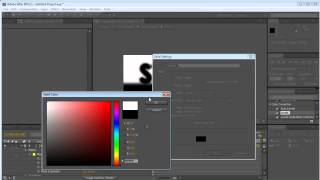
Stormy Electric Effect Tutorial in Photoshop
Create a stormy electric effect using Photoshop's powerful tools and techniques. Learn to manipulate layers, blend modes, and filters for dramatic results.
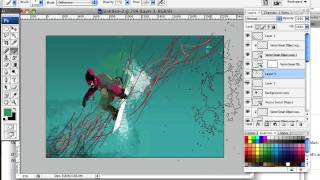
Create a High Flying Snowboard Illustration Using Motion Lines and Paint Splatters
Learn to craft dynamic snowboard illustrations using wavy lines for motion and paint splatters for snow, giving a fresh twist to the classic airborne snowboarder image.
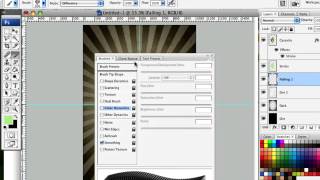
How to Design a Rockin' 80s Party Poster
Learn to create a vibrant 80s-themed party poster with photo manipulation, custom textures, and retro design elements in this step-by-step graphic design tutorial.
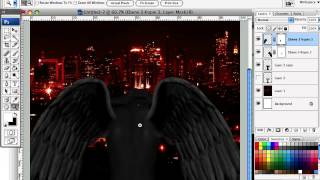
How to Create a Fiery Demon Montage in Photoshop
Learn to craft a striking photo montage of a demon wreaking havoc on a city using stock images and Photoshop techniques in this step-by-step tutorial.
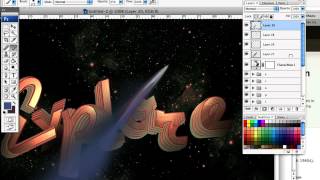
Design a Rocket-Powered Retrofuturistic Digital Illustration
Create a retrofuturistic space exploration illustration using 3D typography in Illustrator and Photoshop techniques for an out-of-this-world digital artwork.
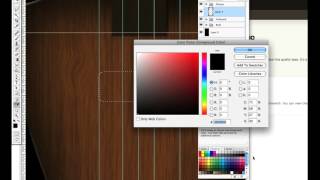
Design a Shiny Bass Guitar Illustration Using Photoshop - Part 1
Learn to create a detailed bass guitar illustration in Photoshop, focusing on shape creation and assembly techniques for a high-quality, realistic design.
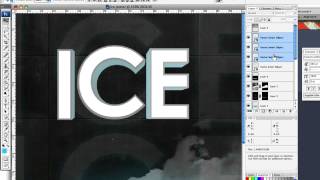
How to Create an Ice-cold Poster with 3D Text
Create an eye-catching poster combining 3D text and stock images with an icy theme. Learn effective techniques for text placement, color manipulation, and image blending to achieve a striking visual impact.
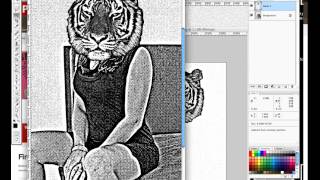
Design a High Impact Gig Poster Suitable for Screen-Printing
Learn to create stylized, high-impact posters for screen-printing, focusing on a 3-color design that's effective for digital display, home printing, and silk-screen methods.