
Shaft Movie Poster Photoshop Tutorial
Learn to recreate the "Shaft" movie poster in Photoshop, covering vector masks, shapes, gradient maps, and textures. Enhance your design skills with this step-by-step tutorial.

How to Create Atmosphere in Photoshop
Learn to enhance images with mood and drama using Photoshop techniques for fog, dust, rain, and color grading. Master atmosphere creation to elevate your photo editing skills.

Neon Halo Light Effect Photoshop Tutorial
Learn to create a neon halo light effect in Photoshop, along with skin retouching, background replacement, and vignette techniques. Enhance your photo editing skills with this comprehensive tutorial.
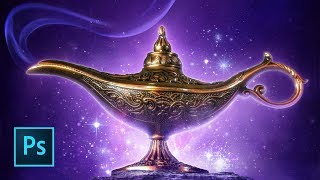
Aladdin Movie Poster Tutorial
Learn to recreate the iconic Aladdin teaser poster using Photoshop techniques like guide layouts, painting, masking, warping, blending modes, and customizing brushes. Master essential skills for stunning movie poster design.
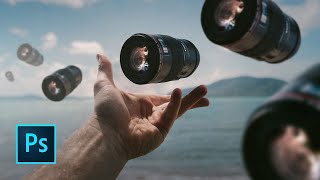
How to Rotate and Scale in Photoshop
Learn essential Photoshop techniques for rotating and scaling images and layers. Master the Free Transform tool and discover tips for both beginners and experienced users.
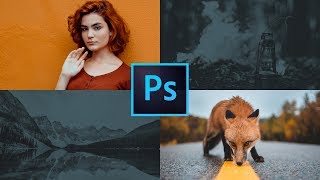
How to Use the Frames Tool in Photoshop
Learn to create reusable homepage design templates using Photoshop's frames tool. Master guide layouts, new type features, gradient maps, threshold, and levels for efficient web design workflows.
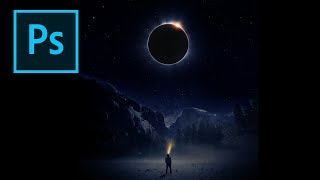
Creating an Eclipse Composite in Photoshop
Learn to create a stunning eclipse composite using Photoshop techniques like noise gradient, Gaussian blur, and color correction for realistic flares and hotspots.

Music and the Metaverse - Innovations in Live Performance, Concerts, and NFTs
Explore the future of music in virtual spaces: live performances, AR/VR concerts, NFTs, and AI. Discover how technology is reshaping artist-fan relationships and creating new immersive experiences.
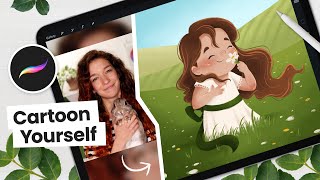
How to Cartoon Yourself, Flower Field Edition - Digital Art Tutorial
Learn to create a cartoon self-portrait in a flower field using Procreate. Master digital art techniques from sketching to shading, with step-by-step guidance for a unique, personalized illustration.
How to Make the Back to the Future Logo in Adobe Illustrator
Master Adobe Illustrator techniques to recreate the iconic 80s-style Back to the Future logo, enhancing your design skills for future projects in just 20 minutes.

How to Use Generative Fill in Photoshop
Learn to use Photoshop's new Generative Fill AI tool for removing objects, replacing elements, and creating compositions. Explore practical applications and compare AI-generated results with artist creations.

Replacing Headshot Backgrounds with AI Background Replacement - Generative Fill Photoshop Beta
Learn to replace headshot backgrounds using Photoshop Beta's AI Generative Fill tool. Explore this powerful feature for quick and easy background swaps in portrait photography.

How to Use Photoshop's AI - Generative Fill
Learn to transform designs quickly using Photoshop's new AI-powered Generative Fill tool. Discover how to create intricate details, replace elements, and enhance your creative workflow effortlessly.
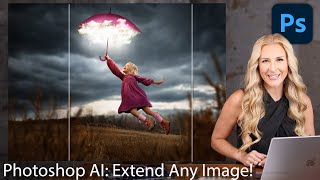
How to Extend Background in Photoshop Using Generative Fill and Outcropping
Learn to extend backgrounds in Photoshop using AI-powered Generative Fill and Outcropping. Master inpainting, object removal, and backdrop extension techniques to enhance your image editing skills.
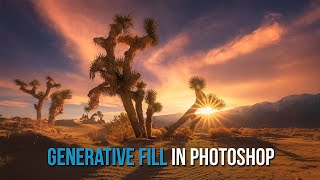
Photoshop's Amazing New AI Generative Fill
Explore Photoshop's revolutionary Generative Fill feature for adding, removing, or altering content with AI. Learn practical tips and techniques to enhance your photo editing workflow.

Generative Fill in Photoshop - Your Ultimate Guide to This Game-Changing AI Tool
Explore Photoshop's revolutionary Generative Fill tool for seamless object removal, image extension, and realistic background generation. Master AI-powered design techniques to transform your creative workflow.
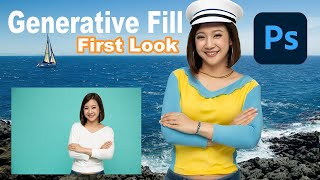
Embrace the Future - Discover Photoshop Beta's Groundbreaking Generative Fill Feature
Explore PHOTOSHOP Beta's revolutionary Generative Fill feature, a mind-blowing AI-powered tool that transforms image editing with unprecedented ease and creativity.
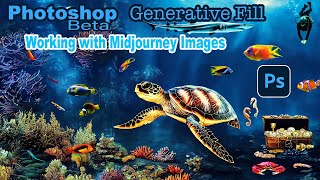
Photoshop Beta Generative Fill - Working With Midjourney Images
Explore PHOTOSHOP Beta's GENERATIVE Fill to enhance Midjourney images. Learn resolution maximization, creative augmentation, and techniques applicable to photographs for improved visual storytelling.
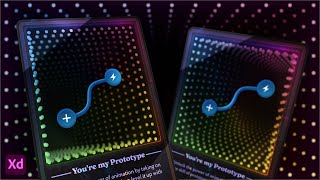
Designing a 3D NFT Card Using Adobe XD
Explore 3D Transforms in Adobe XD to design and animate an NFT-style card with an infinity mirror effect. Learn techniques for creating depth, applying masks, and adding visual elements to enhance your digital artwork.

From Figma to Code - Creating a Resume Page
Learn to transform a Figma design into a functional resume webpage using HTML and CSS, with a focus on flexbox, custom properties, and responsive design techniques.
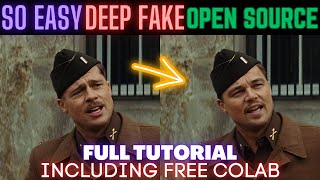
Mind-Blowing Deepfake Tutorial - Turn Anyone into Your Favorite Movie Star! PC & Google Colab
Learn to create high-quality deepfake videos using open-source AI models and tools. Covers installation, face swapping, quality enhancement, and video reconstruction techniques for educational purposes.