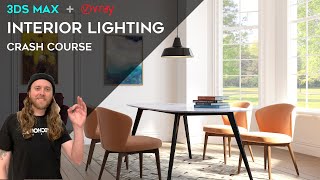
3ds Max + V-Ray - Interior Lighting Crash Course
Learn three methods for lighting interior scenes in 3ds Max with V-Ray: HDRI mapping, V-Ray lights, and V-Ray sun with Skylight Portals. Master techniques to achieve perfect architectural renderings for various lighting scenarios.

3ds Max Beginners - Animation Crash Course
Beginner-friendly tutorial on 3ds Max animation, covering basic to advanced techniques. Learn to animate objects, modifiers, physics, cloth simulations, and use constraints to create impressive 3D animations.
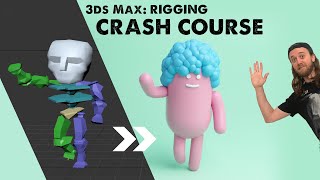
3ds Max - Rigging Crash Course
Comprehensive guide to character rigging in 3ds Max, covering bone tools, CAT rigs, and BIPED. Learn to model, create bone systems, and skin meshes for animation, with a bonus on TyFlow for hair particles.

FaceFilter3 Tutorial - Getting Started with Image Editing and Makeovers
Learn to enhance portraits with FaceFilter3's tools for foundation, makeup, blemish removal, facial morphing, and post-effects. Master versatile features to create stunning makeovers and transformations.
Monster Workshop Tutorial - Introduction to Avatar Toolkit UI and Basic Assembly
Learn to create and animate custom cartoon monsters using iClone's Monster Workshop pack. Explore the Avatar Toolkit panel, character customization, and basic animation techniques.
iClone5 Pipeline - Creating and Importing Custom Character Animations for Unity
Learn to create custom character animations using iClone's tools and content library, then import them into Unity. Covers various motion types and techniques for efficient game animation production.
Linking Particle Effects to Characters in iClone
Learn to enhance character animations by attaching dynamic particle effects, creating visually stunning and immersive scenes in iClone.
iClone Tutorial - Custom Environmental Particle Settings
Learn to enhance scene realism with custom environmental particle effects, elevating your iClone projects to new levels of immersion and visual impact.
iClone Tutorial - Creating Custom Props with 3D Blocks
Learn to create, texture, and merge custom props for films using iClone's 3D Blocks feature, enhancing your digital storytelling capabilities.
Exploring New Photogrammetry Apps for 3D Modeling
Explore cutting-edge photogrammetry apps and their capabilities in 3D modeling. Learn about innovative tools for creating realistic digital assets from photographs.
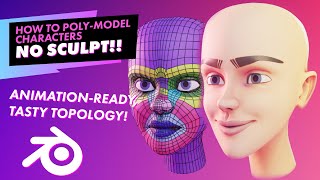
Poly Modeling Faces Without Sculpting - Character Creation Techniques
Learn character modeling without sculpting, ideal for less powerful computers. Master mesh loops, facial features, and efficient techniques for creating detailed 3D faces using traditional polygon modeling.
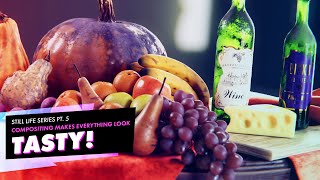
Enhancing 3D Renders in Post-Production - Still Life Tutorial Part 5
Enhance 3D renders using post-processing techniques like depth of field, color correction, lens distortions, and cryptomattes. Learn to manipulate render passes in the compositor for professional-looking results.
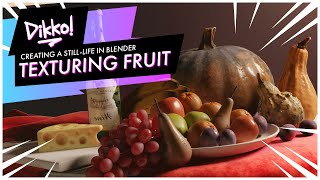
The Many Ways of Texturing Fruit - Creating a Still Life in Blender
Explore diverse texturing techniques for fruit in Blender, from UV mapping to procedural methods. Learn to create realistic apples, pumpkins, oranges, plums, grapes, bananas, and pears for stunning still life renders.
3D Modeling for Beginners - Essential Techniques in Blender - Part 2B
Learn essential 3D modeling techniques in Blender, exploring basic tools and methods similar to Maya for beginners to create digital models and designs.
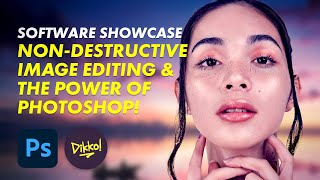
Non-Destructive Image Editing and the Power of Photoshop - Software Showcase
Explore non-destructive image editing in Photoshop, from finding free stock photos to using AI-driven tools and adjustment layers for powerful, flexible image manipulation.
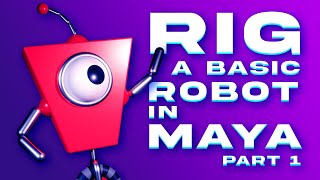
Rigging a Basic Robot in Maya - Part 1: Modeling the Robot
Learn to model a basic robot in Maya, covering body, wheel, and antenna creation, plus shader application techniques.
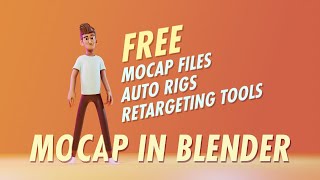
How to Use Free Motion Capture Files, Animation Retargeting Tools and Rigs in Blender
Learn to utilize free motion capture files, animation retargeting tools, and rigs in Blender. Discover techniques for importing, retargeting, and cleaning up animations using various tools and resources.
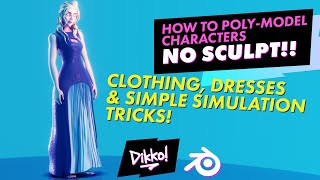
Modeling Clothing - Tips and Tricks for 3D Dress Creation
Learn traditional and simulation techniques for modeling clothing in 3D, covering blocking, contouring, ruffles, cloth simulation, and refinement. Perfect for creating detailed characters without high-end hardware.
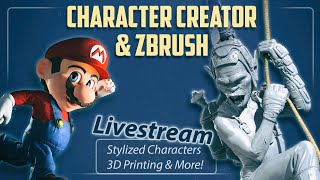
Character Creator and ZBrush: 3D Modeling Techniques for Stylized Characters and 3D Printing
Learn advanced character creation techniques, from stylized models to 3D printing. Master expression wrinkles, clothing swaps, and efficient workflows in ZBrush and Character Creator for stunning, print-ready designs.
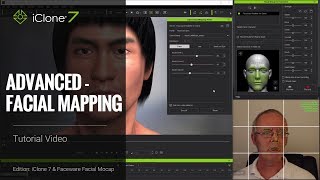
iClone Faceware Facial Mocap Tutorial - Advanced Facial Mapping
Advanced tutorial on customizing facial motion capture in iClone, covering static and live expression editing, mapping parameters, and different json approaches for optimal facial animation results.
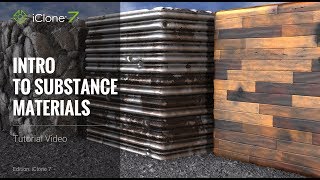
iClone 7 Tutorial - Introduction to Substance Materials
Explore iClone 7's embedded Substance materials: learn to apply, customize, and create unique effects for metallic, stone, and wood textures in 3D projects.