
AutoCAD 3D Tutorial for Beginners
Master AutoCAD 3D modeling with comprehensive tutorials covering essential commands, mechanical drawing techniques, and practical exercises for creating complex 3D designs and technical drawings.
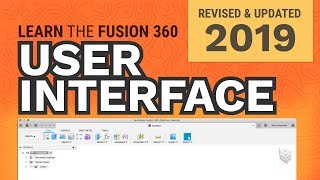
Learn Autodesk Fusion 360 in 30 Days for Complete Beginners
Master Fusion 360 through hands-on projects, from basic modeling to advanced techniques like sculpting and rendering. Ideal for beginners in 3D design, CAD, and 3D printing.
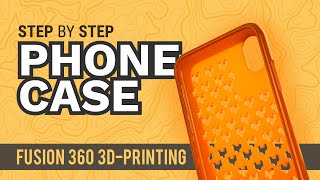
Fusion 360 for 3D Printing
Learn 3D modeling for 3D printing with Fusion 360, covering topics like iPhone cases, hinged boxes, molds, cookie cutters, and more. Gain practical skills for creating custom 3D-printable designs.

Fusion 360 Sketch Tools
Master Fusion 360's sketch tools for efficient 2D design. Learn lines, shapes, curves, and advanced techniques. Enhance your product design skills with practical demos and expert guidance.

AutoCAD 3D - Tutorials for Beginners
Learn AutoCAD 3D fundamentals through step-by-step tutorials, covering basics to advanced techniques like floor plan modeling and roof creation for beginners.
Creo Parametric Tutorials for Beginners with Training Guide
Comprehensive tutorials for Creo Parametric versions 8.0, 7.0, and 6.0, covering basic design, solid modeling, assemblies, detailing, and sheet metal, with midterm and final exam reviews included.

Creo Parametric 2D to 3D Modeling Exercise
Comprehensive tutorial series on 3D modeling in Creo Parametric, covering beginner to advanced techniques for creating complex parts, surfaces, and assemblies.
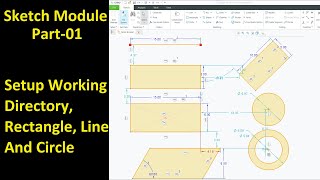
Creo Sketch Module
Comprehensive tutorial on Creo Sketch covering essential tools and commands for 2D design, including line creation, shape manipulation, and advanced features like constraints and dimensions.
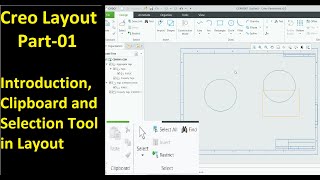
Creo Layout
Master Creo Layout tools for efficient 2D design: shapes, editing, dimensions, graphics, tables, tags, sub-layouts, sheets, and integration with 3D part modules. Enhance your CAD skills and workflow.
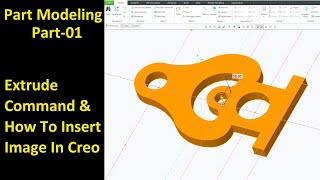
Creo Part Module
Master Creo Part Module commands for efficient 3D modeling. Learn extrude, revolve, sweep, blend, pattern, and advanced features to create complex parts and improve design skills.
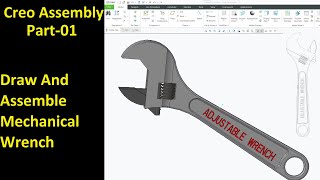
Creo Assembly
Master Creo Assembly techniques for mechanical design, from basic connections to advanced mechanisms and motion analysis.
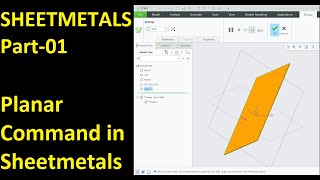
Creo Sheet Metals
Master Creo Sheet Metal commands for efficient design, including planar, flange, bend, punch, and advanced features like twist and revolve tools.
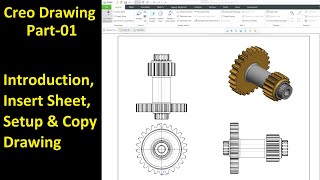
Creo Drawing
Master Creo Drawing: from setup to advanced features like repeat regions and annotations for efficient technical documentation.
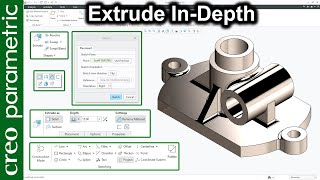
Basic Commands in Creo Parametric
Comprehensive guide to essential Creo Parametric commands, covering extrude, revolve, sweep, blend, and advanced techniques for complex modeling and surface design.
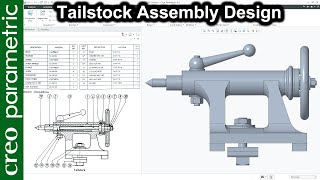
Creo Assembly Design
Learn to create complex assemblies in Creo Parametric, including tailstock, screw jack, and flanged coupling designs, with all necessary parts and components.
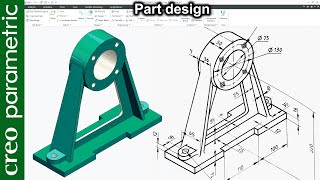
Creo Part Modeling Tutorial
Master Creo Parametric for advanced part modeling, including machine components, tools, and complex geometries. Enhance skills in surfacing, sketching, and specialized techniques.

Drawing in Creo
Master Creo Parametric drawing techniques, from GD&T basics to advanced features like custom balloons and BOM tables. Enhance your mechanical design skills with practical tips for efficient and professional drawings.
Creo Tutorial for Beginners
Comprehensive Creo tutorial series covering basics to advanced techniques, including sketching, part design, modeling, and various tools, with practical exercises for hands-on learning.

Creo 7.0 and Creo 7.0.2
Explore the latest features and enhancements in Creo 7.0 and 7.0.2, including multibody design, generative design, simulation capabilities, and manufacturing improvements.

Creo 8
Explore the latest features and enhancements in Creo 8, including improved sketching tools, advanced surface modeling, and enhanced simulation capabilities for more efficient 3D design and engineering workflows.

Creo in the Classroom
Explore PTC Education's resources for enhancing Creo 3D CAD skills, covering software setup, academic applications, and industry insights for students and educators.