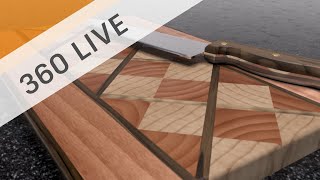
Design a Laminated Cutting Board
Learn to design a laminated cutting board using Fusion 360, focusing on techniques like copying, pasting, mirroring, and patterning parts to create an attractive and functional design.

Sculpting Generative Results
Learn to modify generative design results using t-splines in Fusion 360. Master techniques like edge manipulation, work plane creation, and symmetry tools to refine and optimize your 3D models.
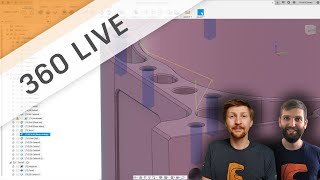
CAM Basics - Attack of the Contour
Explore CAM basics, focusing on contour toolpaths and their applications. Learn decision-making behind tool-paths and gain insights into effective programming techniques.
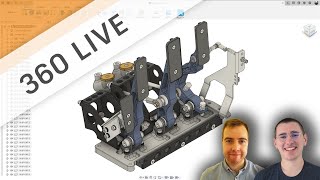
Introduction to Generative Design
Learn the basics of setting up a generative design study, including key tips and tricks for using Autodesk's generative designer workspace and creating effective design outcomes.
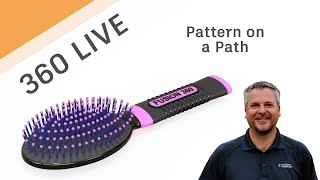
Fusion 360 Live - Pattern on a Path
Learn to use Pattern on a Path in Fusion 360, including creating shapes, construction geometry, and splines. Master extrude, offset planes, sketching techniques, and various project methods for efficient 3D design.
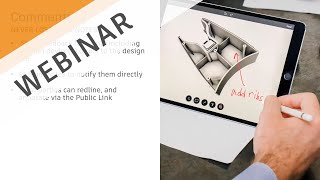
Working from Home - Collaboration Made Easy
Discover cloud-based tools in Fusion 360 for seamless remote collaboration, real-time communication, and easy sharing of 3D models and drawings with stakeholders, enhancing productivity while working from home.
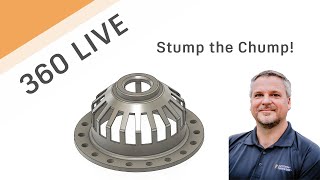
Fusion 360 Live - Stump the Chump
Live problem-solving session demonstrating Fusion 360 techniques, including projecting profiles, dimensioning, revolving, shelling, and sketching, as an expert tackles a real-world drawing challenge.

Organic Meshes in Fusion 360
Learn to create organic-looking objects in Fusion 360 using the Pipe command. Discover tips for quickly designing unique shapes like glass vases and cylinders with mesh-based techniques.
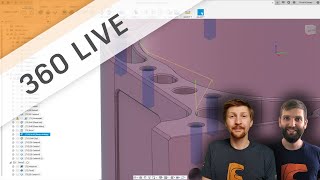
Fusion 360 Live - Drilling and Tapping
Explore key techniques for drilling and tapping in Fusion 360, including chip breaking, chamfering, and angled drilling. Learn best practices to prevent tap breakage and improve efficiency.
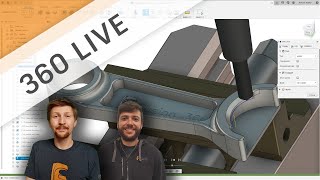
Fusion 360 Live - Chamfering Basics
Explore various chamfering techniques in Fusion 360, including modeling vs. non-modeling approaches, with expert insights on best practices and efficient workflows.
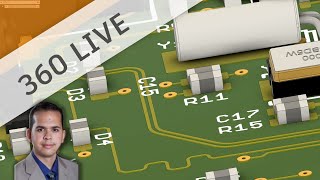
Routing for High Speed Designs
Analyze high-speed signal routing, learn guidelines, and explore Fusion Electronics tools for efficient PCB design and impedance control.
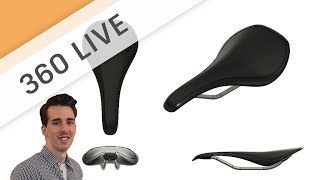
Sketch to 3D Concept - Designing a Bicycle Saddle
Learn freeform sculpt modeling for conceptual design, focusing on techniques like creating forms, adding details, and modifying shapes using various tools in a bicycle saddle design project.
Live- Tab Machining Part Two
Explore advanced 5-axis tab machining techniques, including adaptive clearing, tool path boundaries, and workflow strategies for efficient and precise manufacturing processes.
TAB Machining Part One
Discover expert tips and tricks for TAB machining in Fusion 360, focusing on 3-axis machines. Learn setup, cutting, sketching, tool paths, and advanced techniques for efficient machining.
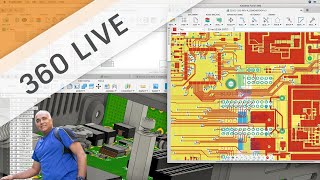
Getting Started with Fusion 360 Electronics
Introduction to Fusion 360's electronic workspace, covering schematic and circuit board editing. Learn to access libraries, add components, use commands, and create board layouts for electronic design projects.
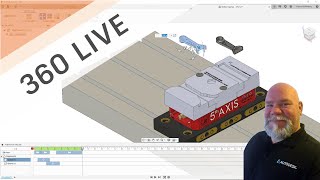
Using the Animation Workspace for Manufacturing Instructions
Learn to create machining job setup guides using Fusion 360's Animation Workspace. Enhance CNC program setup sheets, streamline operator training, and document standard procedures effectively.
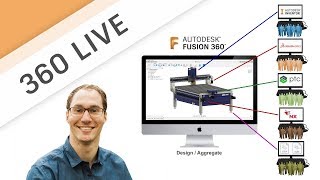
ANYCAD - Successfully Using Non-Fusion 360 Data in Fusion 360
Learn to seamlessly integrate non-Fusion 360 CAD files into your workflow. Explore ANYCAD technology for referencing external files, handling legacy data, and collaborating across different CAD systems.
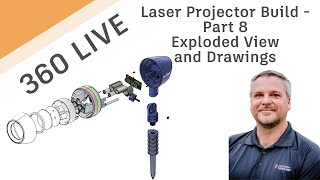
Fusion 360 Live - Laser Projector Project - Creating Exploded View and Drawings
Learn to create exploded views and detailed drawings of a complex laser projector assembly, including techniques for component manipulation, storyboarding, and technical documentation in Fusion 360.
Photorealistic Rendering Like a Pro
Learn photorealistic rendering techniques in Fusion 360, from basics to advanced tips. Master HDRI, studio setups, lighting, and rendering settings for stunning ray-traced images of your designs.
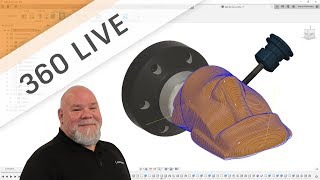
Rotary Machining - 4th Axis Simultaneous Machining Deep Dive
Explore advanced 4th axis simultaneous toolpaths in Fusion 360, going beyond basic wrapped toolpaths for CNC machining. Learn setup, tool paths, and realistic processing techniques.
Electromechanical Workflow
Explore electromechanical workflows in Fusion 360, from electronic design to 3D PCB integration. Learn to build enclosures, synchronize components, and efficiently modify designs using advanced features.