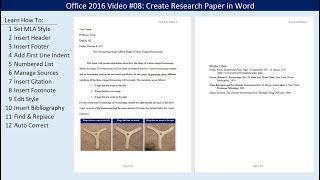
Create Research Paper in Word
Learn to create a research paper in Word using MLA style, including formatting, citations, footnotes, bibliography, and time-saving features like Find & Replace and AutoCorrect.

Introduction to Power Query & Power Pivot Data Model in Excel 2016
Learn to clean data, create PivotTables, and use Power Query and Power Pivot in Excel 2016. Master data transformation, import large datasets, and build efficient data models for advanced analysis.
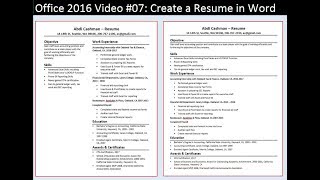
Create a Resume in Word
Learn to create professional resumes in Word 2016, from templates to custom designs. Master formatting, columns, and layout techniques for standout job applications.
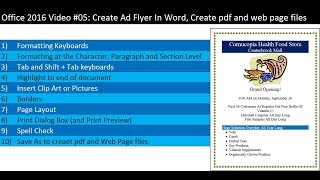
Create Ad Flyer in Word - Create PDF and Web Page Files with Save As
Learn to create professional ad flyers in Word, including formatting, images, borders, and exporting to PDF and web formats. Master essential Word skills for effective document creation.
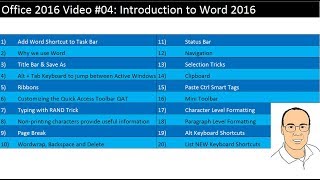
Introduction to Word 2016 - 20 Important Tips for Efficiency
Learn 20 essential tips to boost efficiency in Word 2016, covering shortcuts, formatting, navigation, and customization for improved productivity and document creation.
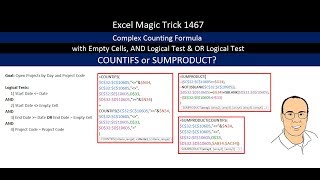
COUNTIFS or SUMPRODUCT for Complex Counting Formula - 3 Examples
Learn advanced Excel techniques for complex counting using COUNTIFS and SUMPRODUCT functions, including handling empty cells and combining AND/OR logic in formulas.
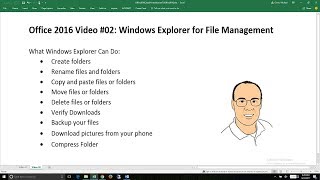
Office 2016 - Windows Explorer for File Management
Learn essential Windows Explorer skills for efficient file management, including folder creation, file operations, backup strategies, and compression techniques.
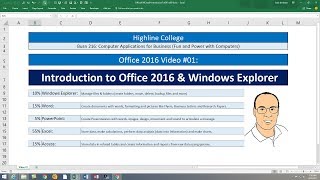
Introduction to Office 2016 and Windows Explorer
Comprehensive introduction to Office 2016 and Windows Explorer, covering essential features, file management, and interface elements for efficient computer use and productivity.

Hack Data Model, Date Table & DAX Measures Without Buying Power Pivot
Master advanced Excel techniques: build data models, create DAX measures, and use functions like CALCULATE and TOTALYTD. Learn to optimize PivotTables and implement variables for efficient data analysis.

Excel for Accountants - Power Query & PivotTables to Import & Clean Data and Build Reports
Learn to import, clean, and analyze data using Power Query and PivotTables. Master techniques for efficient data management, creating insightful reports, and optimizing file size in Excel for accounting purposes.
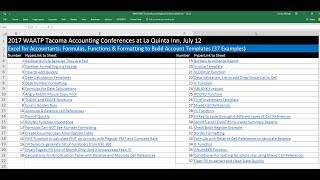
Excel for Accountants - Formulas, Functions & Formatting to Build Account Templates
Master Excel formulas, functions, and formatting to create powerful accounting templates. Learn essential skills for efficient data management and financial analysis.
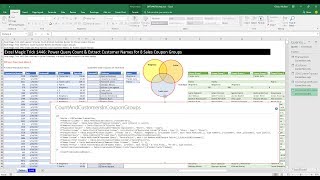
Power Query Count & Extract Customer Names for 8 Sales Coupon Groups
Learn advanced Power Query techniques to analyze customer coupon usage across multiple stores, including counting and extracting customer names for various coupon groups.
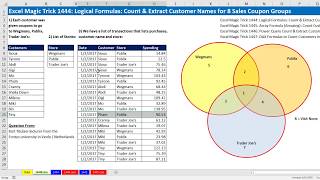
Logical Formulas - Count & Extract Customer Names for 8 Sales Coupon Groups
Learn advanced Excel techniques for analyzing customer coupon usage across multiple stores, including logical formulas, array formulas, and functions like COUNTIFS, AND, OR, and INDEX.
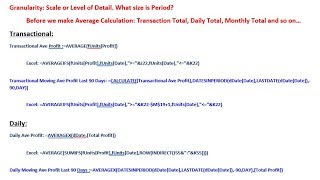
Average, Moving Average at Different Granularity - DAX or Excel Formulas
Learn advanced Excel and DAX techniques for calculating averages and moving averages at different granularities, enhancing your data analysis skills for more accurate financial reporting.
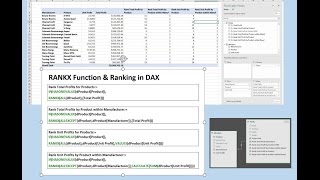
RANKX DAX Function and More - Ranking Profit for Products within Manufacturer
Aprenda a usar a função RANKX DAX para classificar lucros de produtos por fabricante em PivotTables do Excel. Domine técnicas avançadas de análise de dados e fórmulas DAX.
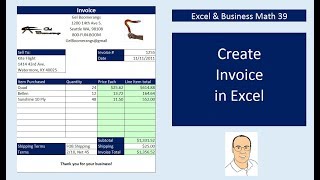
Create Excel Invoices, Data Validation Drop-Down, VLOOKUP & IF Functions
Learn to create reusable Excel invoices using advanced functions like VLOOKUP, IF, and data validation. Master invoice formatting, calculations, and automated invoice numbering for efficient business operations.
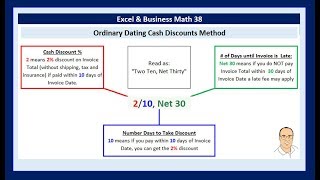
Excel & Business Math - Date Math, Invoices, Cash Discounts on Invoices, Nested IF Functions
Master Excel date functions, invoice elements, and cash discounts. Learn to perform date math, use nested IF functions, and understand various discount types for efficient business calculations.
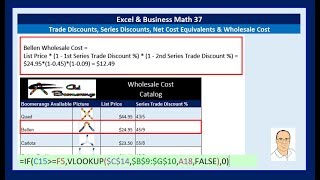
Excel & Business Math - Trade Discounts, Series Discounts, Net Cost Equivalents & Wholesale Cost
Learn to calculate trade discounts and wholesale costs using Excel functions like VLOOKUP and IF. Master business terms and automate calculations for single and series discounts in retail and wholesale scenarios.
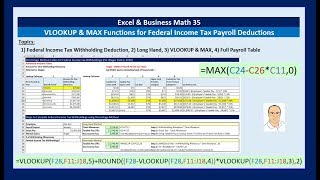
Excel and Business Math - VLOOKUP and MAX Functions for Percentage Method Federal Income Tax Deduction
Learn to calculate federal income tax withholdings using VLOOKUP and MAX functions in Excel, with practical examples for different marital statuses and pay periods.
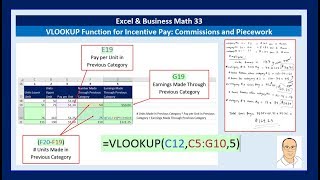
Excel & Business Math - VLOOKUP Function for Incentive Pay: Commissions & Piecework
Master VLOOKUP for incentive pay calculations, including piecework and commissions. Learn to create lookup tables and apply VLOOKUP for various business scenarios with 15 practical examples.

Excel & Business Math - IF Function, IS Functions & Building a Check Register and Other IF Tricks
Learn to create a check register using Excel's IF and IS functions, with practical applications of conditional formatting, data validation, and advanced formula techniques.