
Electromechanical Workflows Using Fusion 360 Electronics
Comprehensive overview of Fusion 360's electronic design capabilities, covering schematic creation, PCB layout, 3D integration, and collaboration features for electromechanical projects.
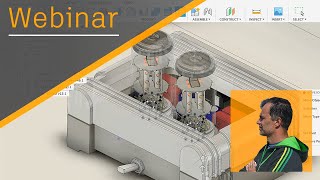
Fusion 360 Electronics - The Future of Electromechanical Design
Explore the future of electromechanical design with Fusion 360 Electronics. Learn about PCB editing, library management, and 3D workflows for innovative product development.
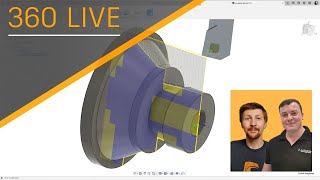
Turning Basics
Learn essential turning techniques, tool definitions, and optimal toolpaths with Mat from Autodesk's tech centre in this informative live stream session.
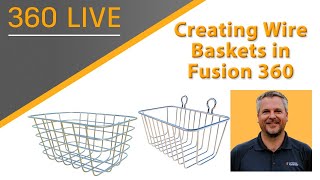
Creating Wire Baskets with Fusion 360
Learn to create parametric wire baskets efficiently using Fusion 360's powerful tools. Explore techniques for loops, symmetry, and custom forms in this step-by-step tutorial.
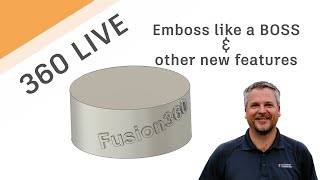
Fusion 360 Live - Emboss Like a Boss & Other Enhancements
Explore new Fusion 360 features including enhanced embossing, parameter naming, and manufacturing tools. Learn to create professional designs with curved text and improved workflow efficiency.
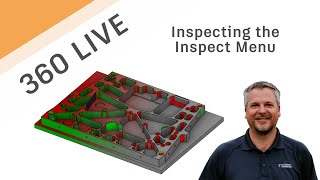
Fusion 360 Live - Inspecting the Inspect Menu
Comprehensive walkthrough of Fusion 360's Inspect menu, exploring various commands and their benefits for 3D modeling and analysis.
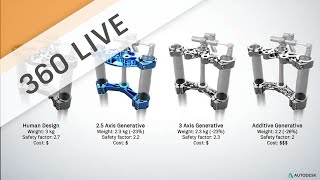
LIVE - 2.5 Axis Generative Design with Matt Lemay
Explore 2.5 axis generative design with Matt Lemay, covering project setup, manufacturing techniques, and result analysis for innovative product development using Autodesk's free tool.

Learn More About the Manufacturing Extensions
Explore advanced CAM features in Fusion 360's manufacturing extension for enhanced production efficiency, including complex surface finishing, automated drilling, and additive manufacturing.
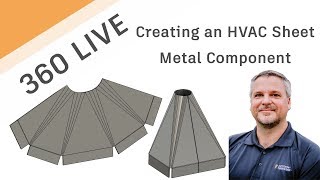
Creating HVAC Parts in Fusion 360 Sheet Metal
Learn to create custom HVAC parts using Fusion 360 Sheet Metal, including transitioning from rectangular to round openings and adding bends and flanges for practical applications.
Surface The Multi Axis Tool Path Control
Learn advanced 3D surfacing techniques for multi-axis tool path control in manufacturing, including patch surfaces, drive surfaces, and ISO Lines to optimize tool engagement and strategy design.
Fusion Academy Refresher - Surface Modeling Under the Hood
Explore advanced surface modeling techniques in Fusion 360, focusing on splines, sweeps, lofts, and patches. Learn robust solutions for common challenges and gain in-depth knowledge of the underlying technology.
Fusion Academy Refresher - Beyond the Chips
Explore advanced manufacturing techniques in Fusion 360, from CAD features to CAM tools. Learn model preparation, parametric design, and efficient workflows for enhanced productivity.
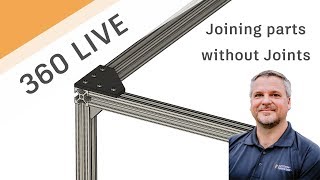
Joining Parts Without Joints
Learn efficient component positioning using Align command and inserting manufacturer parts, eliminating the need for numerous joints. Explore custom lengths, patterns, subassemblies, and organization techniques in this practical tutorial.
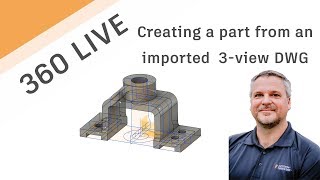
Using 2D DWG-DXF to Create 3D Model
Learn to transform 2D DWG/DXF files into 3D models using Autodesk tools. This tutorial covers importing, exporting, sketching, extruding, and utilizing various features to create detailed 3D designs from 2D drawings.

Sculpt a Nunchuck Controller
Learn to model a Nunchuck Controller using t-splines in Fusion 360. This live stream covers techniques like canvas usage, calibration, editing, manipulations, and solid modeling for creating detailed 3D designs.
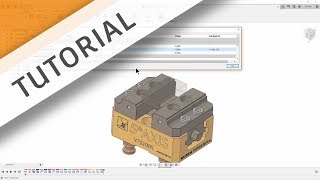
Parametric Vise Assembly
Learn to assemble vise jaws in Fusion 360 with parametric updates for stock and jaw positions, featuring expert tips and tricks for efficient manufacturing workflows.
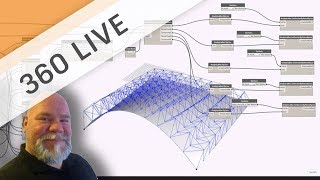
Fusion 360 + Dynamo Studio
Explore visual programming to control parametric Fusion 360 models in this comprehensive workflow demonstration, covering Dynamo Studio integration, surface manipulation, and design parameter creation.
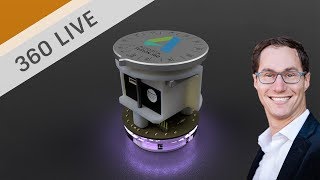
E-CAD + M-CAD Workflows and Tips
Explore efficient E-CAD and M-CAD workflows using Autodesk Eagle and Fusion 360. Learn time-saving techniques for electronic component cut-outs and PCB design integration.
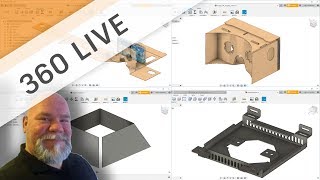
Sheet Metal Tips & Tricks with Wayne
Discover sheet metal design techniques and tool-pathing workflows with expert Wayne Griffenberg, covering flanges, bending, folding, and assembly in Autodesk software.
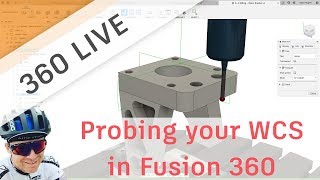
Probing Your WCS in Fusion
Learn to probe your WCS in Fusion 360's CAM workspace with expert guidance. Master tool selection, simulation, stock setup, and advanced operations for efficient and precise machining.
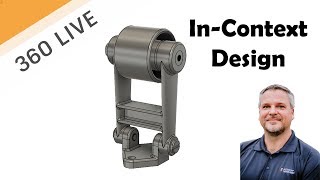
Creating In-Context Designs
Learn to create multi-part designs in context using Autodesk software. Master techniques like extrusion, lofting, and isometric sketching to build complex assemblies efficiently.