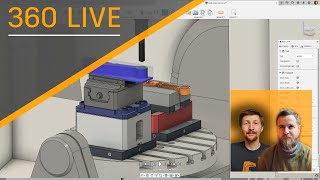
CAM - Machine Simulation
Learn to simulate machines in Autodesk Fusion 360, from selecting library machines to defining custom ones. Explore preview functionality and get hands-on experience with machine simulation.
Create, Iterate, and Ship with Fusion 360 Manage Extension
Explore Fusion 360 Manage Extension's data management capabilities, including pre-built workflows, release process management, and change management for growing businesses in smart manufacturing.
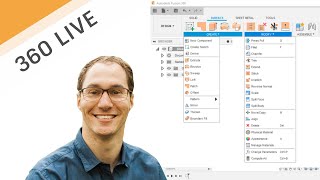
Intermediate Surface Modeling for Fusion 360
Intermediate surface modeling techniques in Fusion 360, featuring real-life examples from FXR Racing. Learn new tools and apply them to practical problems, with insights on rapid prototyping using 3D printing.
Reasons Every Machinist Should Program Their Parts in Fusion 360
Discover why machinists are switching to Fusion 360 for CAM. Learn its advantages in speed, power, affordability, and ease of use compared to other software, with practical examples and demonstrations.
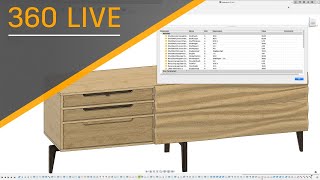
Fusion 360 and Furniture Design - Parameters for Production
Learn to leverage Fusion 360's Parameters function for efficient furniture design and production. Master techniques for custom sizing, built-ins, and streamlined business processes in this hands-on workshop.
Your CNC Shop on 3+2 Machining - Smarter, Better, Faster and More Profitable
Explore 3+2 machining to boost efficiency, productivity, and profits. Learn advantages of multi-axis capabilities, maximize machine potential, and discover easy ways to use rotary or indexer for improved CNC shop performance.

Fusion 360 and Furniture Design - The Basics
Learn Fusion 360 basics for furniture design, including solid modeling, joints, and parameters. Create a taper jig while exploring essential tools and techniques for successful industry projects.
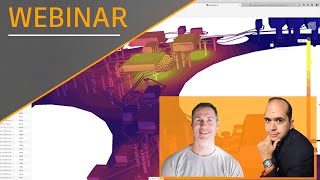
Electronics E-Cooling Simulation
Explore electronics thermal analysis in Fusion 360, covering power dissipation, IC cooling, and board-level heat management for improved device performance and reliability.
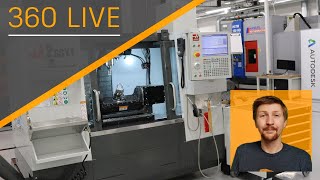
Inspecting Your Components with Fusion 360 - Manual Measure
Learn to inspect and measure components in Fusion 360 for precise CNC and 3D printing. Explore manual measurement tools, recording techniques, and creating custom measures for optimal part fit.
CAM - Done in One - 5-Axis
Explore 5-axis machining techniques for creating parts in a single operation, featuring step-by-step guidance and practical insights from industry experts.
Cam - How Would You Machine That?
Explore 3-axis machining techniques for a pre-modeled part, covering various operations like pocketing, contouring, and chamfering in this comprehensive live demonstration.
Design and Manufacture of Custom Workholding - Part 3
Explore the final stages of custom workholding, focusing on manufacturing components using the designed fixture. Learn about roughing paths, contouring, drilling, and advanced techniques.
CAM Basics - Tips & Tricks for 2nd Ops
Learn CAM tips for second operations, including rest machining, roughing setup, and drilling techniques for 2-sided parts. Enhance your machining skills with practical examples and expert guidance.
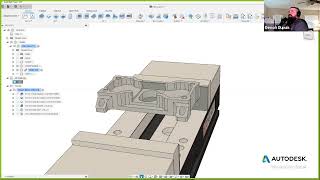
How Fusion 360 Gets You Cutting Chips Faster
Learn to efficiently use Fusion 360 for CNC machining, from importing templates to creating toolpaths and simulations. Master key features for faster and more accurate manufacturing processes.
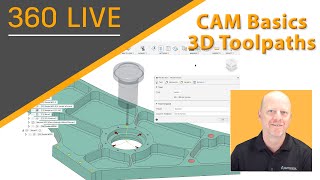
CAM Basics - 3D Toolpaths
Explore 3D toolpaths in CAM, covering adaptive techniques, geometry selection, and various toolpath types for efficient machining strategies and optimal surface finishes.

The Future of Connected PCB
Explore Fusion 360's electronic design features, including schematic simulation, manual routing, PCB outlines, and e-cooling, for comprehensive product design in a single platform.
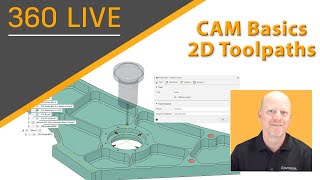
CAM Basics - 2D Toolpaths
Comprehensive walkthrough of 2D toolpath options in Autodesk's Manufacture workspace, covering various techniques and settings for efficient CAM programming.
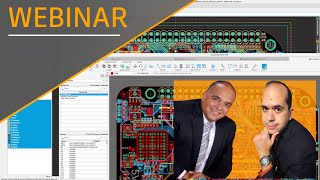
Migrating Your Autodesk EAGLE Files to Fusion 360
Learn to seamlessly transfer EAGLE designs, scripts, ULPs, and libraries to Fusion 360. Discover migration techniques, access resources, and explore new features for enhanced electronic design workflows.
NC Code Advanced Session - How to Make a Cycle Counter
Explore advanced NC code techniques to create a cycle counter and shift report, enhancing machining efficiency and production tracking capabilities.
CAM Secondary Operations
Explore secondary operations, probing techniques, and advanced setup features in CAM software for enhanced machining efficiency and precision.
In-Depth of the Setup - CAM
Comprehensive walkthrough of Autodesk's Setup and NC Program menus, covering key options and their applications in CAM software for efficient machining workflows.