
Using T-Splines to Convert a Mesh to a Solid
Learn to convert meshes into solids using T-Splines in Autodesk Fusion 360. Master techniques like sculpting, adjusting shapes, and troubleshooting for efficient 3D modeling workflows.
Secondary Ops and Soft Jaws
Explore secondary operations and soft jaw creation in CAM workspace, enhancing machining skills and efficiency for advanced manufacturing processes.
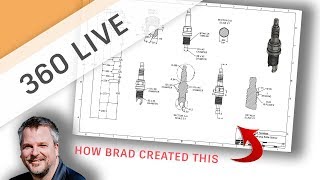
Creating the SparkPlug Drawing
Learn techniques for creating detailed engineering drawings, including profile views, section views, and dimensioning tips, using the SparkPlug Manufacturing series as an example.
Drawing Templates
Improve drawing efficiency in Fusion 360 by learning to edit title blocks, add attributes, and create templates for automatic multi-sheet generation.
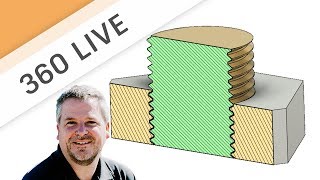
3D Printed Threads
Explore tips and tricks for 3D printed threads, including clearance, importing models, cleaning techniques, thread inserts, and creating custom threads in Fusion 360.
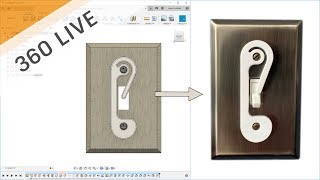
Let's Design Something Easy and Practical - A Light Switch Guard
Learn to design a practical light switch guard using Fusion 360. This beginner-friendly tutorial covers essential 3D modeling techniques for creating a simple, functional object in just 15 minutes.
Bringing SVG Files into Fusion 360
Learn to import and utilize SVG files in Fusion 360 for creating profiles, including tips on text manipulation, engraving, and tool path creation for CNC machining projects.

Design a 3D Printed Flag Pole Mount
Learn to design a 3D-printable flag pole mount using Fusion 360. This step-by-step tutorial covers sketching, extruding, adding features, and creating complex geometries for a functional and aesthetically pleasing result.
Designing 3D Printed Prescription Glasses
Explore the process of designing and 3D printing custom prescription glasses using Fusion 360, from sketching to manufacturing with HP Multi-Jet Fusion technology.
From Concept to Manufacture
Comprehensive tutorial on creating a cutting board using Fusion 360, from design to manufacturing. Covers patterns, profiles, 3D modeling, and CNC machining techniques.
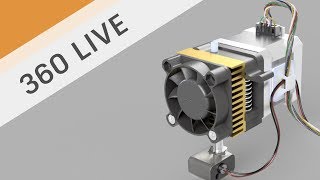
Electrical Wire Routes
Learn to create electrical wire routes in Fusion 360 using 3D sketching. Master techniques for path creation, sketch planes, sweeps, and wire bundling. Gain practical skills for designing complex wire layouts.
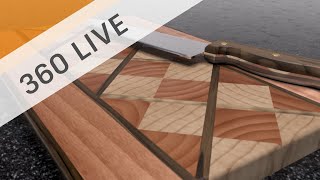
Design a Laminated Cutting Board
Learn to design a laminated cutting board using Fusion 360, focusing on techniques like copying, pasting, mirroring, and patterning parts to create an attractive and functional design.

Sculpting Generative Results
Learn to modify generative design results using t-splines in Fusion 360. Master techniques like edge manipulation, work plane creation, and symmetry tools to refine and optimize your 3D models.
CAM Basics - Attack of the Contour
Explore CAM basics, focusing on contour toolpaths and their applications. Learn decision-making behind tool-paths and gain insights into effective programming techniques.
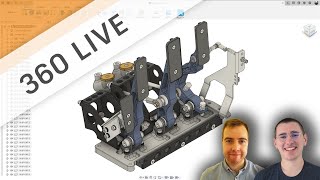
Introduction to Generative Design
Learn the basics of setting up a generative design study, including key tips and tricks for using Autodesk's generative designer workspace and creating effective design outcomes.
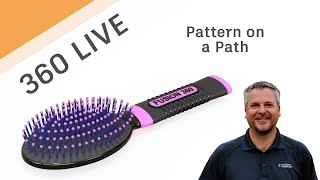
Fusion 360 Live - Pattern on a Path
Learn to use Pattern on a Path in Fusion 360, including creating shapes, construction geometry, and splines. Master extrude, offset planes, sketching techniques, and various project methods for efficient 3D design.
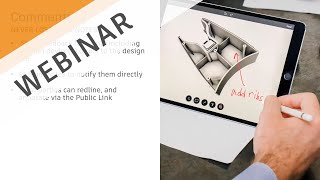
Working from Home - Collaboration Made Easy
Discover cloud-based tools in Fusion 360 for seamless remote collaboration, real-time communication, and easy sharing of 3D models and drawings with stakeholders, enhancing productivity while working from home.
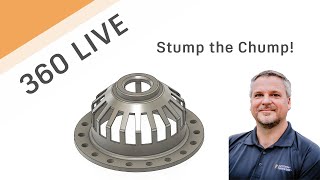
Fusion 360 Live - Stump the Chump
Live problem-solving session demonstrating Fusion 360 techniques, including projecting profiles, dimensioning, revolving, shelling, and sketching, as an expert tackles a real-world drawing challenge.

Organic Meshes in Fusion 360
Learn to create organic-looking objects in Fusion 360 using the Pipe command. Discover tips for quickly designing unique shapes like glass vases and cylinders with mesh-based techniques.
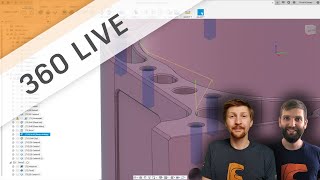
Fusion 360 Live - Drilling and Tapping
Explore key techniques for drilling and tapping in Fusion 360, including chip breaking, chamfering, and angled drilling. Learn best practices to prevent tap breakage and improve efficiency.
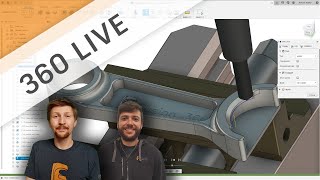
Fusion 360 Live - Chamfering Basics
Explore various chamfering techniques in Fusion 360, including modeling vs. non-modeling approaches, with expert insights on best practices and efficient workflows.