How to Create a Hanging Monkey Illustration in Adobe Illustrator
Learn to create a charming hanging monkey illustration using basic shapes and tools in Adobe Illustrator. Master warp effects, Pathfinder panel, and essential tools to bring your design to life.
How to Create the Naruto Logo in Adobe Illustrator
Learn to create iconic Naruto logos and symbols in Adobe Illustrator, including the original logo, Shippuden logo, Konohagakure headband, and Akatsuki cloud using shapes, strokes, and effects.
How to Draw the Ghostbusters Logo in Adobe Illustrator
Step-by-step guide to recreate the iconic Ghostbusters logo in Adobe Illustrator, covering essential tools and techniques, including a ghostly glow effect for the final touch.
Creating the Central Perk Logo in Adobe Illustrator
Learn to recreate the iconic Friends' Central Perk logo in Adobe Illustrator. Master techniques for designing the green plate, ribbon, coffee mug, and text elements using professional fonts and tools.

Swiss Geometric Poster Design Tutorial in Adobe Illustrator
Learn to create clean, geometric Swiss-style posters in Adobe Illustrator. Master grids, typography, color, and layout techniques to design striking visual compositions inspired by Swiss design principles.

Best Tools to Convert Image to Vector - Illustrator and Alternatives
Comprehensive guide to image vectorization tools, comparing Illustrator and alternatives. Explores features, results, and best options for converting complex images to vector graphics.
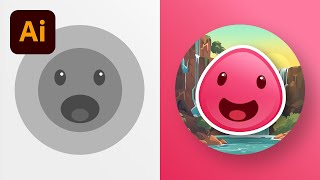
11 Must-Know Tips for Beginners in Adobe Illustrator
Essential tips for Adobe Illustrator beginners: work faster, create shapes, use pathfinder options, apply gradients, distort shapes, and mask images. Boost efficiency and creativity in vector graphics design.
7 Hidden Gems in Adobe Illustrator 2024 - New Features and Improvements
Discover 7 hidden gems in Illustrator 2024, including improved tools, new features, and time-saving shortcuts that enhance your design workflow and productivity.
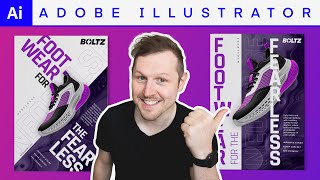
Axial Grid Poster Design in Adobe Illustrator
Learn to create dynamic typographic posters using the Axial grid system in Adobe Illustrator. Master image manipulation, typography, color, and composition techniques to design impactful sneaker company promotional materials.
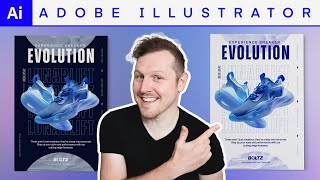
Creating an Urban Typographic Poster in Adobe Illustrator
Learn to design dynamic urban typographic posters in Adobe Illustrator. Master layout, typography, imagery, and color to create eye-catching designs for promotional campaigns.
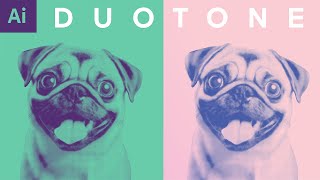
Duotone Image Effect with Halftone in Adobe Illustrator - Design Tutorial
Create impactful duotone and halftone effects in Adobe Illustrator. Learn to set up, prepare colors, apply effects, and explore color combinations for bold, graphic designs.
Affinity Designer vs Adobe Illustrator - 30 Day Experience Review
Explore the pros and cons of Affinity Designer compared to Adobe Illustrator in this insightful review based on 30 days of hands-on experience.
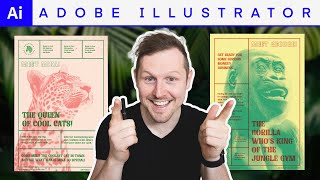
Screen Print Poster Effect in Adobe Illustrator - Poster Design Tutorial
Create a screen print poster effect in Adobe Illustrator. Master typography, imagery, and color techniques to design eye-catching zoo posters with a tactile, human quality.
Create A Simple User Interface Kit From Scratch
Learn to design essential UI elements like text fields, scrollbars, and checkboxes for web projects, building a versatile UI kit from the ground up.

Make Motion Graphics Assets with AI - Stable Diffusion + Illustrator Tutorial 2022
Learn to create AI-generated motion graphics assets using Stable Diffusion and Adobe Illustrator, from setup to vector conversion and color editing.
Man vs Machine - Deke vs Dall-E
Explore the battle between human creativity and AI-generated art in this engaging tutorial comparing traditional design techniques with Dall·E's capabilities.
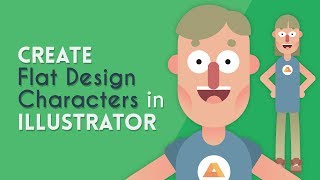
Create a Flat Design Character - Illustrator Tutorial
Learn to design a simple flat character in Illustrator, covering basic shapes, facial features, body parts, and logo creation in this step-by-step tutorial.
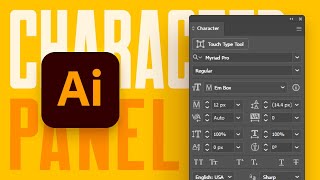
A Beginner's Guide to the Character Panel in Illustrator
Comprehensive tutorial on Illustrator's Character panel, covering fonts, text styling, OpenType features, and advanced typographic controls for enhanced design capabilities.
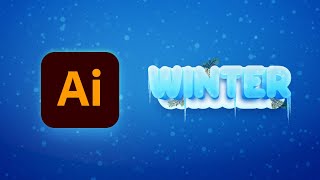
How to Create a Winter Text Effect in Illustrator
Master Adobe Illustrator techniques to create stunning winter text effects with 3D ice, snow, icicles, and fir branches in this step-by-step tutorial.
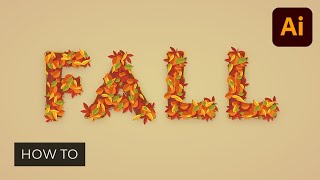
How to Create a Fall Text Effect in Illustrator
Learn to create a stunning fall text effect in Adobe Illustrator by designing leaf brushes and utilizing the Appearance panel. Master techniques for crafting unique, editable designs perfect for autumn-themed projects.
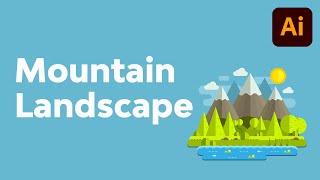
How to Create a Mountain Landscape in Flat Style in Adobe Illustrator
Master flat design techniques in Adobe Illustrator to create stunning mountain landscapes using basic shapes and tools. Learn to craft meadows, shorelines, hills, and add depth to your illustrations.