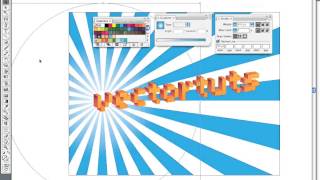
Create a Vibrant 3D Pixel Type Treatment
Learn to craft eye-catching 3D pixel typography using free fonts, gradients, and Illustrator's 3D filter for versatile design applications.
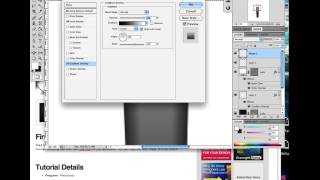
How to Create a Realistic Fountain Pen in Photoshop
Learn to design a realistic calligraphy pen using Photoshop's Pen Tool and Layer Styles. Master lighting and reflection techniques to create stunning, professional-looking icons.

Spirograph Tutorial - Creating Geometric Patterns with Digital Tools
Create beautiful geometric patterns using the classic Spirograph toy in Adobe Illustrator. Learn techniques for precision, color, and unique designs.
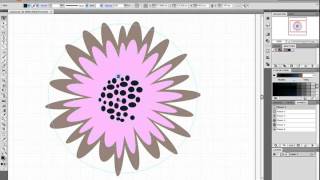
How to Make a Foolproof Flowery Wallpaper Pattern in Illustrator
Create a foolproof flowery wallpaper pattern in Illustrator using tessellation techniques. Learn step-by-step guide creation, flower placement, tile design, and edge refinement for seamless patterns.
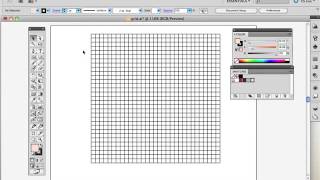
Create a Pixel Portrait with The Live Paint Bucket
Learn to create vibrant pixel portraits using Adobe Illustrator's Grid, Live Paint Bucket, and Shape Builder tools. Master color selection and efficient vector illustration techniques.
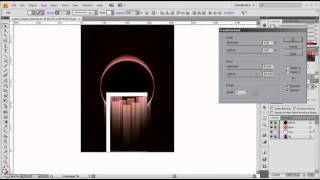
How to Create a Scarlet Eclipse Effect for Posters and Flyers
Learn to design a dark eclipse poster using blends, effects, transformations, and textures in Adobe Illustrator for striking visual impact.
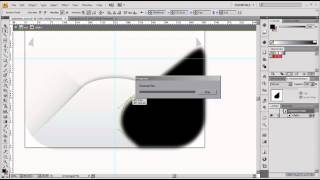
How to Create a Cute Valentine's Day Icon with Adobe Illustrator
Create a charming Valentine's Day envelope icon using Adobe Illustrator, perfect for digital designs and love-themed projects.
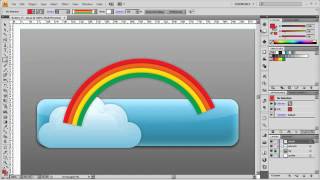
Creating an Eye-Catching Upload Button in Adobe Illustrator
Learn to design an eye-catching upload web button using simple tools and techniques in Adobe Illustrator, enhancing your graphic design skills.
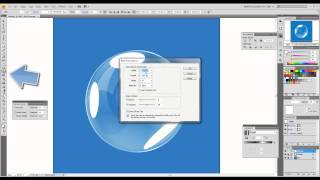
How to Create Realistic Vector Bubbles
Learn to craft lifelike vector bubbles using Adobe Illustrator techniques. Master transparency, gradients, and reflections for stunning graphic designs.
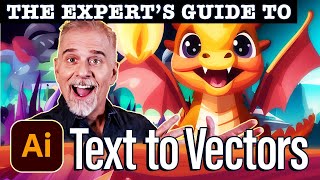
Text to Vector Graphic in Illustrator 2024 - Comprehensive Guide
Explore Illustrator 2024's powerful Text to Vector Graphic feature, learning to create scenes, edit icons, and design seamless patterns with AI-generated vector graphics.

Mastering Logo Design in Adobe Illustrator
Learn essential tools and techniques for creating professional logos in Adobe Illustrator, from basic shapes to advanced features, with hands-on practice and expert guidance.

Vector AI Generation in Adobe Illustrator for UI/UX Design
Explore Adobe Illustrator's new Vector AI feature for effortless creation of seamless patterns, subjects, and icons, revolutionizing UI/UX design workflows.
How to Create an Hourglass Icon in About an Hour
Learn to design an hourglass icon using basic shapes, gradients, and vector textures in Adobe Illustrator. Perfect for beginners, this tutorial avoids complex tools like the Pen Tool.
How to Create an Alarm Clock Icon
Learn to design a sleek alarm clock icon using simple shapes and gradients in Adobe Illustrator. Perfect for beginners looking to enhance their vector illustration skills.
Time Warped Logo Tutorial
Create a distorted, time-warped logo effect using Adobe Illustrator's powerful tools and techniques in this step-by-step tutorial.

How to Make a Fire Logo Design
Learn to create a detailed fireball logo in Adobe Illustrator, from initial setup to final stylization. Master flame shapes, 3D effects, brushes, and text integration for eye-catching designs.
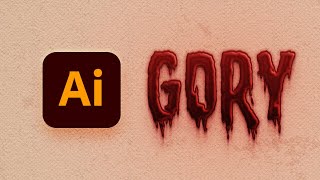
How to Create a Dripping Blood Text Effect in Adobe Illustrator
Learn to create a spooky dripping blood text effect in Adobe Illustrator using fonts, the Appearance panel, and textures. Perfect for horror-themed designs and Halloween projects.

How to Make a Moroccan Pattern in Illustrator
Learn to create and apply intricate Moroccan patterns in Adobe Illustrator, from constructing the base structure to coloring and saving as a reusable swatch for various design projects.
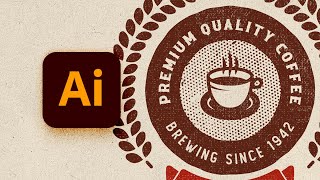
How to Design a Vintage Circular Logo in Illustrator
Learn to create a vintage circular logo in Illustrator using vector shapes, pattern brushes, textures, and text. Master techniques for designing retro-style graphics with professional results.
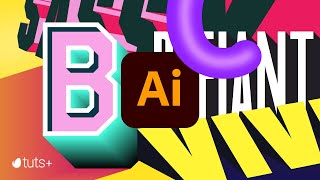
Mastering 3D Text in Adobe Illustrator
Learn to create striking 3D typography in Adobe Illustrator with eight different text effects. Gain skills to design bold, engaging visuals that stand out in your graphic design projects.
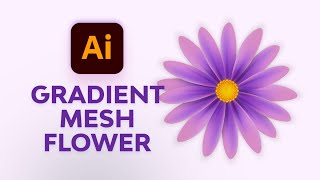
Create Simple Flowers With Gradient Mesh in Adobe Illustrator
Learn to create beautiful, realistic flowers using Adobe Illustrator's Gradient Mesh tool. Master petal formation, shading techniques, and leaf creation for stunning floral designs.