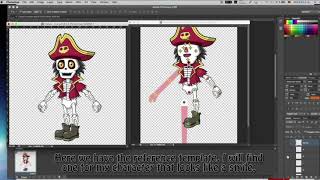
CrazyTalk Animator 3 Tutorial - Create Custom G3 Character with PSD by Lunacreciente
Tutorial en español para crear personajes G3 personalizados en CrazyTalk Animator 3 utilizando archivos PSD y Photoshop, presentado por el canal infantil Lunacreciente.
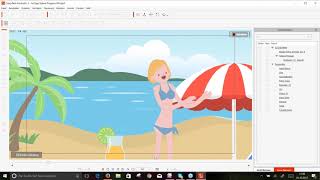
[German Webinar] Einführung in CrazyTalk Animator 3
Entdecken Sie die Grundlagen und neuen Funktionen von CrazyTalk Animator 3 für professionelle 2D-Animationen, einschließlich Knochen-Editor, verbessertes Kopfsystem und Elastic Motion Effekte.
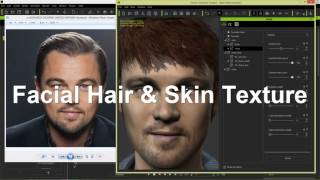
CrazyTalk 8 – 3D Kopf in andere 3D Programme exportieren & bearbeiten
Detaillierte Anleitung zum Export und zur Bearbeitung von 3D-Köpfen aus CrazyTalk 8 in verschiedenen 3D-Programmen, einschließlich Character Creator, iClone und Sculptris.
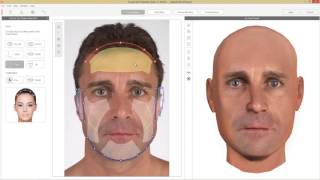
CrazyTalk 8 Tutorial – 3D Kopf aus zwei Fotos erstellen
Erstelle detaillierte 3D-Köpfe aus Front- und Profilbildern mit CrazyTalk 8. Lerne Merkmalspunkte zu markieren, Konturen anzupassen und Texturen zu mischen für realistische Ergebnisse.
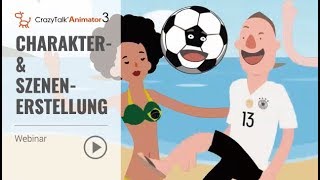
[German] CrazyTalk Animator 3 Webinar: Charakter- und Szenenerstellung
Einfache Filmerstellung mit CrazyTalk Animator 3: Lerne Charaktere und Szenen zu erstellen, Animationen anzuwenden und 30-sekündige Videos zu produzieren - auch ohne professionelle Erfahrung.
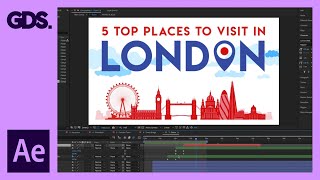
Animate a Simple 2D Scene in After Effects - Adobe After Effects for Beginners
Learn to animate a simple 2D composition in After Effects with step-by-step guidance on anchor points, scaling, and creating cloud movements for beginners.
Toon Boom Animation Overview - The Global Landscape of 2D Animation
Explore the global 2D animation landscape, industry skills, portfolio advice, and pipeline insights. Gain valuable knowledge about job opportunities and application strategies in this evolving field.

Blender 3.0 Grease Pencil Tutorial - Bakery Shop
Learn to create a charming 2D bakery shop using Blender 3.0's Grease Pencil tool. Master drawing techniques, shape tools, and detailing to bring your illustration to life.
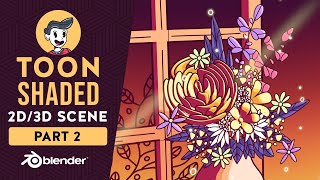
Blender Grease Pencil Beginner Tutorial - 2D & 3D Toon Shaded Scene
Learn to create and animate 2D & 3D toon-shaded scenes in Blender using Grease Pencil. Master techniques for drawing, shading, and bringing your designs to life with step-by-step guidance.
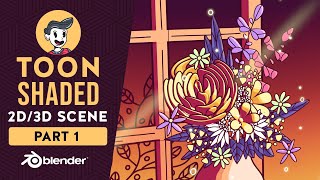
Blender Grease Pencil Beginner Tutorial - 2D & 3D Toon Shaded Scene
Learn Blender's Grease Pencil for 2D & 3D toon-shaded scenes. Master modeling, shading, and creating concepts in this comprehensive beginner-friendly tutorial.

How to Get Started Animating in After Effects - Animation for Beginners - After Effects Tutorial
Learn essential After Effects animation techniques, from basic tools to advanced plugins like DUIK Bassel and RubberHose 2, perfect for beginners looking to create stunning 2D motion graphics.
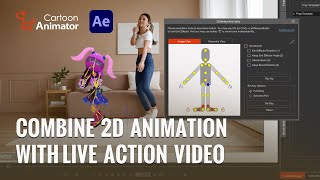
Adding 2D Characters and VFX to Live Video Using Cartoon Animator 4
Learn to create animated 2D characters and visual effects with Cartoon Animator 4, including transparent video export and compositing techniques for seamless integration with live-action footage in video editors.
Stand Out on Animated Videos with Ease and Fun - Cartoon Animator 4 Webinar
Learn to create captivating animated videos using Cartoon Animator 4. Discover tips, basic functions, and workflow techniques to bring your ideas to life and wow your audience with outstanding animations.
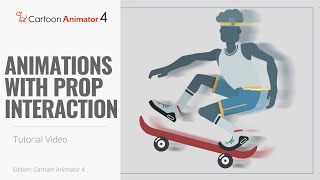
Cartoon Animator 4: Smart IK Animation Tutorial - Prop Interaction Techniques
Learn to create natural character movements and prop interactions using Smart IK, end effectors, constraints, and linking in Cartoon Animator 4. Includes skateboarding and bar swinging examples.
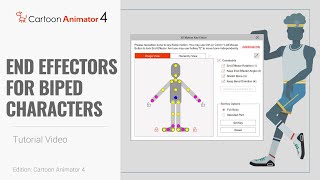
Cartoon Animator 4: Smart IK Animation Tutorial - End Effectors for Biped Characters
Learn to animate biped characters using Smart IK and End Effectors in Cartoon Animator 4. Master precise character posing, scene interaction, and motion adaptation for powerful 2D animations.
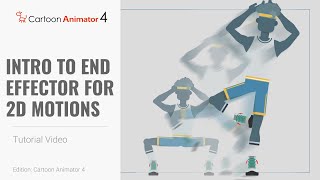
Smart IK Animation Tutorial - Intro to End Effectors for 2D Motions in Cartoon Animator 4
Learn to create precise 2D character animations using Smart IK and End Effectors in Cartoon Animator 4. Master keyframe animation techniques and enhance your cartoon creation skills.
How to Start Your 2D Animation Journey with Cartoon Animator - Webinar
Learn to animate your drawings with Cartoon Animator in this webinar. Professional illustrator Garry Pye guides beginners through easy techniques, time-saving features, and practical tips to kickstart your 2D animation journey.
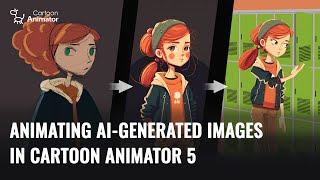
Animating AI-Generated Images in Cartoon Animator 5
Learn to create and animate AI-generated 2D characters using Cartoon Animator 5. Explore techniques for optimizing sketches, enhancing designs, and bringing characters to life with 3D motion conversion.
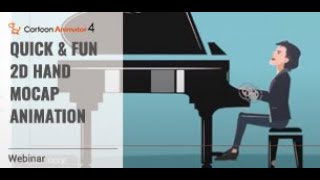
Quick and Fun 2D Hand Mocap Animation in Cartoon Animator 4
Explore advanced 2D hand animation techniques in Cartoon Animator 4, including bone-based manipulation, hand pose editing, and motion capture using Leap Motion for quick and expressive character animations.
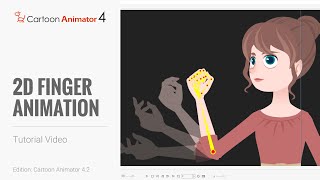
Cartoon Animator 4 Tutorial - Hand Pose Key Editor for 2D Finger Animation
Learn to create detailed hand animations using Cartoon Animator 4's Hand Pose Editor. Master bone-enabled hands, save and export animations, and enhance your 2D character animations with realistic finger movements.
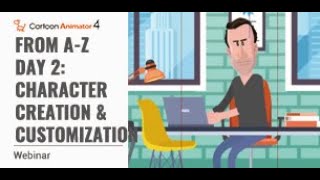
Cartoon Animator from A-Z - Character Creation and Customization - Day 2
Learn character creation in Cartoon Animator 4, from free-bone actors to custom designs using Photoshop Pipeline. Master 360-degree heads, motion application, and animation templates for impressive results.