
CrazyTalk Animator 2 Tutorial - Intro to Stage & SFX
Learn to create dynamic 2D animations using CrazyTalk Animator 2's 3D environment. Master importing assets, adding effects, and manipulating layers for professional-looking animated scenes.
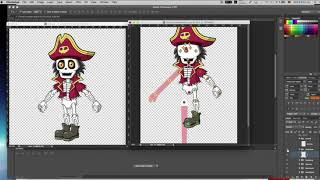
CrazyTalk Animator 3 Tutorial - Creating a New G3 Character With Photoshop
Tutorial en español sobre cómo crear un nuevo personaje G3 en CrazyTalk Animator 3 utilizando Photoshop. Aprende a asignar sprites al esqueleto de la plantilla G3 y ajustar los valores para obtener resultados ideales.
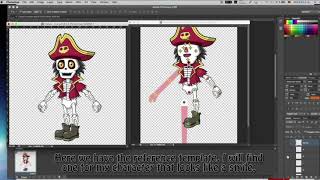
CrazyTalk Animator 3 Tutorial - Create Custom G3 Character with PSD by Lunacreciente
Tutorial en español para crear personajes G3 personalizados en CrazyTalk Animator 3 utilizando archivos PSD y Photoshop, presentado por el canal infantil Lunacreciente.
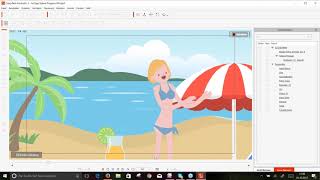
[German Webinar] Einführung in CrazyTalk Animator 3
Entdecken Sie die Grundlagen und neuen Funktionen von CrazyTalk Animator 3 für professionelle 2D-Animationen, einschließlich Knochen-Editor, verbessertes Kopfsystem und Elastic Motion Effekte.
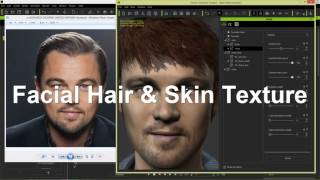
CrazyTalk 8 – 3D Kopf in andere 3D Programme exportieren & bearbeiten
Detaillierte Anleitung zum Export und zur Bearbeitung von 3D-Köpfen aus CrazyTalk 8 in verschiedenen 3D-Programmen, einschließlich Character Creator, iClone und Sculptris.
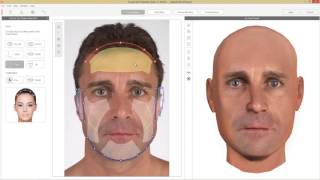
CrazyTalk 8 Tutorial – 3D Kopf aus zwei Fotos erstellen
Erstelle detaillierte 3D-Köpfe aus Front- und Profilbildern mit CrazyTalk 8. Lerne Merkmalspunkte zu markieren, Konturen anzupassen und Texturen zu mischen für realistische Ergebnisse.
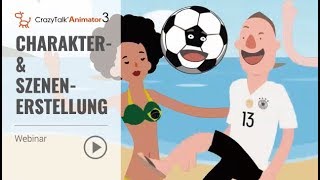
[German] CrazyTalk Animator 3 Webinar: Charakter- und Szenenerstellung
Einfache Filmerstellung mit CrazyTalk Animator 3: Lerne Charaktere und Szenen zu erstellen, Animationen anzuwenden und 30-sekündige Videos zu produzieren - auch ohne professionelle Erfahrung.
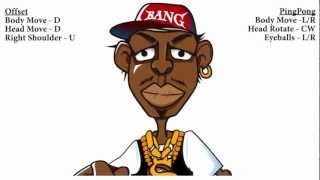
CrazyTalk 7 PRO Tutorial - Advanced Auto Motion - Muscle Control
Learn advanced facial animation techniques using CrazyTalk 7 PRO's Muscle Control feature in the Auto Motion Settings panel for creating vivid and expressive character animations.

CrazyTalk Tutorial - Puppeteering Guide
Master real-time puppeteering techniques in CrazyTalk 5, exploring tools for dynamic character animation and interactive performances.
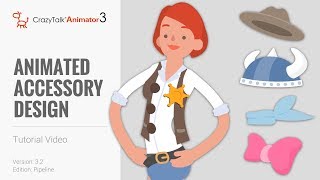
CrazyTalk Animator 3.2 Pipeline Tutorial - Animated Accessory Design
Learn to customize character clothing, create accessories in Photoshop, and animate them in CrazyTalk Animator. Master techniques for enhancing character designs and bringing them to life with animated accessories.
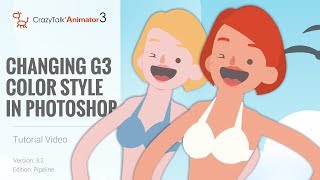
CrazyTalk Animator 3.2 Pipeline Tutorial - Changing G3 Color Style in Photoshop
Learn to customize G3 character colors in Photoshop for CrazyTalk Animator 3.2. Covers launching characters, adjusting skin and facial features, and updating changes in the animation software.

CrazyTalk 8 - Easy to Create a Talking Avatars
Learn to create and animate 2D and 3D talking avatars using CrazyTalk 8's enhanced face-fitting technology. Explore techniques for customizing eyes, teeth, and facial animations for realistic character expressions.
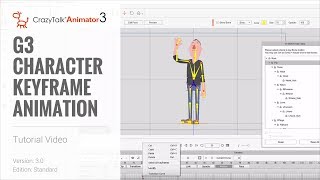
CrazyTalk Animator 3 Tutorial - G3 Character Keyframe Animation
Learn keyframe animation techniques in CrazyTalk Animator 3, including customizing library motions, creating from scratch, and using curve editor for enhanced animations. Master the Motion Key Editor for precise character movements.
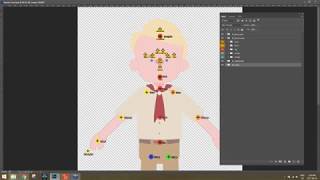
Photoshop Character Creation and Animation Pipeline for CrazyTalk Animator 3
Learn to create and animate custom characters using Photoshop and CrazyTalk Animator 3. Covers character design, customization, body and facial animation techniques for bringing your designs to life.
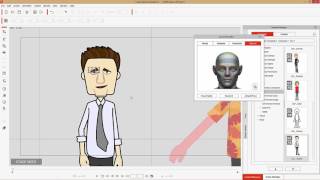
CrazyTalk Animator 3 Tutorial - Advanced Face Key Editing
Learn advanced face key editing techniques in CrazyTalk Animator 3, including tool comparisons, morph keyframes, blending templates, and transform/deform features for creating dynamic facial animations.
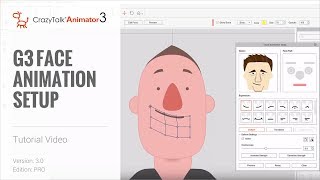
CrazyTalk Animator 3 Tutorial - G3 Face Animation Setup
Learn to set up and customize facial animations for G3 characters in CrazyTalk Animator 3, including morphing features, puppet profiles, and deformation techniques for enhanced expressiveness.
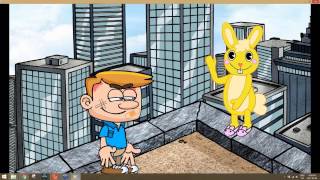
From Script to Screen: Creating a Complete Animated Scene - Introduction and Scene Setup
Learn to create animated scenes using CrazyTalk Animator 3. Covers UI basics, prop customization, environment creation, animation fundamentals, and sound integration for bringing your scripts to life visually.
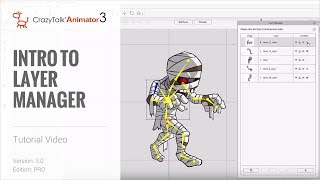
CrazyTalk Animator 3 Tutorial - Intro to Layer Manager
Comprehensive guide to CrazyTalk Animator 3's Layer Manager, covering UI functions, bone customization, layer editing, masking, and image manipulation for enhanced character creation and customization.
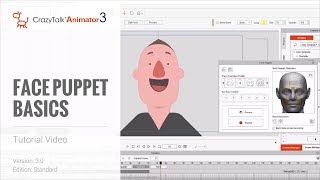
CrazyTalk Animator 3 Tutorial - Face Puppet Basics
Learn to animate character expressions quickly using CrazyTalk Animator 3's Face Puppet tool. Master profiles, solo features, layer blending, advanced settings, and integration with lip sync for efficient facial animation workflows.
CrazyTalk Animator 3 - Face Key Editing Basics
Learn to create detailed facial animations using the Face Key Editor tool, covering solo feature editing, expression templates, blending expressions with lip sync, and advanced settings.
CrazyTalk Animator 3 Tutorial - G3 Head Creation for Any Character
Learn to create dynamic G2+ heads in CrazyTalk Animator 3, including importing templates, converting heads, customizing features, and setting up facial animations for smoother, more expressive characters.