Create a Game from Scratch in Unreal Engine 5 - Full Course Part 2
Comprehensive guide to developing a first-person action game in Unreal Engine 5, covering VFX, level design, UI, gameplay mechanics, and optimization techniques.
Make it Rain - Building Particle Systems in SwiftUI
Explore SwiftUI particle systems with Paul and Sophie Hudson. Learn techniques to create dynamic visual effects, enhancing your iOS app's user experience and interactivity.
Creating Realistic Fire in Unreal Engine with Niagara Fluids
Learn to create realistic fire effects in Unreal Engine using Niagara fluids. Master techniques for flaming text, objects, logos, and animated characters. Explore particle simulations and advanced applications.
Creative AI Conversations - Democratizing Video Production and Editing
Explore the future of AI-driven video production and editing with Soumyadip Sengupta, discussing democratization of VFX, personalized AI, and the intersection of video editing and VR technology.

Image Segmentation Models in Runway - Introduction and Overview
Explore various image and video segmentation models in Runway, learning techniques like masking, Yolac, Mascara, and Bassnet for instant and effective visual content manipulation.

Remove People From Group Photos in Photoshop
Master advanced Photoshop techniques to seamlessly remove people from group photos. Learn blending, masking, hair brushes, painting, and compositing for clean, professional results.
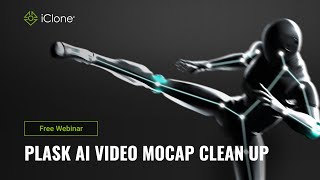
Plask AI Video Mocap Clean Up in iClone 8 - Webinar
Explore AI video motion capture cleanup using Plask and iClone 8. Learn techniques to enhance mocap data quality, integrate with other tools, and optimize your animation workflow.
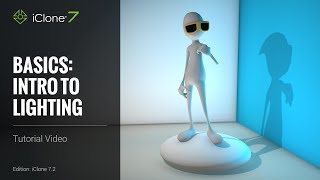
iClone 7 Basics Tutorial - Introduction to Lighting
Learn essential lighting techniques in iClone 7 to transform scenes from drab to visually stunning. Explore image-based, ambient, directional, spotlight, and point lights to set the perfect mood for your 3D projects.
Creating Seamless Bitmap2Material Textures for iClone
Learn to create seamless textures using Bitmap2Material for iClone scenes. Explore texture map parameters and their effects on various texture types in this quick, practical tutorial.
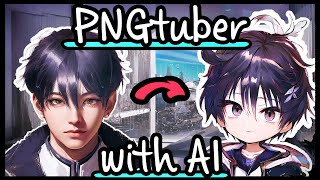
Stable Diffusion - Create a PNGtuber with Character LoRA
Learn to create a custom PNGtuber using Stable Diffusion, Character LoRA, and various AI tools. Master techniques for character design, image manipulation, and integration with streaming software.

Understanding Video Object Segmentation - Behind the Scenes
Explore video object segmentation techniques, including refinement and propagation networks, with insights into Runway's Green Screen tool for real-time video editing.
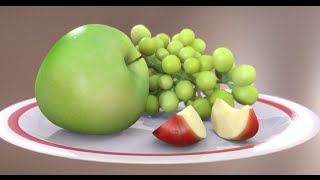
Separable Subsurface Scattering - Real-Time Rendering Technique
Explore a novel real-time rendering technique for translucent objects in computer games, enabling lifelike visuals of skin, marble, and more on standard hardware.
Flicker-Free Animations - Stable Diffusion, EBSynth & ControlNet
Learn techniques for creating smooth, flicker-free animations using Stable Diffusion, EBSynth, and ControlNet. Master frame extraction, keyframe selection, image processing, and advanced compositing for professional-quality results.
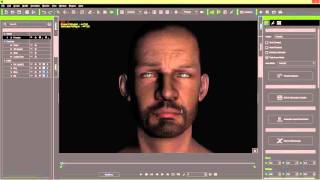
iClone 6 Tutorial - 3 Point Lighting for Realistic Humans
Master 3-point lighting techniques in iClone 6 to create realistic human characters. Learn key, fill, and rim lighting, along with shadow settings and ambient lighting for enhanced visual impact.
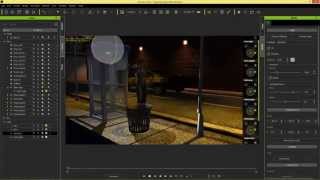
iClone Beginner's Guide: Basic Scene Lighting
Learn essential scene lighting techniques in iClone, including directional lights, spot lights, point lights, and image-based lighting. Master the basics to set the mood and enhance your 3D scenes effectively.
iClone 6 Tutorial - Lighting in Indigo Rendering
Learn to adjust iClone lights for optimal rendering in Indigo, exploring various techniques to achieve different lighting effects and enhance your 3D scenes.
Motion Builder Motion Editing for Unreal Characters - Part 1
Learn to edit motion capture files for Unreal characters using Motion Builder. Explore seamless FBX export from iClone and Character Creator, and compare editing processes in Motion Builder and iClone.
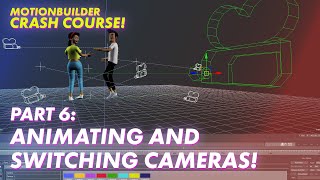
Animating and Switching Cameras in Motionbuilder - Mocap Crash Course Part 6
Learn to animate and switch cameras using Motionbuilder's Camera Switcher tool, enhancing your motion capture skills and creating dynamic visual sequences.
How to Make Confetti in AE - After Effects Tutorial
Create simple, eye-catching confetti effects in After Effects without plugins. Learn techniques for composition, fractal noise, color, and particle settings to enhance your visual projects.
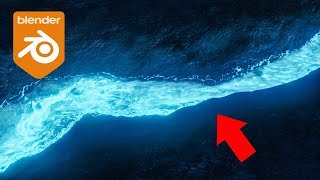
Blender Tutorial - Creating a Glowing River
Learn to create a stunning glowing river effect in Blender 3.0 using Mantaflow, foam particles, custom materials, and vector blur for a realistic and visually striking result.
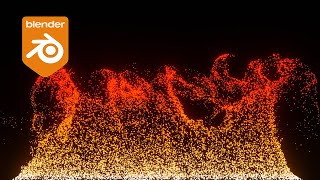
Blender Tutorial - Fire Particle Animation
Learn to create realistic fire particle animations in Blender 2.90 using Mantaflow and the Particle System. Master fluid flow force fields to make particles follow smoke for stunning visual effects.