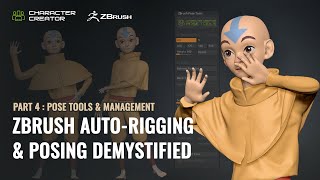
ZBrush Pose Management and Tools - Part 4: Advanced Techniques
Explore advanced ZBrush posing techniques using Pose Tools and Character Creator. Learn efficient workflows for character design, including dynamic simulations and layer management.
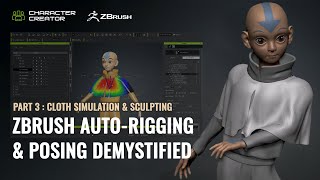
ZBrush Auto-Rigging and Posing - Part 3: Cloth Simulation and Character Creator Pose Tools
Learn advanced techniques for auto-rigging, posing, and cloth simulation in ZBrush and Character Creator. Master the motion library, GoZ workflow, and create dynamic character designs efficiently.
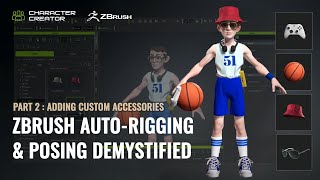
ZBrush Auto-Rigging and Posing - Custom Accessories and Character Creator Tools - Part 2
Learn advanced techniques for custom accessory creation, rigging, and posing in ZBrush and Character Creator. Master polycount optimization, texture transfer, AccuRig, and the ZBrush Pose Link plugin for enhanced 3D character design workflows.
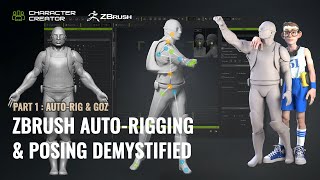
ZBrush Auto-Rigging and Posing with Character Creator - Part 1: Auto-Rig and GoZ
Learn to auto-rig and pose 3D characters using ZBrush and Character Creator. Master essential techniques like resizing, AccuRIG, and GoZ for seamless workflow between software.
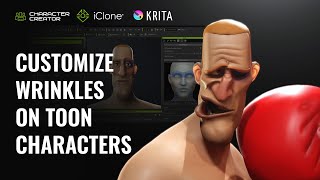
Creating Distinctive Dynamic Wrinkles for Toon Characters in Krita and Character Creator
Learn to create unique cartoon character wrinkles using Krita and Character Creator. Master customizing preset wrinkles, sculpting expressions, and combining personalized wrinkles for distinctive animated characters.
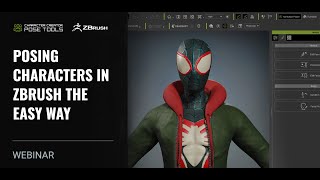
Posing Characters in ZBrush - The Easy Way with Character Creator 4
Learn advanced techniques for dynamic character posing using ZBrush and Character Creator 4. Explore pose tools, AccuRig, and Pose Link to create lifelike, expressive 3D character poses efficiently.
Create Awesome-Looking Character Animation with the 12 Principles
Learn to create captivating character animations using the 12 Principles of Animation in Cartoon Animator 4. Master techniques to bring characters to life, avoid robotic movements, and elevate your animation skills.
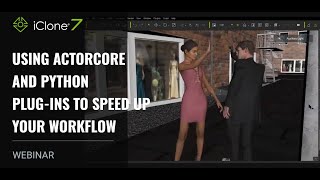
Using ActorCore and Python Plug-ins to Speed Up Your Workflow
Enhance 3D animation workflow using ActorCore 2.0's motion library, 3D scanned characters, and iClone's Python API plugins for efficient scene creation and camera movement.
Creating Unique Character Types with SkinGen - Character Customization and Lighting
Explore SkinGen plug-in for detailed character customization, including makeup, aging, and blemishes. Learn to enhance characters with strategic lighting and facial animation in iClone.
Create Unlimited Characters with ActorCore and Blender
Explore ActorCore character creation, material editing in Substance Player, and rendering in Blender. Learn to combine ActorCore motions with facial mocap for quick scene creation in iClone.
Lip Sync and ARKit Facial Motion Capture Tips and Techniques for iClone 7
Learn advanced facial animation techniques using iClone 7, including ARKit motion capture, AI-powered lip-sync, and real-time integration with Unreal Engine for creating lifelike character dialogues.
Create 3D Animation for Scene Design and 3D Lighting with iClone and ActorCore
Learn to create and animate a complete 3D scene using iClone 7, covering scene construction, character animation, lighting setup, and camerawork. Perfect for beginners seeking to master basic 3D animation workflows.
Create Awesome-Looking Character Animation with the 12 Principles
Learn to create captivating character animations using the 12 principles of animation in Cartoon Animator 4. Master techniques to bring characters to life, avoid robotic movements, and elevate your animation skills.
Animating Metahuman and CC3 Characters with iClone Tools
Learn to create and animate ultra-realistic characters using Metahuman, Character Creator 3, and iClone tools. Explore character design, scene export, motion editing, and facial mocap for Unreal Engine projects.
The Powerful Facial System for LipSync, Smart Hair, and ARKit Facial Mocap in iClone 7.9
Explore iClone 7.9's enhanced facial animation features, including improved lip sync, ARKit mocap, and a new hair system for creating customized characters with high-quality facial animations.
Facial and Puppet Animation with 360 Head Tools and Puppet Actors
Explore 360 Head Tools and Puppet Actor toolkit in Cartoon Animator 4. Learn character creation, facial mocap, and animation techniques for unique 2D characters using webcam and Leap Motion.
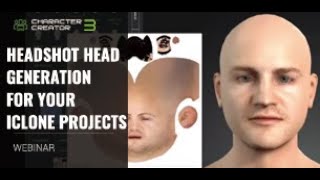
Headshot Head Generation for iClone Projects
Explore AI-powered 3D character generation with Headshot plug-in for Character Creator. Learn auto and pro modes, troubleshooting techniques, and basic facial animation tools for quick, realistic digital humans.
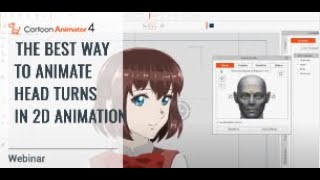
The Best Way to Animate Head Turns in 2D Animation
Learn techniques for smooth 2D head turn animations using Cartoon Animator 4. Covers 360 Head Creator, Facial Animation Setup, and professional workflows for consistent mass and shape in character animation.
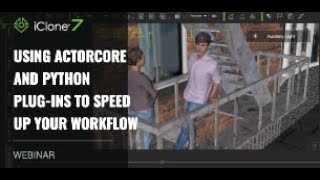
Using ActorCore and Python Plug-ins to Speed Up Your Workflow
Enhance 3D animation workflow using ActorCore's motion library and iClone's Python API plugins. Learn to combine pre-made assets with custom scripts for efficient, high-quality scene creation.
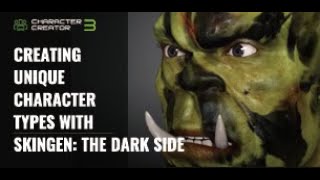
Creating Unique Character Types with SkinGen - The Dark Side
Explore advanced character creation techniques using SkinGen to craft unique, dark-themed characters with detailed skin customization and dramatic lighting in iClone.
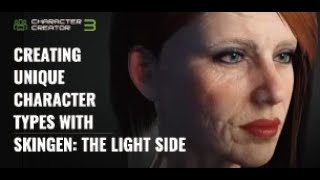
Creating Unique Character Types with SkinGen: The Light Side
Explore SkinGen plug-in for detailed character creation, from basic UI to customizing makeup, aging effects, and outdoor lighting in iClone. Learn to craft lifelike digital personas.