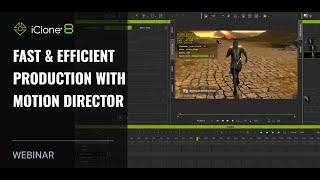
Fast and Efficient Production with Motion Director - iClone 8 Webinar
Discover AI-enhanced Motion Director for quick character animations in iClone 8. Learn follow-cam sequences, ArchViz projects, and crowd direction techniques for film and game production.
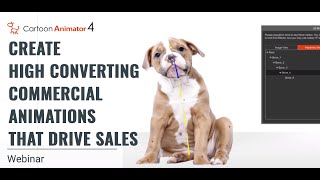
Create High Converting Commercial Animations that Drive Sales
Learn to create impactful animated commercial trailers using Cartoon Animator 4. Discover planning, visualization, and workflow techniques to produce attention-grabbing animations that boost sales and revenue.
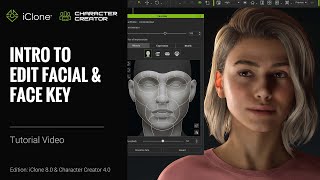
iClone 8 and Character Creator 4 Tutorial - Edit Facial and Face Key Tools
Comprehensive guide to facial editing and animation in Character Creator 4 and iClone 8, covering muscle panels, expression libraries, and Face Key techniques for creating lifelike character expressions.
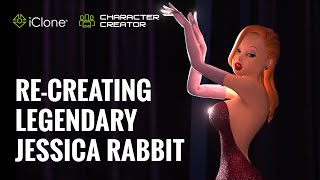
Re-creating Legendary Jessica Rabbit with iClone Character Creator Pipeline
Explore 3D character creation techniques as Jasper Hesseling recreates Jessica Rabbit using iClone, ZBrush, and other tools. Learn modeling, texturing, and animation tips for iconic character design.
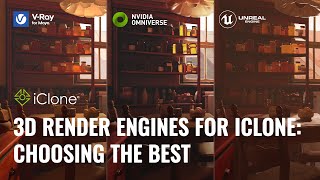
3D Render Engines for iClone - Choosing the Best
Explore top 3D render engines for iClone with digital artist José Tijerín. Compare Omniverse, Unreal Engine 5, and V-Ray for showcasing 3D sculptures and animations in game development.
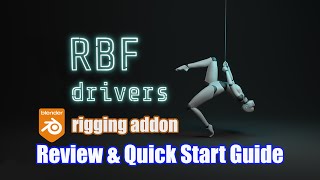
RBF Drivers - Rigging Addon Review & Quick Start Guide - Blender 2.9
Explore RBF Drivers for complex Blender rigging interactions. Learn intuitive workflows for character animation and automation in this quick start guide and review.
Learn Rigging in Blender
Comprehensive guide to Blender rigging tutorials and courses, covering free and paid options for beginners to advanced users. Includes official resources, popular YouTubers, and specialized topics.
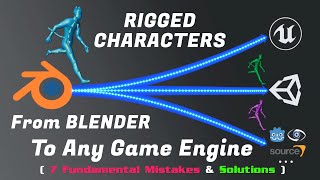
Blender - The Fundamentals of Exporting Rigged Characters to Unreal, Unity, or Any Game Engine
Learn to export rigged characters from Blender to game engines. Covers fundamental concepts, common issues, and practical solutions for seamless integration of 3D models into various game development platforms.
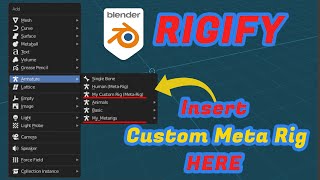
Blender - How to Save Custom Metarigs for Rigify
Learn to create and save custom meta rigs for Blender's Rigify addon, exploring manual techniques and using an addon for efficient workflow. Enhance your rigging skills and streamline character setup.
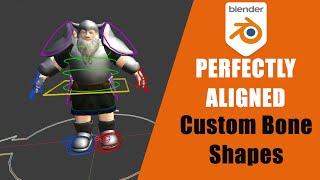
Blender - How to Create Perfect Custom Bone Shapes
Learn to create and perfectly align custom bone shapes in Blender 2.8/2.9, enhancing your rigging skills with manual and addon-based techniques for improved 3D character animation workflows.
Master an Epic Warrior Animation with AI-generated Images
Explore AI-powered epic warrior animation techniques, from generating reference images to rigging and animating in Cartoon Animator. Learn to leverage AI tools for creative and efficient character design.
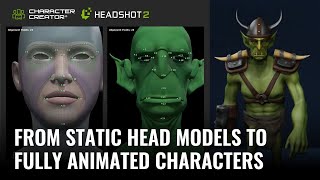
Turning Static Head Models into Fully Animated Characters with Headshot 2
Learn to transform static 3D head models into fully animated characters using Headshot 2, Character Creator, and ZBrush. Master techniques for creating unique stylized characters with expert tips and step-by-step guidance.
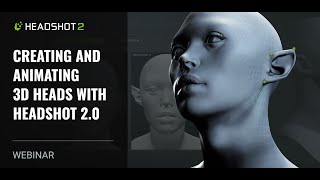
Creating and Animating 3D Heads with Headshot 2.0
Learn to create and animate realistic 3D heads using Headshot 2.0. Explore image and mesh workflows, facial animation tools, motion capture techniques, and skin customization with SkinGen.
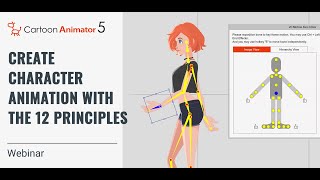
Create Awesome-Looking Character Animation with the 12 Principles of Animation
Master the 12 Principles of Animation using Cartoon Animator 5 to create lifelike, non-robotic character animations. Learn techniques from Disney's 1930s revolution applied with modern tools.
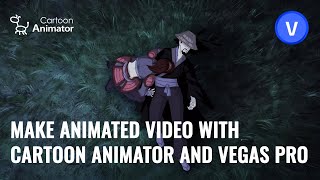
Make Animated Video with Cartoon Animator and VEGAS PRO
Learn to create and integrate 2D animations using Cartoon Animator and VEGAS Pro. Master character rigging, motion libraries, and video compositing techniques for seamless animated productions.
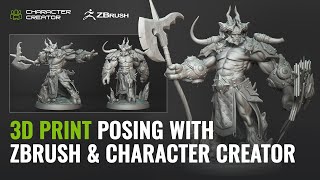
3D Printing and Character Posing with ZBrush and Character Creator - One Sculpture, Infinite Poses
Explore seamless character posing between ZBrush and Character Creator 4 with the new Pose Tools plugin. Learn to create, rig, and modify 3D characters for printing and digital art.
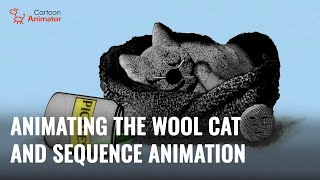
Creating a Wool Cat Animation: Blender to Cartoon Animator Workflow
Learn to create a charming wool cat animation using Blender and Cartoon Animator. This step-by-step guide covers 3D to 2D conversion, spring dynamics, free-form deformation, and video compositing.
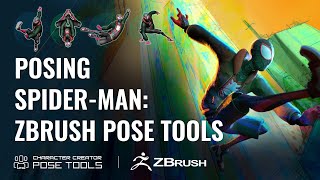
Efficient Character Posing in ZBrush - Pose Tools and Character Creator Integration
Learn efficient character posing in ZBrush using Pose Tools and Character Creator 4. Master techniques for creating, storing, and managing poses, enhancing your 3D character design workflow.
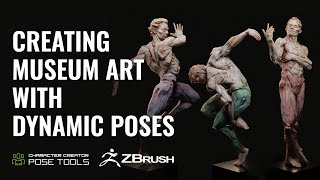
Dynamic Character Poses in ZBrush - Evoking Motion and Grace in Fine Art Sculptures
Learn to create dynamic character poses in ZBrush using CC4, guided by expert Deryck Pelegrini. Master techniques for evoking motion and grace in fine art sculptures through a unique creative workflow.
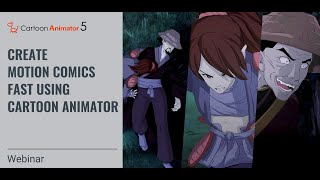
Create Motion Comics Fast Using Cartoon Animator 5
Learn to create high-end motion comics using Cartoon Animator 5. Master character setup, animation techniques, and camera movements for impactful scenes. Discover a streamlined production pipeline for eye-catching animations.
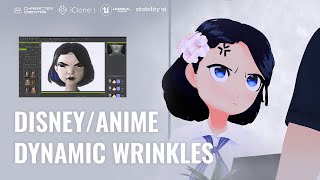
Animating Dynamic Wrinkles in Disney and Anime Style - Character Creator and iClone Tutorial
Learn to create dynamic wrinkles for Disney and anime-style characters using Character Creator. Explore 4 cartoon styles, customize expressions, and enhance animations with advanced techniques.