
CrazyTalk Animator 2 Tutorial - Intro to Buddy's World
Explore Buddy's World in CrazyTalk Animator 2: Learn to set up scenes, customize characters, and create animations using the Power Tools Series.

CrazyTalk Animator 2 Tutorial - Animation with Buddy's World Characters
Learn to animate Buddy's World characters, customize body and facial movements, manipulate props, and create camera animations in CrazyTalk Animator 2. Master essential techniques for engaging character-driven animations.
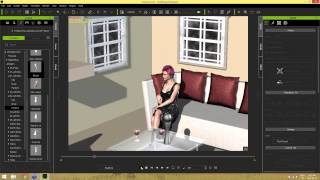
iClone 6 Scene Creation for Moviemaking
Learn essential scene creation techniques for iClone6, including navigation, prop manipulation, material application, and lighting. Enhance your moviemaking skills and create visually appealing scenes for polished productions.
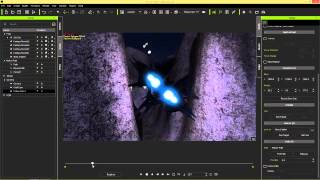
iClone 6 Tutorial - Camera Control for Star Wars Shots Using Paths - Part 2
Learn to create Star Wars-inspired camera shots in iClone 6 using paths and dummies. Master path templates, follow cams, and camera dummies for enhanced scene control and cinematic movement.
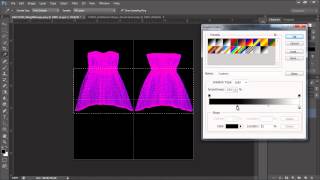
Daz to iClone 6 Tutorial - Soft Cloth for Daz Characters
Learn to animate Daz characters in iClone with realistic physics for hair, accessories, and clothing. Covers weight maps, simulation, and character hair options.
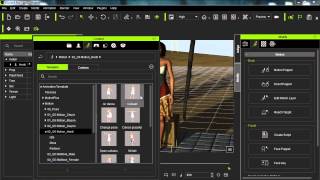
iClone Beginner's Guide: Animating with Motion Clips
Learn to animate characters in iClone using motion clips. Explore persona menus, motion libraries, and tools like Motion Puppet. Discover techniques for blending, breaking, and adjusting clips to create custom animations.

Daz to iClone 6 Tutorial - Rendering Daz Genesis 2 Characters in Indigo
Learn to render Daz Genesis 2 characters in Indigo using iClone 6. Master applying bump and specular maps, adjusting material values, and tone mapping for visually appealing results.
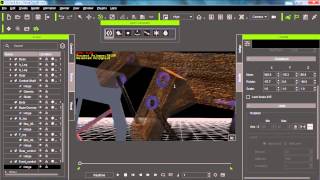
iClone 6 Tutorial - Advanced Physics Constraint Machines - Part 2
Learn advanced constraint techniques in iClone 6 for creating complex machines, including power sources, multiple constraints, dummy objects, balancing, and support mechanisms.
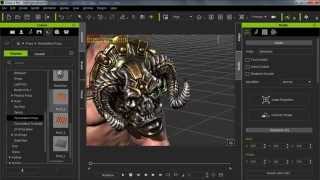
iClone 6 Tutorial - Creating Realistic Surface Textures with Displacement Maps
Learn to create realistic surface textures using displacement maps in iClone 6. Explore different map types, their applications, and enhance 3D objects with custom displacement techniques.
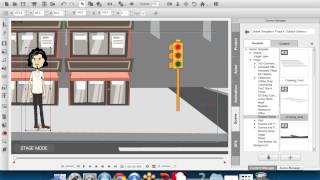
Empowering Professionals with CrazyTalk Animator 2
Explore innovative 2D animation tools in CrazyTalk Animator 2. Learn character creation, face & body animation, and scene design. Discover its advantages and applications across various industries.
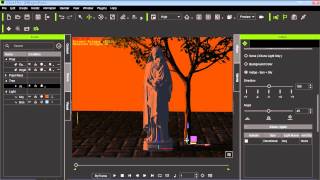
Types of Lighting in iClone 6 Indigo Renderer
Explore three main lighting types in Indigo: iClone-only, background color, and sun & sky. Learn their unique effects and applications for enhancing your 3D scenes and animations.
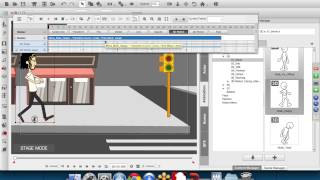
Empowering Professionals with CrazyTalk Animator 2
Explore CrazyTalk Animator 2's innovative 2D animation tools, including 3D motions for 2D characters. Learn software features, advantages, and applications through live demos and project showcases.
CrazyTalk Animator 2 - Universal Installer Demo
Explore Reallusion's new Content Downloader for CrazyTalk Animator 2, offering enhanced cross-platform access and easy installation of selected content on Windows or Mac desktops.
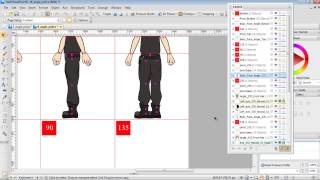
G2 Character Creation in DrawPlus - Multi-Angle Setup and Motion Editing - Part 2
Learn advanced techniques for creating multi-angle G2 characters in DrawPlus X6, including layer layout, motion editing tools, and problem-solving strategies for custom character animations in CrazyTalk Animator.
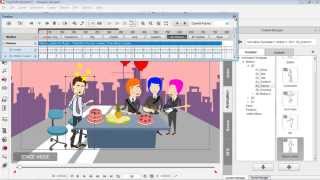
Drawing Custom Props for CrazyTalk Animator - Part 3
Learn to create and animate custom vector graphics for CrazyTalk Animator using DrawPlus. Covers shape manipulation, editing, and simple animation techniques for beginners.
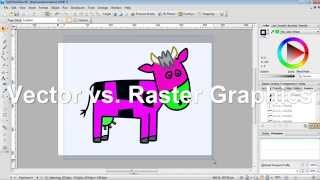
Creating CrazyTalk Animator Props from DrawPlus Graphics - Part 1
Learn to import vector graphics from DrawPlus into CrazyTalk Animator as props. Covers export setup, graphic modifications, vector vs. raster, custom prop saving, and multi-graphic exports.
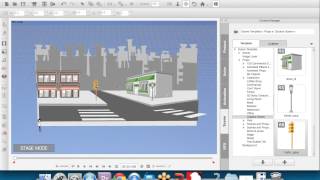
Empowering Professionals with CrazyTalk Animator 2
Explore innovative 2D animation with CrazyTalk Animator 2's new tools and 3D motions. Learn character creation, face & body animation, scene design, and discover its applications across various industries.
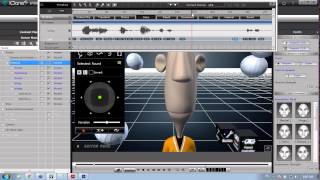
Create Your Pixar-Style Movie with iClone Toon Maker
Learn to create and animate custom cartoon characters using iClone's Toonmaker pack. Explore character design, real-time animation tools, and techniques for bringing unique personalities to life in your 3D animations.
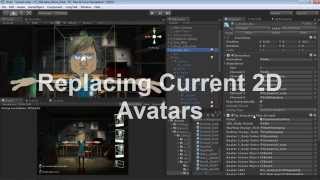
Applying 2D Talking Avatar to 3D Head in CrazyTalk and Unity
Learn to create, animate, and apply 2D talking avatar faces to 3D models using CrazyTalk 7 and Unity. Master exporting custom characters and animations for interactive projects.
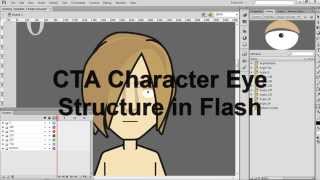
CrazyTalk Animator 2 Tutorial - Creating Eye Sprite Pose Libraries in Flash
Learn to create custom eye sprite pose libraries for CrazyTalk Animator 2 characters using Adobe Flash. Master techniques for designing, importing, and integrating eye sprites into your animations.
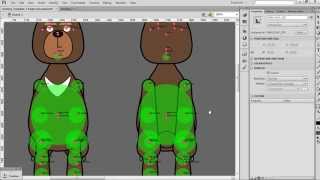
CrazyTalk Animator 2 Tutorial - Multi-Angle G2 Character Creation in Flash
Learn to create multi-angle G2 characters in Flash for CrazyTalk Animator 2. Master symbol mirroring, transferring, and modification techniques, plus importing and fine-tuning characters for 3D motion.