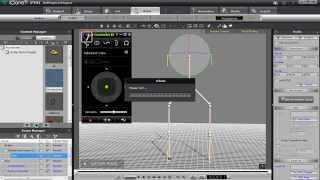
iClone Avatar Toolkit 2 Tutorial - Constructing Avatar Puppet Accessories
Learn to create custom avatar accessories using primitive shapes, define puppet controls, and assemble complex structures in iClone 6's Avatar Builder for enhanced character animation.
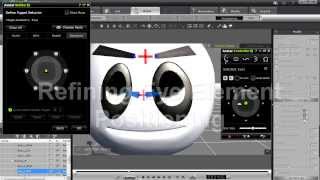
iClone Avatar Toolkit 2 Tutorial - Creating Custom Eye Structures in Avatar Builder
Learn to create custom eye accessories for iClone avatars, including assembly, defining motion behavior, and refining element positioning for realistic digital characters.
Creating Storyboards with iClone - Tutorial for Previsualization
Learn to create storyboards using iClone 6, covering scene construction, lighting, camera work, character customization, and more. Perfect for filmmakers and animators looking to streamline their pre-production process.
CrazyTalk Tutorial - Sharing Projects on Web or iDevices
Learn to export animated projects to web browsers and iDevices using CrazyTalk 7.3. Master sharing options, including URL sharing, embedded codes, and iDevice downloads, to showcase your creations online.
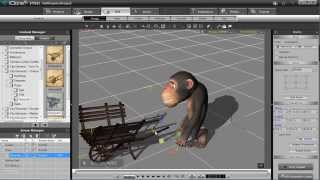
iClone 5 Tutorial - Human IK and Path Constraint in MotionPlus
Learn to create path animations with HIK constraints in iClone 5's MotionPlus, and export them as FBX animations using 3DXchange for versatile character animation workflows.
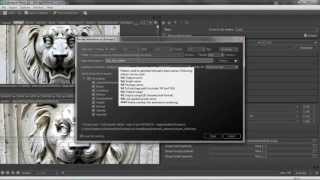
Creating Realistic Bitmap2Material Textures for iClone - Part 1
Learn to create realistic textures using Bitmap2Material, extract various maps, and import them into iClone for enhanced 3D projects. Master mapping techniques and tiling for diverse surfaces.
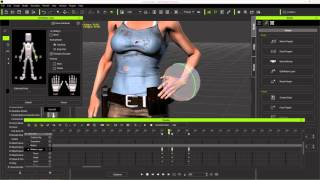
Character Creator to Unreal - Body Animation in iClone - Part 2
Learn to create and customize character animations in iClone, including idle poses, walk cycles, and root motions. Explore tools like Direct Puppet, Motion Layer editing, and constraints for game-ready animations.
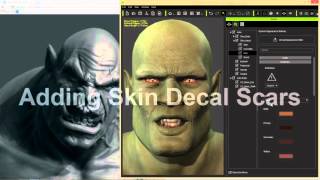
Advanced Facial Modification - Creating an Orc Character in iClone Character Creator
Learn advanced facial modification techniques to create a realistic orc character using Character Creator, including morphing, texturing, custom decals, and RGB masking for intricate details.
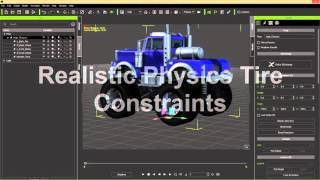
iClone Basics - Transform vs. Physics Wheel Animation
Learn techniques for animating wheels in iClone, including creating custom animation clips, using physics-based constraints, and applying realistic movements over obstacles. Explore different methods for prop animation.
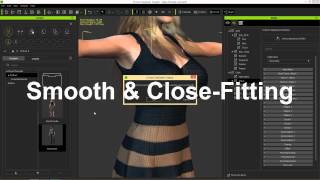
iClone Character Creator Tutorial - Conforming and Layering Clothing
Learn techniques to fix mesh overlap issues when applying clothing to different body shapes in Character Creator, including collision settings, opacity maps, and layering.
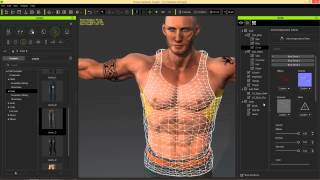
iClone Character Creator Tutorial - Adding Custom Decals
Learn to add custom decals like scars, tattoos, and logos to characters in iClone Character Creator. Master techniques for enhancing skin and clothing with realistic details.
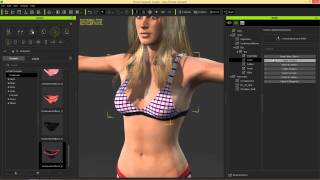
iClone Character Creator Tutorial - Clothing Design and Structure
Learn to customize clothing in iClone Character Creator using Appearance Editor. Explore RGB maps, patterns, decals, and aging effects. Master clothing overlaps and export iAvatars for realistic character designs.

iClone Character Creator Tutorial - Basics, UI, and Character Customization
Learn to create custom 3D characters using Character Creator: UI basics, morphing, skin texturing, aging effects, clothing customization, and exporting to iClone for animation and game development.
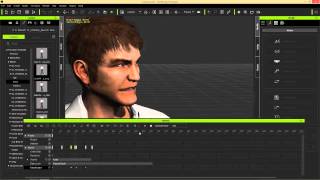
iClone Basics - Timeline for Character Animation - Part 2
Explore iClone 6's timeline for character animation, including motion tools, facial expressions, lip-sync, and keyframe editing to create dynamic and customized animations.
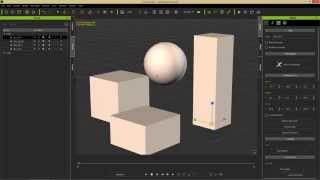
iClone Basics - Prop Movement and Manipulation
Learn essential prop manipulation techniques in iClone 6, including movement, rotation, scaling, pivot points, and alignment. Enhance your 3D animation workflow and speed up production.
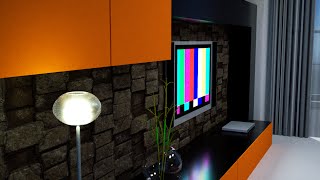
3DXchange 6 Tutorial - Rendering Sketchup Interiors in Indigo - Part 2
Learn to enhance Sketchup interiors in Indigo using 3DXchange 6. Master lighting, shaders, and materials to create stunning architectural renders with iClone and Indigo integration.
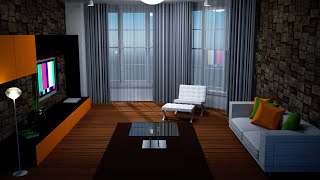
3DXchange 6 Tutorial - Optimizing Sketchup Models for Architectural Rendering
Learn to optimize Sketchup models for rendering in iClone and Indigo. Covers techniques like excluding back faces, smoothing normals, creating sub-props, merging identical meshes, and setting pivot points for efficient customization.
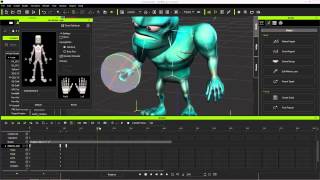
Exporting iClone Content to Unreal - Custom and Embedded Content
Learn to export custom animations, character models, and embedded motions from iClone to Unreal Engine using 3DXchange 6 Pipeline. Covers motion creation, editing, and exporting techniques for game development.
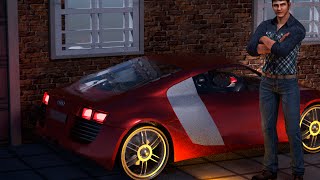
3DXchange 6 Tutorial - Rendering Sketchup Files in Indigo for Realistic Car Rendering
Learn to create realistic car renders using iClone 6 and Indigo. Master mesh refinement, material assignment, shader application, and subdivision techniques for high-quality 3D visualizations from Sketchup files.
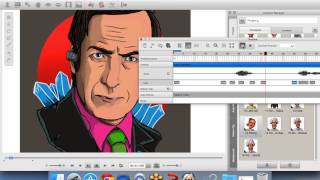
CrazyTalk 7 - Easily Create Talking Avatars
Learn to create animated talking avatars with CrazyTalk 7. Explore new features, export projects to browsers and devices, and discover the benefits of facial animation through live demos.
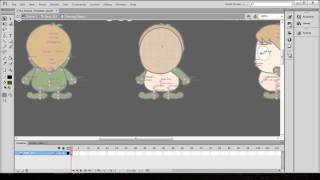
CrazyTalk Animator 2 Tutorial - Quick Custom Character Creation in Flash
Learn to create custom characters in Adobe Flash for CrazyTalk Animator 2. Covers color changes, eye and hand sprites, clothing design, character import, and motion application.