
Character Creator 3 Tutorial - Fixing Visual Defects - Skin Weights
Learn advanced skin weighting techniques in Character Creator 3 to improve clothing mesh conformity, including automatic transfer, manual painting, and vertex value editing for realistic character designs.
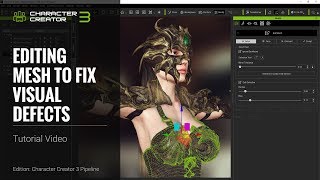
Character Creator 3 Tutorial - Fixing Visual Defects: Mesh Editing - Part 1
Learn to fix visual defects in Character Creator 3 through mesh editing techniques, including clothing import, skin weighting, selection modes, sculpting, and vertex/face/element editing.

Creating an Animated Short with CrazyTalk Animator 3 - Workflow and Techniques
Learn to create award-winning 2D animated shorts using CrazyTalk Animator 3. Explore custom props, scenes, characters, and facial animations through a step-by-step recreation of a prize-winning business animation.
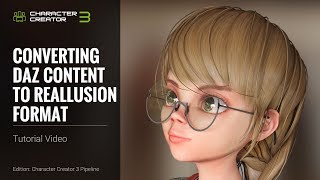
Converting Daz Content to Reallusion Format in Character Creator 3 - Tutorial
Learn to convert Daz content to Reallusion format in Character Creator 3. Master exporting, importing, fixing textures, saving accessories, and applying converted content for seamless 3D character creation.
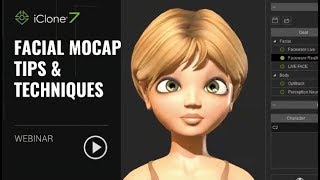
iClone 7 Facial Motion Capture Tips and Techniques
Explore facial motion capture techniques in iClone 7, from setup to refinement. Learn to create, customize, and reuse facial animations for character monologues and lip-sync, using Faceware and iPhone X Face LIVE.
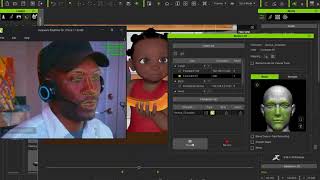
Using iClone and Faceware for Facial Animation in Animated Series
Learn to create facial and body animations for characters using iClone 7 and Faceware tools, as demonstrated in an African animated children's TV series production workflow.
Creating Animated GIFs to Engage Your Audience - August 21, 2018
Explore Cloud Animator's GIF import feature, create interactive scenes, and apply motion effects. Learn to craft engaging animated content using CrazyTalk Animator 3 and Cloud Animator tools.
iClone 7 Basics Tutorial - Getting Started with Scene Creation
Learn to create engaging 3D scenes with iClone 7, covering environment setup, character animation, camera work, and visual effects in this comprehensive tutorial for beginners.
Animate Your Story in No Time - YouTuber Animation - Part 3
Learn to create custom YouTube characters using CrazyTalk Animator 3. Master live voice lip-sync, interactive props, face morphing, and Photoshop integration for unique animated personalities.
Easy to Create a Talking Avatars with CrazyTalk 8 - June 5, 2018
Learn to create and animate 2D and 3D talking avatars using CrazyTalk 8's face-fitting technology. Explore customization, auto motion, and facial animation techniques for realistic character animations.
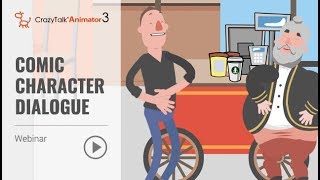
Animate Your Story - Comic Character Dialogue Using CrazyTalk Animator 3
Learn to create dynamic comic character dialogues using CrazyTalk Animator 3. Master prop handling, camera animation, facial expressions, lip-sync, and interactive character animations for engaging storytelling.
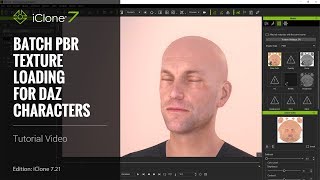
iClone 7.21 Tutorial - Daz Genesis Pipeline: Batch PBR Texture Loading - Part 3
Learn efficient texture management for Daz Genesis characters in iClone, including batch loading, material adjustments, custom .ini file usage, and texture linking to optimize resources and streamline workflow.
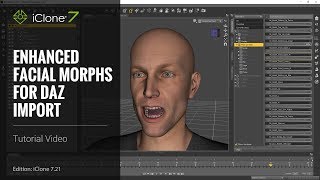
iClone 7 Tutorial - Daz Genesis Pipeline: Enhanced Facial Expression Import - Part 1
Learn to import and animate Daz Genesis characters in iClone 7.21 using the Daz Genesis Extension. Covers DUF file application, character export, and iClone's animation tools for enhanced facial expressions.
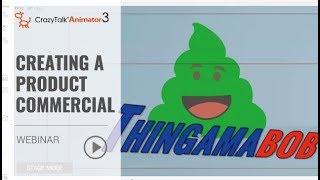
Animate Your Story - Creating a Product Commercial with CrazyTalk Animator 3 - Part 1
Learn to create a 30-second commercial using CrazyTalk Animator 3. Discover character creation, animation techniques, and how to utilize preset motions and content packs for efficient and professional-looking results.
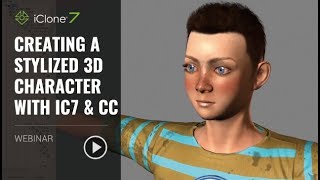
Creating a Stylized 3D Character with iClone 7 and Character Creator
Learn to create custom 3D characters using Character Creator and iClone 7. Master techniques for head creation, morphing, texturing, outfit customization, and quick animation and lighting.
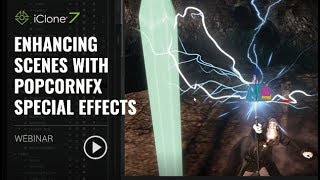
Enhancing Scenes with PopcornFX Special Effects - Reallusion Webinar
Discover how to elevate your scenes with stunning visual effects using PopcornFX Library 40. Learn to add professional-grade nature, magic, weapons, and VFX elements quickly and easily in iClone 7.
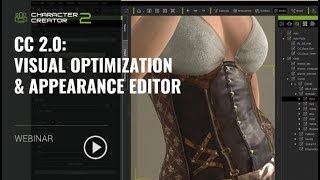
Character Creator 2.0: Visual Optimization and Appearance Editor
Explore Character Creator 2.0's upgrades including Image-based Lighting, Physically-based Rendering, and customizable lighting. Learn to create materials with Generators and use Substance materials for visually stunning 3D characters.

iClone 7.2 Tutorial - Applying Magic Particle Effects
Master iClone's PopcornFX Library to create stunning magical effects. Learn to apply character auras, lightning attacks, and ambient lighting for captivating visual scenes in your 3D projects.
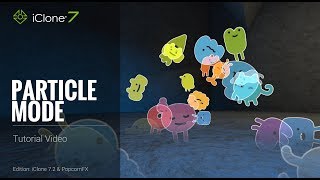
iClone 7.2 Tutorial - PopcornFX Super Tools Particle Mode
Explore PopcornFX Super Tools' texture emitter in iClone 7.2. Learn to modify particle mode settings for visually striking effects, including blend modes, sprite atlas, and animation sequences.

iClone 7.2 Tutorial - Creating Floating Dust and God Rays with PopcornFX Super Tools
Learn to create realistic floating dust and heavenly god rays using iClone 7.2's PopcornFX Super Tools. Master texture emitter techniques for stunning visual effects in your 3D animations.
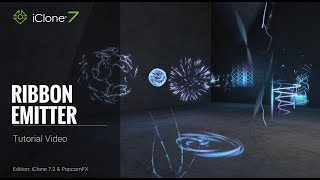
iClone 7.2 Tutorial - PopcornFX Super Tools Ribbon Emitter
Explore the Ribbon Emitter in iClone's PopcornFX, covering basic settings, circulation, appearance, and forces. Master this tool to create stunning particle effects for your 3D animations.