Speed Up Action Sequence Creation in Animation - Master Class
Learn efficient techniques for creating dynamic action sequences using iClone and Character Creator. Discover time-saving methods for managing combat scenes, building environments, and enhancing cinematic quality in animations.
Cartoon Animator from A-Z - Facial Mocap, Character Animation and Rendering - Day 3
Learn advanced facial animation, body movement, character interaction, and basic camerawork in Cartoon Animator 4. Master techniques like sprite switching, morphing, and facial motion capture for creating dynamic 2D animations.
Cartoon Animator Character Creation and Customization - Day 2
Learn character creation in Cartoon Animator 4, from free-bone actors to custom designs using Photoshop Pipeline. Master 360-degree heads, motion application, and animation templates for impressive results.
Cartoon Animator from A-Z - Setting the Scene - Day 1
Learn Cartoon Animator 4 basics: UI, scene setup, prop importing and animation, background creation, and adding music. Hands-on demo covers essential tools for 2D animation beginners.
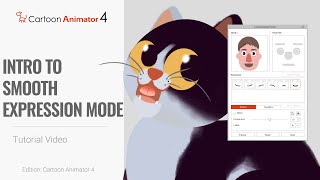
Cartoon Animator 4: 360 Head Tutorial - Introduction to Smooth Expression Mode
Learn to set up Smooth Expression mode in Cartoon Animator 4 for seamless 360-degree facial animation. Master this new feature to create fluid and realistic character expressions in your 2D animations.
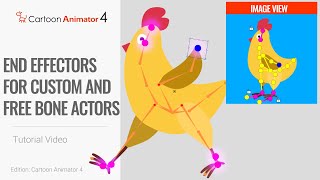
Smart IK Animation Tutorial - End Effectors for Custom and FreeBone Actors in Cartoon Animator 4
Learn to create precise 2D character animations using Smart IK and End Effectors in Cartoon Animator 4. Master techniques for custom rigs, free bone actors, and realistic motion adaptation.
Creating an iClone Scene: From A to Z - Day 1 Introduction and Scene Setup
Learn to create immersive 3D scenes in iClone: import props, customize materials, design characters, and set up lighting. Master essential techniques for building engaging virtual environments.
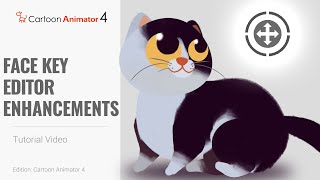
Cartoon Animator 4: 360 Head Animation Tutorial - Face Key Editor Enhancements
Learn to create detailed 2D character animations using Cartoon Animator 4's Face Key Editor. Explore UI enhancements and frame-by-frame animation techniques for expressive facial movements and 360-degree head turns.
Going PRO with 3D Animation - Secrets to Professional Visuals in iClone
Discover professional 3D animation secrets with iClone. Learn material pickup, fire distortion, multi-camera techniques, lighting, and color grading for stunning visuals in record time.

Easy to Create a Talking Avatars with CrazyTalk 8
Learn to create and animate 2D and 3D talking avatars using CrazyTalk 8. Explore face-fitting technology, eye and teeth customization, and facial animation techniques for realistic character creation.
Facial Motion Capture Tips and Techniques for iClone 7
Explore facial motion capture techniques using iClone 7, from setup to refinement. Learn to create, customize, and reuse facial animations for character monologues and lip-sync.
Creating and Animating 360 Heads with Facial Mocap in Cartoon Animator
Learn to create and animate 360-degree rotating 2D character heads using Cartoon Animator 4. Master facial motion capture, customization, and efficient animation techniques for lifelike 2D characters.
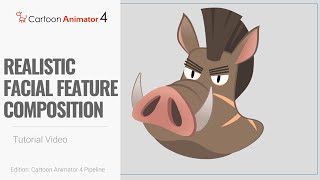
Cartoon Animator 4 - 360 Head Tutorial for Realistic Facial Feature Composition - PSD Pipeline
Learn advanced techniques for customizing multi-layered facial features in Cartoon Animator 4 using PSD import/export. Optimize character designs with realistic compositions and bone attachments for smoother animations.
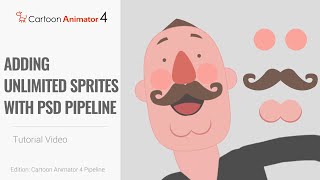
Cartoon Animator 4 - 360 Head Tutorial: Adding Unlimited Sprites with PSD Pipeline
Learn to add unlimited facial components to 360-degree character heads using Cartoon Animator 4's PSD import/export features. Master advanced sprite addition techniques for enhanced character customization.
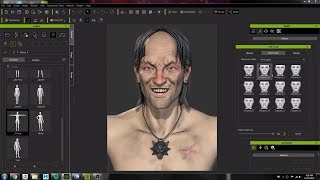
Character Creator 3 Workflow: Modeling and Animating a Witcher Character Concept
Crystal Bretz demonstrates modeling and animating a character from The Witcher series using Character Creator 3, ZBrush, and Substance Painter, showcasing the software's capabilities for 3D character creation.
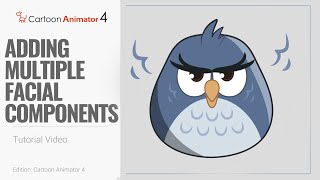
Cartoon Animator 4: Adding Multiple Facial Components for 360 Head Animation
Learn to add unlimited facial components to 360-degree character heads in Cartoon Animator 4. Master sprite addition, layer manipulation, and feature pairing for realistic 3D-like appearances in 2D animation.
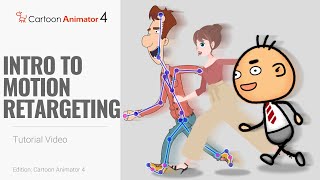
Cartoon Animator 4: Smart IK Motion Retargeting Tutorial - Introduction
Learn Smart IK motion retargeting in Cartoon Animator 4 to create precise 2D character animations, adapt motion files, and eliminate foot sliding issues using the innovative Motion Bone tool.
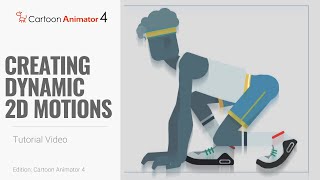
Cartoon Animator 4: Smart IK Animation Tutorial - Creating Dynamic 2D Motions
Learn to create dynamic 2D character animations using Cartoon Animator 4's Smart IK feature. Master techniques for exercise animations, scene interactions, and motion adaptation for various body shapes.
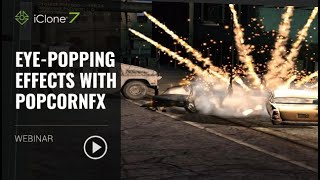
Eye-popping Effects with PopcornFX - Webinar
Learn to create stunning visual effects using PopcornFX plugin for iClone 7. Master customization techniques, explore sample effects, and integrate them into your 3D animation projects for professional-looking results.
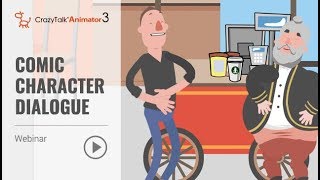
Animate Your Story - Comic Character Dialogue with CrazyTalk Animator 3 - Part 2
Learn to create dynamic comic character animations with CrazyTalk Animator 3. Master prop handling, camera work, facial expressions, lip-sync, and interactive character animations for engaging storytelling.
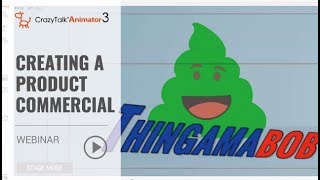
Animate Your Story - Creating a Product Commercial with CrazyTalk Animator 3 - Part 1
Learn to create a 30-second animated commercial using CrazyTalk Animator 3. Discover easy character creation, preset animations, dynamic titles, and scene transitions without advanced animation skills.