Starting the CSS for Our Page - Typography Foundations
Learn to prioritize typography in web design, ensuring content readability before tackling layout. This approach streamlines the design process and prevents unnecessary layout adjustments.
Blender Tutorial - Typing Effect with Animation Nodes
Learn to create a dynamic typing animation in Blender using Animation Nodes. This tutorial guides you through the process, offering practical skills for enhancing your 3D animations with text effects.

Argylle Movie Poster Design Tutorial in Photoshop
Learn to recreate the Argylle movie poster in Photoshop, mastering techniques like argyle pattern creation, photo editing, color correction, and typography for professional-looking movie poster designs.
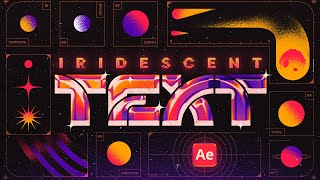
Animated Retro Text in Photoshop and After Effects - Creating a Vaporwave Motion Poster
Learn to create a retro 80's motion poster with vaporwave animated iridescent text using Photoshop and After Effects. Master techniques for sketching, designing, and animating a stylish visual effect.

Dune Part Two Style Poster Creation in Photoshop
Learn to recreate the Dune Part Two movie poster in Photoshop, mastering techniques like gradient maps, film grain, skin smoothing, and dodge and burn for a professional cinematic look.
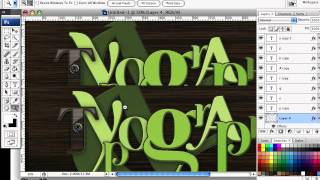
How to Create a Richly Ornate Typographic Illustration
Create an intricate typographic illustration using free resources and self-made elements, combining ornate designs with lettering for a visually stunning result.
Logo in Chains Tutorial - Creating Dynamic 3D Logo Designs
Create a captivating logo design featuring interlocking chains using Adobe Illustrator techniques in this step-by-step tutorial.
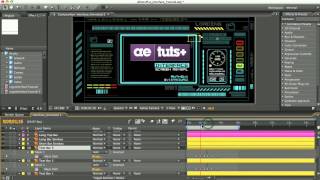
Glitchy Display Tutorial
Create a glitchy display effect using After Effects, exploring techniques for distortion, displacement, and color manipulation to achieve a unique visual style.
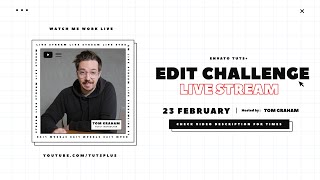
Editing Challenge - Make a Movie Trailer Only Using Stock
Livestream challenge: Create a movie trailer in 5 hours using only stock footage, templates, and limited resources. Watch the process and final result of this unique video editing task.
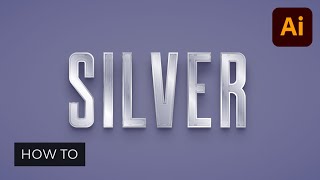
How to Make a Metallic Effect in Illustrator
Learn to create stunning brushed metal and silver text effects in Illustrator. Master techniques for realistic metallic textures, backgrounds, and graphic styles in this step-by-step tutorial.
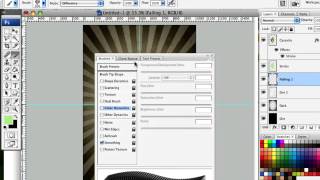
How to Design a Rockin' 80s Party Poster
Learn to create a vibrant 80s-themed party poster with photo manipulation, custom textures, and retro design elements in this step-by-step graphic design tutorial.
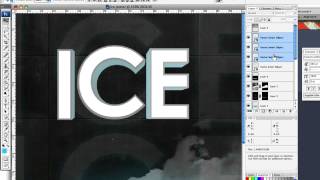
How to Create an Ice-cold Poster with 3D Text
Create an eye-catching poster combining 3D text and stock images with an icy theme. Learn effective techniques for text placement, color manipulation, and image blending to achieve a striking visual impact.
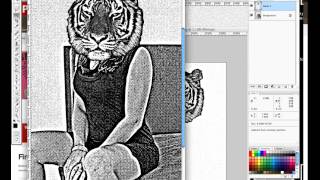
Design a High Impact Gig Poster Suitable for Screen-Printing
Learn to create stylized, high-impact posters for screen-printing, focusing on a 3-color design that's effective for digital display, home printing, and silk-screen methods.
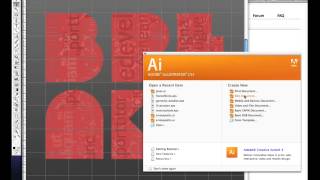
Create and Then Shatter a Grid - Making a Typographic Poster
Learn to create a dynamic typographic poster by breaking grid conventions, using Photoshop and Illustrator for a dark, grungy aesthetic with custom text layouts and visual effects.
Dynamic Recessed Watercolor Typography Effect in Photoshop
Create a stunning design by blending vector elements and watercolor effects with text, focusing on image and color selection techniques in Photoshop.
Mysterious Smokey Logo Tutorial
Create a mysterious smokey logo effect using Photoshop's powerful tools and techniques. Learn to manipulate layers, blend modes, and filters for stunning results.
Postcard Design Tutorial in Adobe Illustrator
Create a vintage-inspired postcard design using digital tools and techniques. Learn layout, typography, and texture application for a nostalgic yet modern look.
Create a Vibrant 3D Pixel Type Treatment
Learn to craft eye-catching 3D pixel typography using free fonts, gradients, and Illustrator's 3D filter for versatile design applications.
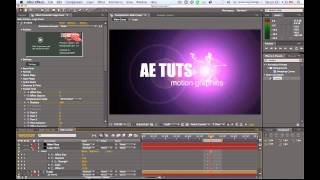
Light Streak Text Reveal Tutorial
Learn to create dynamic light streak text reveal effects in After Effects, enhancing your motion graphics skills and adding visual impact to your projects.
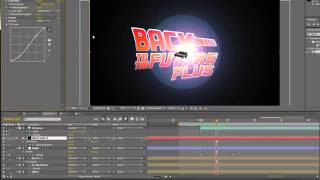
Back to the Future Title Tutorial - Part 2
Create a retro-inspired title sequence inspired by the iconic "Back to the Future" films using Adobe After Effects.
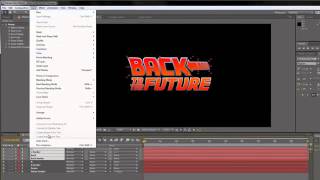
Back to the Future Title Tutorial - Part 1
Create a retro-inspired title sequence reminiscent of the iconic "Back to the Future" film using modern design techniques.