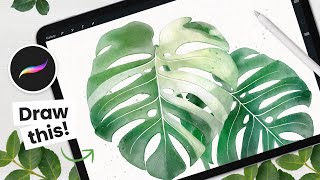
How to Draw - Watercolor Monstera Albo Leaf - Procreate Tutorial - Easy iPad Art
Learn to create stunning digital watercolor monstera leaves using Procreate on iPad. Master sketching, layering colors, adding details, and creating trendy albo variations in this step-by-step tutorial.
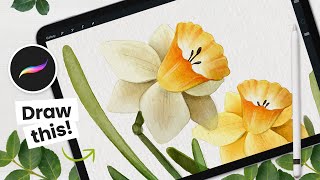
How to Draw Daffodils and Mothers Day Card - Procreate Tutorial
Learn to create digital watercolor daffodils and design a Mother's Day card using Procreate. Master techniques for sketching, coloring, and adding details to craft beautiful floral bouquets and wreaths.
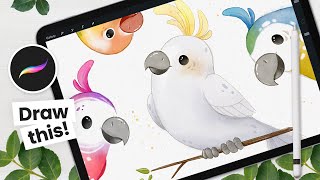
How to Draw - Cute Birds in Procreate - Easy Digital Art Tutorial
Learn to draw adorable birds using Procreate in this step-by-step digital art tutorial. Perfect for beginners, it covers sketching, coloring, and adding details to create charming avian illustrations.
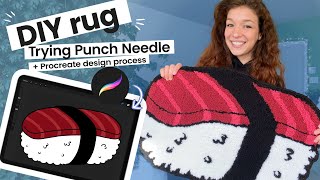
Punch Needle Rug DIY Tutorial - Cute Home Decor
Learn to create a charming punch needle rug with this DIY tutorial. Discover affordable supplies, design tips, and step-by-step instructions for crafting unique home decor.
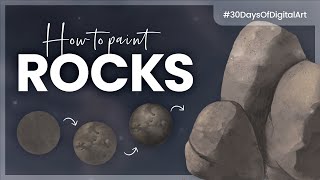
How to Paint Rocks - Digital Art Challenge Tutorial
Learn to paint realistic rocks digitally using step-by-step techniques. Master textures, shadows, and highlights to create stunning stone artwork in various digital art software.
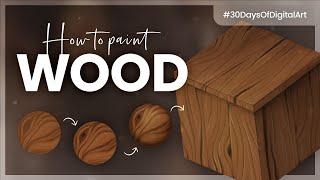
How to Paint Wood - Digital Art Tutorial
Learn to paint realistic wood textures digitally using layering techniques, grain patterns, and shading. Master creating knots, scratches, and highlights for lifelike wooden surfaces.
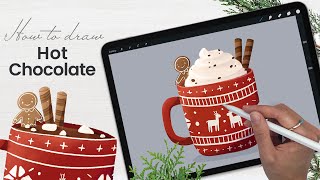
How to Draw a Hot Chocolate Mug - Procreate Tutorial - Winter Holidays Art
Learn to create a festive hot chocolate mug illustration in Procreate with step-by-step guidance. Master digital drawing techniques for whipped cream, marshmallows, cookies, and lighting effects.

How to Draw Watercolor Succulents in Procreate - Easy iPad Art Tutorial
Create stunning digital watercolor succulents using Procreate on iPad. Learn sketching, coloring, shading, and pro techniques to enhance your artwork. Perfect for beginners and experienced artists alike.
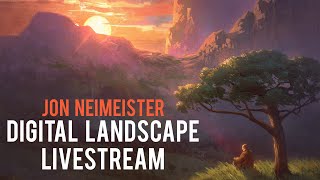
Digital Landscape Painting - Ukrainian Landscape Livestream
Learn digital landscape painting techniques from Jon Neimeister in this livestream. Explore color, perspective, and storytelling while creating a Ukrainian-inspired scene. Gain insights into efficient workflows and tools for various artistic applications.
Stylization Exercise with Loish - Digital Art Techniques and Approaches
Livestream with artist Loish demonstrating stylization techniques in Procreate, exploring different approaches to departing from reference photos, and answering viewer questions about digital art and illustration.
Easy Colorful Island Drawing - Step by Step Procreate Tutorial
Learn to create a vibrant island landscape in Procreate with simple tools and easy steps. Master basic shapes, clipping masks, symmetry tools, and texturing techniques for a cheerful digital illustration.
Real-Time Coloring Venom & Spidey
Learn real-time digital coloring techniques for comic art, focusing on Venom and Spider-Man. Covers flatting, rendering, atmospheric perspective, and special effects like webbing.
Easy Storybook Landscape Drawing - Step by Step Procreate Tutorial
Learn to create a charming storybook landscape illustration in Procreate with step-by-step guidance on drawing houses, trees, foliage, and adding textures and details for a magical, whimsical scene.
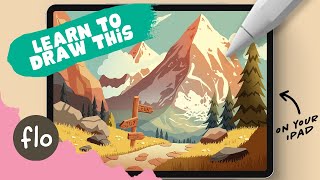
Easy Mountain Landscape Drawing - Step by Step Procreate Tutorial
Step-by-step tutorial for creating a mountain landscape illustration in Procreate, covering essential techniques, detailing, and stylization for digital artists of all levels.
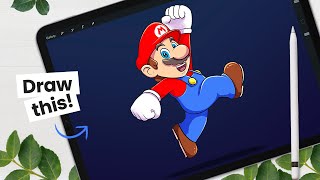
How to Draw Mario - Intermediate - How to Create Cartoon Characters
Learn to draw Mario with step-by-step instructions on character structure, sketching, shading, and digital art workflow. Gain valuable tips for creating cartoon characters using Procreate or your preferred drawing tools.
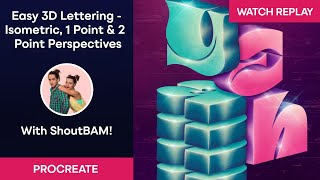
Easy 3D Lettering – Isometric, One Point & Two Point Perspectives with ShoutBAM
Learn to create stunning 3D lettering in Procreate with ShoutBAM! Master isometric, one-point, and two-point perspectives. Explore lighting, shadows, and textures to enhance your designs.
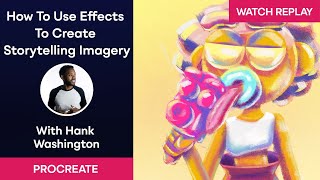
How to Use Procreate Effects to Create Storytelling Imagery with Hank Washington
Learn to create captivating storytelling imagery in Procreate with expert Hank Washington. Master effects, shading techniques, color mixing, and brush manipulation to bring your digital illustrations to life.
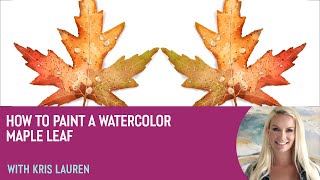
How to Paint a Watercolor Maple Leaf With Kris Lauren
Learn to paint a vibrant watercolor maple leaf in Procreate with artist Kris Lauren. Master techniques for color, texture, and detail to create stunning digital artwork using the Living Watercolor pack.
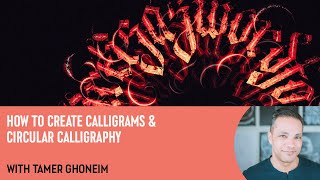
How to Create Calligrams and Circular Calligraphy with Tamer Ghoneim
Learn to create stunning calligrams and circular calligraphy in Procreate with expert guidance. Master techniques for unique lettering designs, spacing, flourishes, and layered effects.
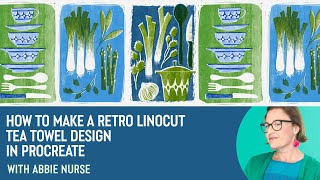
How to Make a Retro Linocut Tea Towel Design in Procreate with Abbie Nurse
Learn to create a retro linocut tea towel design in Procreate with artist Abbie Nurse. Master techniques for drawing, layering, texturing, and adding details to achieve a vintage print aesthetic.
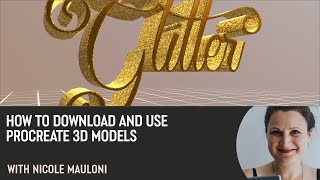
How to Download and Use Procreate 3D Models with Nicole Mauloni
Learn to download and use 3D models in Procreate with lettering artist Nicole Mauloni. Discover techniques for applying textures, adding foil effects, adjusting lighting, and creating custom metallic lettering.