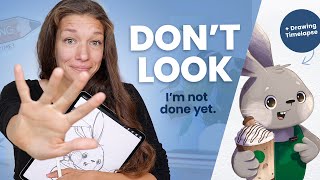
The Best Thing You Can Do as an Artist - Art Talk and Drawing Timelapse
Explore the power of feedback in artistic growth while watching a step-by-step illustration process. Participate in a seasonal creativity challenge to enhance your skills.
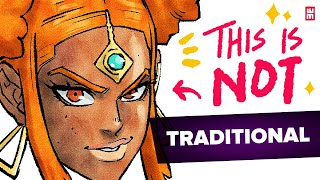
Digital Copic Marker Brush Technique for Manga and Anime Art
Discover a secret technique to mimic traditional manga art digitally using custom brushes and textures in various art software. Learn how to achieve a Copic marker look for your digital illustrations.
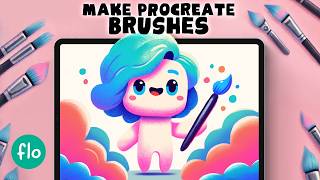
Creating Custom Procreate Brushes - A Beginner's Guide
Learn to create custom Procreate brushes from scratch. Master shape, grain, settings, and textures to design unique, professional-quality brushes for digital art projects.
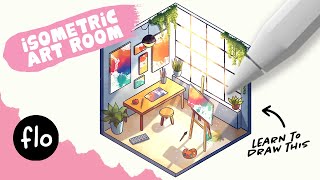
Easy Isometric Room Drawing Tutorial for Procreate
Master isometric room drawing in Procreate with step-by-step guidance. Learn grid creation, furniture design, coloring techniques, and lighting effects to bring your digital spaces to life.
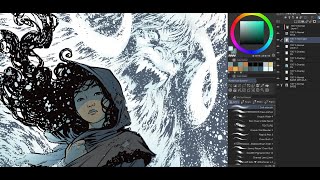
Tips for Coloring Covers - Kickstarter Comic "The History of Monsters"
Explore coloring techniques for comic book covers with professional tips and insights, using a Kickstarter project as a practical example.
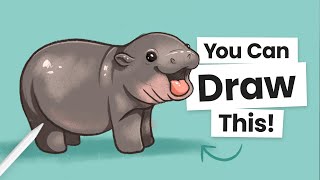
How to Draw Moo Deng - Cute Baby Pygmy Hippo Tutorial
Create a cute digital illustration of Moo Deng, the baby pygmy hippo, using Procreate. Learn step-by-step drawing, coloring, and shading techniques to bring this adorable character to life.
Inking Frames and Taking Names - ProCreate Animation Tutorial
Learn to finalize animation frames in ProCreate, including tidying up and adding final lines. Master essential techniques for polishing your digital animations.
Intro to ProCreate - Getting Started
Learn essential ProCreate features and techniques in this beginner-friendly tutorial, covering color palettes, painting tools, shape creation, and more for digital art enthusiasts.
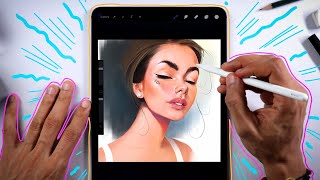
Procreate Painting Brushes and Tips
Explore favorite Procreate painting brushes, learn their uses, and discover tips for color blocking, layering, shading, and airbrushing in digital art creation.
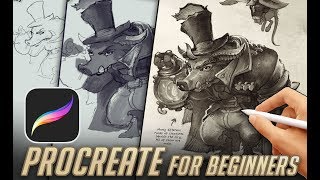
Beginners Guide to Procreate - Canvas, Tools, Layers, Effects
Comprehensive guide to Procreate's essential features, covering canvas setup, tools, layers, and effects for digital art beginners on iPad.
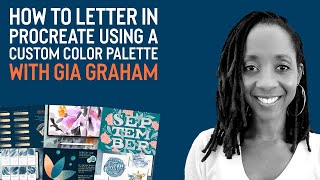
How to Letter in Procreate Using a Custom Color Palette With Gia Graham
Learn eye-catching lettering techniques in Procreate using custom color palettes and textures with graphic designer Gia Graham. Discover how to create unique, stylish designs by combining urban and island aesthetics.
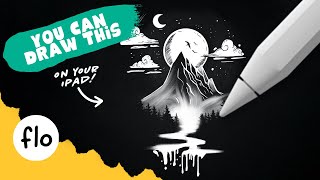
Easy Black and White Landscape Drawing - Step by Step Procreate Tutorial
Step-by-step guide to create a stunning black and white landscape drawing in Procreate. Learn essential techniques like layering, masking, and texturing to bring your digital artwork to life.
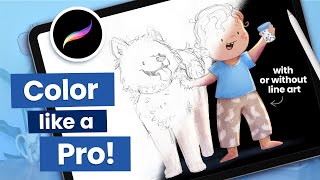
How to Color a Sketch in Procreate - 8 Essential Tips for Beginners
Master essential Procreate techniques for coloring sketches, from file preparation and color blocking to selecting perfect color palettes and achieving professional-looking illustrations.
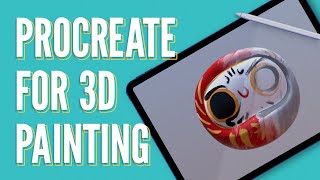
How 3D Artists Can Use Procreate
Learn to enhance 3D assets using Procreate on iPad. Explore file formats, model preparation, painting techniques, and texture creation for seamless integration with Cinema 4D.
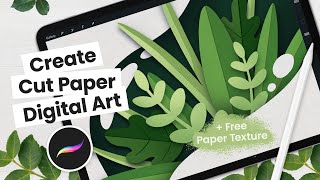
How to Create Cut Paper Digital Art
Learn to create digital cut paper art with textures, shading, and details. Includes tips on canvas size, base shapes, and a free paper texture. Perfect for illustrators and designers using Procreate.
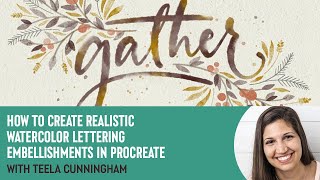
How to Create Realistic Watercolor Lettering Embellishments in Procreate with Teela Cunningham
Learn to create stunning watercolor lettering with floral embellishments in Procreate. Master techniques for realistic effects, texturing, shading, and adding seasonal elements to elevate your digital artwork.
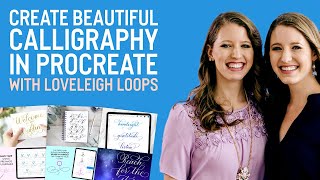
How to Create Beautiful Calligraphy in Procreate With Loveleigh Loops
Learn to create beautiful calligraphy in Procreate with expert tips on flourishing, embellishing letters, and planning compositions. Gain confidence and unlock your potential as a lettering artist.
Following a Bob Ross Tutorial on My iPad Pro
Learn digital painting techniques inspired by Bob Ross using Procreate on iPad Pro. Explore brushes, blending, and creating landscapes in this fun and engaging tutorial.

Easy Kawaii Food Drawing - Step by Step Procreate Tutorial
Learn to create adorable kawaii food illustrations in Procreate with step-by-step guidance. Master basic shapes, shading techniques, and add cute faces to bring your digital art to life.
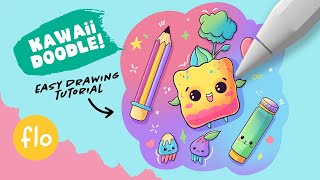
Procreate Easy Doodle Drawing - Step by Step Tutorial
Step-by-step guide to create cute doodle drawings in Procreate. Learn sketching, lineart, coloring, shading, and adding highlights for kawaii illustrations on iPad.
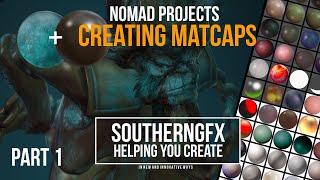
Nomad Sculpt - Making and Using Matcaps in Procreate for Nomad Sculpt
Learn to create and use matcaps in Procreate for Nomad Sculpt, enhancing your 3D sculpting workflow with custom material captures for improved visual feedback and efficiency.