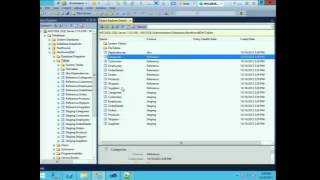
Automate Your ETL Infrastructure with SSIS and PowerShell
Streamline ETL processes using SSIS and PowerShell automation techniques. Learn to enhance efficiency and reduce manual tasks in data integration workflows.
24HoP Portuguese Edition - Powershell: Passar de scripts simples a funções avançadas
Aprenda a evoluir de scripts simples para funções avançadas no PowerShell, aprimorando suas habilidades de automação e gerenciamento de sistemas Windows.
The Enterprise Scripting Workshop
Learn enterprise scripting techniques to automate database tasks, improve productivity, and avoid common mistakes. Covers cursor usage, multi-database operations, and object deployment strategies.
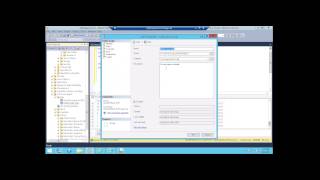
Trend Analysis of SQL Error Logs - Seeing Beyond the Error
Learn to automate SQL error log parsing, centralize data storage, and create visual reports for trend analysis, leading to improved process efficiency and proactive problem-solving.
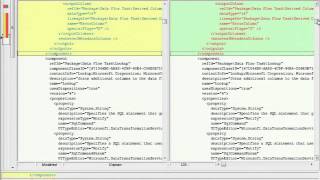
Top 10 Things You Didn't Know About SSIS in SQL Server Code Name "Denali"
Explore SSIS improvements in SQL Server "Denali": enhanced developer experience, project & parameter model, server-based deployment, and hundreds of customer-reported fixes for highest quality release.
Cross-Platform SQL Server Management - Taming Infrastructure and Application Usage
Learn to monitor SQL Server instances using extended events, capturing data for CPU utilization, resource usage, and performance analysis. Gain insights into best practices and practical implementation techniques.
Azure Basics for the DBA - Cloud
Explore Azure fundamentals for DBAs, covering key concepts, terminology, and hands-on demos. Learn to set up virtual machines and SQL databases, enhancing your cloud skills for career growth.
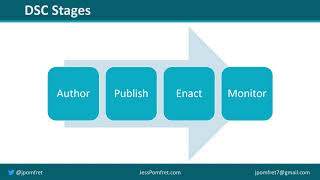
Install & Configure SQL Server with PowerShell DSC
Implement infrastructure as code for SQL Server using PowerShell Desired State Configuration (DSC). Learn to prepare a new Windows Server and explore the advantages of this approach.
My Romantic Relation with Powershell Generally - and with dbatools Especially
Discover the power of PowerShell and dbatools for efficient database management. Learn practical scenarios like automatic restore testing, log shipping, migrations, and upgrades to enhance your DBA skills.
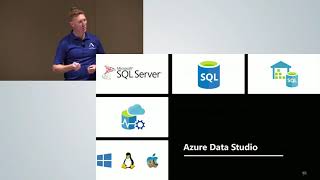
Azure Data Studio - The New Frontier
Explore Azure Data Studio's features for managing data platforms, including dashboards, snippets, profiling, charting, and more. Learn when to use it over SQL Server Management Studio.
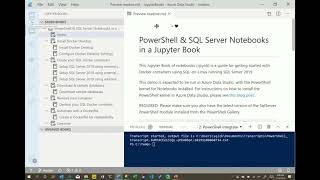
SQL Containers in 5 Minutes and 5 Lines of Code
Learn to quickly set up and manage SQL Server containers using PowerShell and Docker. Discover how containers support development and testing environments with rapid deployment and easy management.
SQL PowerShell 2019 - The Lingua Franca for the Data Platform
Explore PowerShell's versatility in managing diverse data platforms, from Excel to Azure SQL. Learn object-based data handling, code documentation, and sharing through PowerShell Notebooks for seamless integration across Microsoft data products.
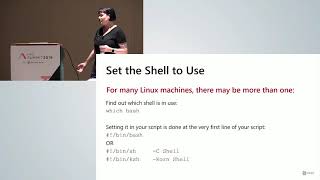
Empowering the SQL Server Professional with Linux Scripting
Enhance SQL Server skills with Linux scripting: learn shell scripting techniques, tips, and tricks to complement PowerShell expertise for Azure environments. Includes practical demos and a cheat sheet.
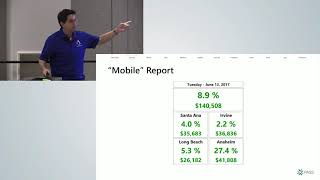
Reporting Services - A Smart Migration Strategy
Discover strategies for migrating to Power BI Report Server, utilizing ReportServer database metadata to determine which reports and data sources to migrate, and learn PowerShell techniques for efficient extraction and migration.
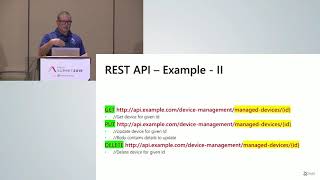
ABCs of the Power BI REST API
Explore managing Power BI content using REST API, covering dashboards, datasets, reports, and groups. Learn to automate tasks, retrieve information, and enhance Power BI workflow efficiency.
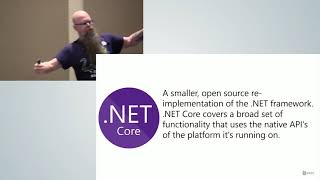
Using PowerShell on Linux
Learn to install and use PowerShell on Linux, interact with Azure and SQL Server, and discover its potential for Linux administrators. Explore use cases and resources for further learning.
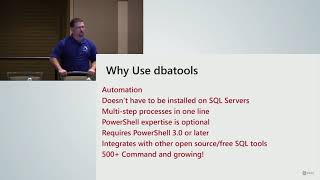
dbatools - A PowerShell Toolkit for the DBA
Explore dbatools PowerShell module for efficient SQL Server management. Learn installation, automation of routine tasks, and advanced features to streamline database administration workflows.
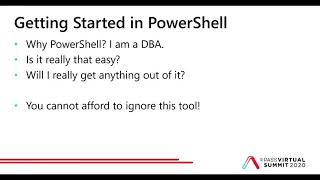
Getting Started with PowerShell as a DBA
Learn PowerShell fundamentals for DBAs: syntax, TSQL translation, and practical applications. Discover how this powerful tool can enhance your database administration skills and workflow efficiency.
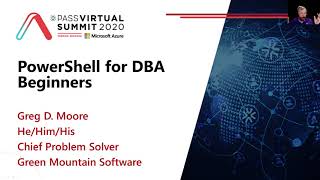
PowerShell for DBA Beginners
Learn to automate SQL deployments and upgrades using PowerShell, starting with basics and progressing to multi-server scripts using JSON files.
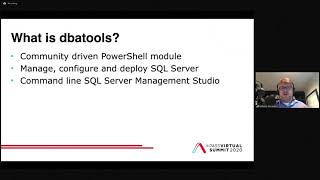
Deploying and Managing SQL Server with dbatools
Automate SQL Server deployment and management using dbatools PowerShell module. Learn installation, configuration, and operations techniques for efficient multi-system administration.
Notebooks, PowerShell, and Excel Automation
Automate Excel tasks using PowerShell and Jupyter Notebooks. Learn to create self-service solutions for users to generate custom Excel workbooks efficiently and effectively.