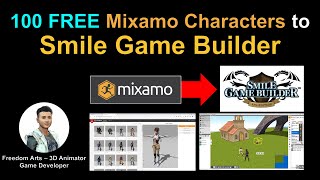
Importing 100 Mixamo Characters into Smile Game Builder
Learn to import 100 free Mixamo characters into Smile Game Builder using 3DXchange and Simplygon. Step-by-step tutorial covers workflow and software integration for game development.
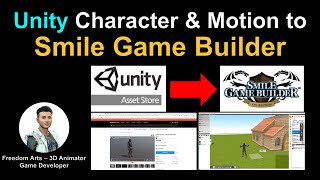
Unity to Smile Game Builder - Character and Motion Import Workflow
Learn to import characters and motion from Unity Asset Store into Smile Game Builder with this step-by-step tutorial, covering 3DXchange 7, Mixamo, and essential workflow techniques.
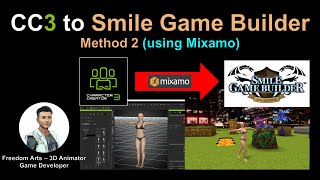
CC3 to Smile Game Builder Using Mixamo Autorig - Method 2
Step-by-step tutorial on exporting CC3 characters to Smile Game Builder using Mixamo autorig, with real-time demonstrations and detailed instructions for seamless integration into game development.
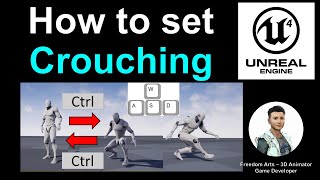
Setting Up Crouching Action in Unreal Engine 4 - Tutorial
Learn to implement crouching mechanics in Unreal Engine, including toggle controls, crouch walking, and importing Mixamo animations for a seamless player avatar experience.
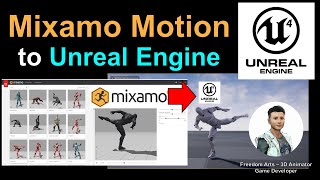
Mixamo Motion to Unreal Engine 4 - Full Tutorial
Step-by-step guide on exporting Mixamo motion files, importing them into Unreal Engine 4, binding animations to keyboard buttons, and enabling real-time player animation performance.
Mocap Editing Pipeline with Unreal Live Link
Learn to combine motions from various sources into a customized character animation and stream it live into Unreal Engine 4 using iClone's Live Link plug-in. Covers motion import, editing, facial capture, and Unreal integration.
Quick 3D Character Animation in Maya - Beginner Tutorial
Master rapid 3D character animation techniques using auto-rigging and auto-skinning in Maya, plus learn to clean up motion capture files with Animation Layers for efficient workflow.
Diffeomorphic Daz to Blender 4.1.0 - Animation Retargeting with BVH and FBX
Master the Diffeomorphic Daz To Blender Importer 4.1.0, including installation, character importing, and animation retargeting for both body and facial movements using BVH/FBX files in Blender.
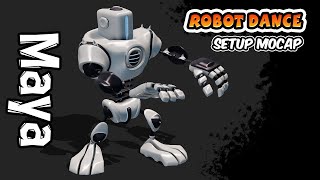
Robot Dance Motion Capture Workflow in Maya - Animation Tutorial
Master motion capture animation in Maya by applying Mixamo dance movements to robot rigs, while learning cleanup techniques and animation layer workflows for professional-quality character animation.

Animation Unfolding Using Frozen Frames Effect in Cinema 4D with Mixamo and Mograph
Master the frozen frames animation effect in Cinema 4D, combining Mixamo characters with Mograph tools to create stunning unfolding animations.
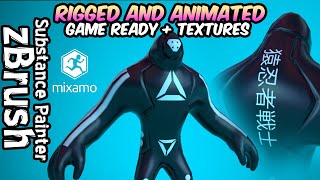
High-Poly to Game-Ready Character Creation: Modeling, Texturing, and Animation
Master the complete workflow of transforming high-poly character models into game-ready assets, covering retopology, UV mapping, texturing in Substance Painter, and auto-rigging with Mixamo.
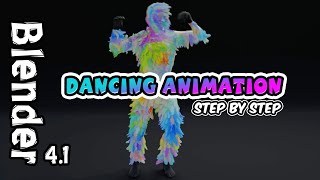
Dancing Character Hair Simulation in Blender - Beginner Tutorial
Learn to create dynamic hair animations in Blender 4.1 by combining Mixamo character rigs with particle systems, custom materials, and camera setups for an engaging animated sequence.