Photo Editing Techniques in Adobe Lightroom and Photoshop - Live Demonstration
Learn photo editing techniques with Adobe expert Terry White as he enhances user-submitted images live using Lightroom and Photoshop, demonstrating professional tips to elevate your photography skills.
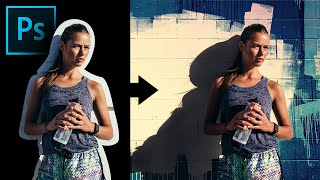
Extract Real Shadows with Solid Color in Photoshop
Learn to extract and recreate realistic shadows in Photoshop using Solid Color Adjustment Layer, Channels, Masks, and Blend Modes for seamless compositing and photo manipulation.
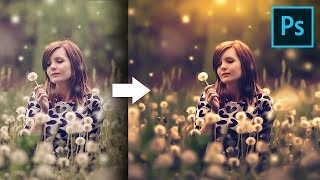
Unusual Slider to Create Painterly Effect in Photoshop
Discover a hidden slider in Adobe Camera RAW to create dreamy, painterly effects. Learn color grading, sun flares, and dodging techniques to enhance your images in Photoshop.

Colorize Black and White with Realism in Photoshop
Learn realistic techniques for colorizing black and white images in Photoshop, focusing on natural skin tones using color palettes, Hue/Saturation adjustments, and Blend-If for seamless application.
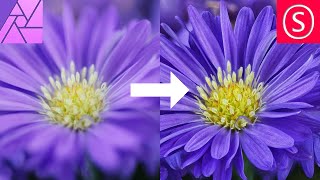
Focus Stacking - Focus Merging in Affinity Photo - How to - Beginner Tutorial
Comprehensive guide to focus stacking in Affinity Photo, covering camera setup, equipment tips, settings, and post-processing techniques for improved macro photography results.

How to Remove Background from Drawings - Affinity Photo + Tourbox Review
Discover techniques for removing backgrounds from drawings, enabling digital colorization and crisp outlines. Learn to create perfect selections and convert drawings to PNGs using Affinity Photo.

How to Add Different Materials to Drawings in Procreate With Nathan Brown
Explore layering techniques in Procreate with Nathan Brown, learning to add diverse materials like water and wood to illustrations for enhanced creativity and visual depth.
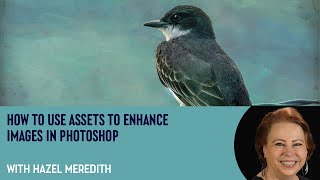
How to Use Assets to Enhance Images in Photoshop with Hazel Meredith
Learn to enhance images in Photoshop using textures, overlays, and masks with award-winning photographer Hazel Meredith. Discover techniques for adding drama, lighting effects, and borders to create unique and captivating visuals.
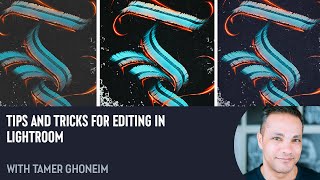
Tips and Tricks for Editing in Lightroom with Tamer Ghoneim
Discover expert Lightroom editing techniques from photographer Tamer Ghoneim. Learn to enhance photos using tools like histogram, gradient, and HSL for stunning results.
Professional Sharpening Techniques in Photoshop
Master professional image sharpening techniques in Photoshop, from capture to output, enhancing your post-production skills for print and online media.
Photoshop and Topaz Labs Workflow Tutorial - Floral Edit
Enhance floral photos with expert techniques using Lightroom, Photoshop, and Topaz Labs tools. Learn sharpening, stabilizing, and masking for stunning results.
Topaz Studio 2 Creative Toolbox - Episode 1
Explore creative editing techniques using Topaz Studio 2's filters and tools to enhance your photography and achieve unique visual effects.
Master the Art of Dodge and Burn in Photoshop - Brush Opacity and Flow Techniques
Enhance your photo editing skills with advanced Dodge and Burn techniques in Photoshop, focusing on brush opacity and flow for precise image adjustments and professional results.
Nik Collection 5 - CLEARVIEW Filter Deep Dive and Comparison
Explore CLEARVIEW filter in Nik Collection 5, comparing it with Photoshop's DEHAZE. Learn how to enhance image clarity and contrast across various photographs using advanced editing techniques.

Full Edit of Sarus Cranes Image - TK Friday
Step-by-step tutorial on advanced photo editing techniques for enhancing wildlife photography, focusing on Sarus Cranes image using TK8 plugin and various software tools.
Understanding the Bleach Bypass Filter in Nik Collection 5 - Color Efex Pro
Explore the Bleach Bypass filter in Nik COLOR EFEX PRO 5, learning its high-contrast, low-saturation effects through four unique examples to enhance your photo editing skills.
Precision Adjustments Beyond AI - Part 3
Learn advanced precision adjustment techniques in Photoshop using the TK8 plugin, with downloadable resources for hands-on practice. Enhance your photo editing skills beyond AI-powered tools.
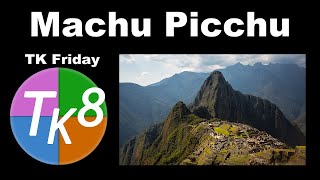
Full Edit of Machu Picchu Image - TK Friday
Comprehensive Photoshop editing tutorial for Machu Picchu image using TK8 plugin, with downloadable resources and step-by-step guidance for enhancing landscape photography.
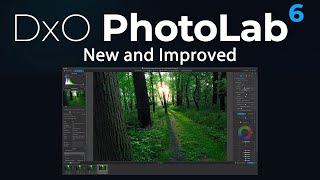
DxO PhotoLab 6 First Look - Deep PRIME XD Noise Reduction and New Features
Explore DxO PhotoLab 6's new Deep PRIME XD noise reduction, enhanced features, and seamless integration with Photoshop for improved RAW editing and photo processing workflows.
SILVER EFEX PRO 2 - Black and White Conversion Tutorial
Comprehensive tutorial on using Silver Efex Pro 2 for powerful black and white photo conversions, featuring advanced techniques and expert tips for stunning monochrome results.
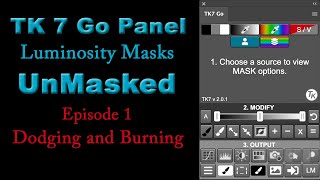
Luminosity Masks for Dodging and Burning - Episode 1
Discover the power of luminosity masks for dodging and burning in photography using TK7 Go Panel. Learn a quick and easy method to enhance your images with precision.