Draw Mount Fuji in Procreate
Step-by-step tutorial for drawing Mount Fuji in Procreate, covering techniques like gradients, textures, and layer blending. Learn to create a stunning digital landscape illustration.
Convolutions in Image Processing - MIT 18.S191 Fall 2020 - Week 1
Explore image processing convolutions, from basic blurs to edge detection, using Julia. Learn about kernels, computational complexity, and connections to Fourier transforms.
Tips for Better Blending in Procreate
Discover 10 essential tips for mastering blending in Procreate, including smudge tool techniques, brush selection, and innovative methods to enhance your digital art skills.

Create a Glowing Neon Text Effect in Photoshop
Learn to create stunning neon text effects in Photoshop with step-by-step guidance on gradients, blending modes, and motion blur techniques for eye-catching designs.

How to Design a Logo with Shadows in Illustrator
Learn to enhance logos with dynamic shadows in Adobe Illustrator. Master techniques for creating depth, adjusting shapes, and applying blending modes to elevate your design skills.
Camera Lens Train Track Photo Manipulation - Affinity Photo Beginner Tutorial
Learn to create a surreal photo manipulation of train tracks emerging from a camera lens using Affinity Photo, with step-by-step guidance on selection, blending, and visual effects.
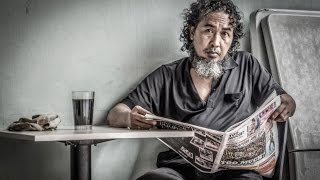
High Impact Special Grunge Effect in Photoshop CC
Create a high-impact grunge effect in Photoshop CC using advanced techniques like smart objects, filters, and adjustments for striking visual results.
Inkscape Filter Editor Tutorial - Part 6
Explore Inkscape's Filter Editor, covering primitives like Gaussian Blur, Blend, Turbulence, and Lighting effects to enhance your vector graphics skills.
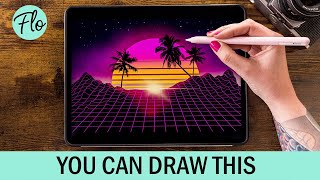
Retrowave Landscape in Procreate
Step-by-step tutorial for creating a retrowave landscape in Procreate, featuring free brushes and beginner-friendly techniques. Learn digital drawing skills while crafting a vibrant, nostalgic illustration.
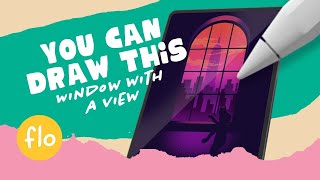
Draw a Window with a Skyline View in Procreate
Step-by-step tutorial for beginners to draw a window with a skyline view in Procreate. Learn digital painting techniques, use free brushes, and create a simple yet stunning artwork.
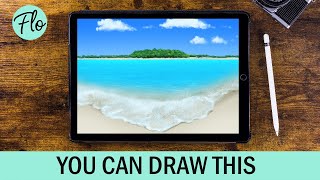
Beach Landscape Drawing in Procreate - Easy Tutorial
Learn to paint a beach landscape in Procreate with easy-to-follow steps. Master techniques like clipping masks, layer masks, and gaussian blur using free brushes included in the app.
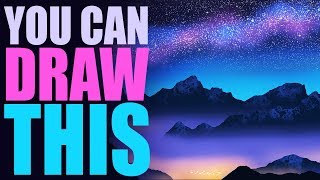
You Can Draw This Landscape in Procreate - Easy Landscape Drawing Tutorial
Learn to create a starry night landscape in Procreate with step-by-step guidance. Master techniques like Gaussian blur, layer clipping masks, and blending modes using free brushes included in the app.
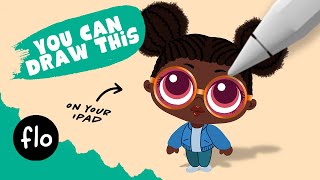
You Can Draw This Cool Girl in Procreate
Step-by-step tutorial for beginners to draw a cool girl in Procreate, featuring symmetry tool, gaussian blur, and transform techniques. Includes a free hair brush and color palette.

How to Create a Dune-Style Poster in Photoshop - With the Fremen Eyes
Learn to recreate Dune's iconic character poster, mastering eye color change, skin retouching, and advanced Photoshop techniques like frequency separation and blending options in this comprehensive tutorial.

The Orb Photoshop Composite Tutorial
Learn to create a sci-fi photo composite featuring a floating orb, including background replacement, sphere creation, lighting effects, atmosphere addition, and color grading techniques in Photoshop.
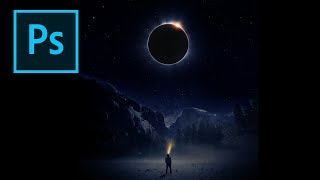
Creating an Eclipse Composite in Photoshop
Learn to create a stunning eclipse composite using Photoshop techniques like noise gradient, Gaussian blur, and color correction for realistic flares and hotspots.
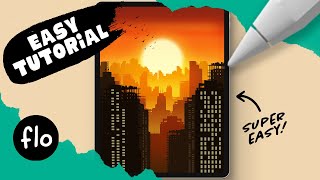
Draw This Sunset City Skyline in Procreate
Learn to create a stunning sunset city skyline in Procreate with step-by-step guidance. Master digital drawing techniques like gradients, layering, and detailing to bring your urban landscape to life.
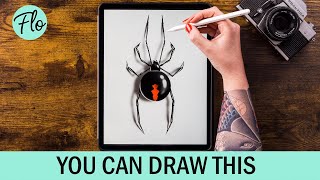
Draw a Spider in Procreate
Step-by-step tutorial for drawing a realistic spider in Procreate, covering body structure, leg details, highlights, patterns, and shadow effects to create a lifelike digital illustration.
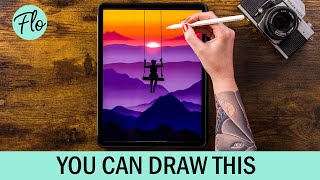
Draw This Sunset Landscape in Procreate
Step-by-step tutorial for creating a stunning sunset landscape in Procreate, covering techniques from basic mountains to adding mist and clouds for a realistic digital artwork.

Master Filters - Photoshop for Beginners
Explore essential Photoshop filters, from simple blurs to complex effects. Learn practical applications, overcome common issues, and discover powerful third-party plugins to enhance your editing skills.

Detect Edges with OpenCV and Python - Computer Vision Tutorial
Learn to apply Canny Edge Detection using OpenCV and Python, including parameter tuning, noise reduction, and result exporting in this comprehensive computer vision tutorial.