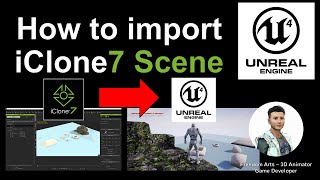
How to Import iClone Scene into Unreal Engine - Full Tutorial
Step-by-step guide for importing iClone scenes into Unreal Engine, including prop transfer, static mesh setup, and collision settings. Covers essential workflow for 3D animators and game developers.
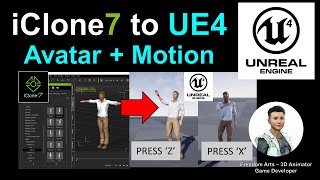
iClone Motion and Avatar to Unreal Engine - Animate Your Avatar Like a Gamer
Learn to import iClone animations and Character Creator avatars into Unreal Engine, enabling real-time animation control through keyboard inputs for dynamic, game-like character performances.
iClone to Unity Character Animation Workflow - Live Demo
Streamlined character animation workflow from iClone to Unity, featuring facial and body motion tools for efficient game character creation and animation.
iClone Unity 4 Mecanim Series - Applying iClone Motions to Animator Controller
Learn to apply iClone motion content to character Animator Controllers in Unity 4, creating state machines for seamless motion transitions and blending using Mecanim's powerful features.
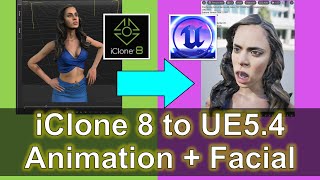
iClone 8 to Unreal Engine 5.4 - Facial Animation, Lip Sync, and Morph Targets Tutorial
Comprehensive guide on importing iClone 8 animations into Unreal Engine 5.4, including 3D models, body motion, lip sync, and morph target animations for game development projects.

iClone 7 Tutorial - Using Substance Decals
Learn to apply and manipulate Substance decals in iClone 7, covering base materials, blending, positioning, opacity maps, poster decals, and optimization techniques.
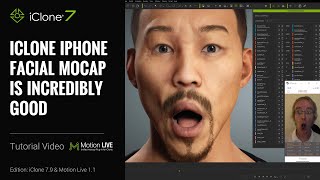
Getting the Best iPhone Mocap in iClone - Advanced Techniques and Features
Learn advanced iPhone facial motion capture techniques for iClone, including live smoothing, multitrack recording, data mapping, and new clip functions to enhance animation quality and efficiency.
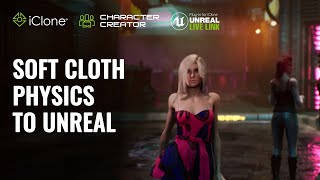
Cloth and Hair Simulations in Unreal with iClone - Part 1: Soft Cloth Physics
Learn to create realistic digital human animations using iClone Soft Cloth Physics and Unreal Engine, focusing on character setup, physics adjustments, and live linking for enhanced cloth simulations.
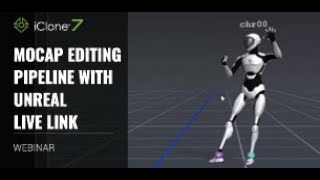
Mocap Editing Pipeline with Unreal Live Link - Webinar
Explore motion capture editing in iClone, from recording to refining and exaggerating motions, with live streaming into Unreal Engine using Live Link. Learn key tips for efficient mocap workflows.
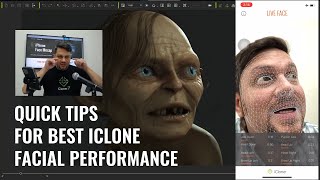
Quick Tips for the Best Facial Animation Performance with iPhone Mocap
Discover essential tips for creating professional facial animations using iPhone mocap, including avoiding common mistakes like dead eyes and jerky neck movements, and improving overall performance quality.

Mocap Editing Pipeline with Unreal Live Link
Learn to combine motions from various sources into a customized character animation and stream it live into Unreal Engine 4 using iClone's Live Link plug-in. Covers motion import, editing, facial capture, and Unreal integration.
Creating Seamless Bitmap2Material Textures for iClone
Learn to create seamless textures using Bitmap2Material for iClone scenes. Explore texture map parameters and their effects on various texture types in this quick, practical tutorial.
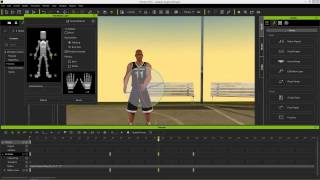
iClone 6 Tutorial - Kinect Motion Capture Editing and Refinement
Learn real-time motion capture with Microsoft Kinect and refine animations using iClone 6's powerful editing tools. Master raw data capture, refinement, puppet animation, and motion saving techniques.
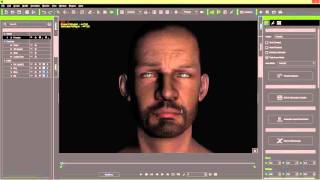
iClone 6 Tutorial - 3 Point Lighting for Realistic Humans
Master 3-point lighting techniques in iClone 6 to create realistic human characters. Learn key, fill, and rim lighting, along with shadow settings and ambient lighting for enhanced visual impact.
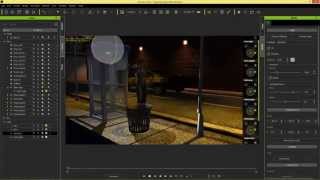
iClone Beginner's Guide: Basic Scene Lighting
Learn essential scene lighting techniques in iClone, including directional lights, spot lights, point lights, and image-based lighting. Master the basics to set the mood and enhance your 3D scenes effectively.
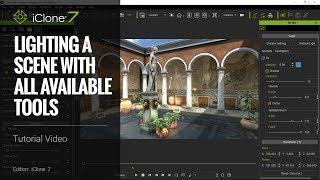
Lighting a Scene in iClone 7 - Tutorial Using All Available Tools
Comprehensive guide to lighting techniques in iClone 7, covering HBAO, PBR, ILBs, GI, and image enhancements for creating stunning day and night scenes in a Roman Patio setting.
Motion Builder Motion Editing for Unreal Characters - Part 1
Learn to edit motion capture files for Unreal characters using Motion Builder. Explore seamless FBX export from iClone and Character Creator, and compare editing processes in Motion Builder and iClone.
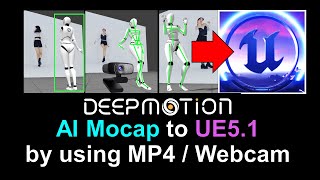
DeepMotion to Unreal Engine 5.1 - Converting MP4 to FBX with Embedded Mocap Animation
Learn to convert MP4 videos into FBX files with embedded mocap data, integrate DeepMotion with iClone 8 and Unreal Engine 5.1, and overcome common challenges in the animation pipeline.
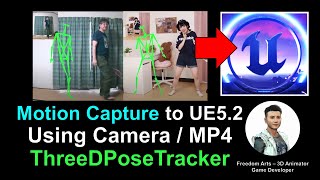
From Webcam to Unreal Engine 5.2: Free Motion Capture Using ThreeDPoseTracker
Learn to create free motion capture animations using a webcam or MP4 video with ThreeDPoseTracker, then import and retarget them onto 3D models in Unreal Engine 5.2 for game development and animation projects.
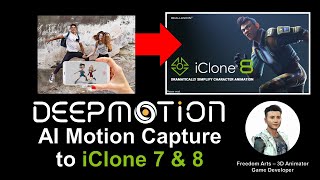
DeepMotion AI Motion Capture for iClone and Character Creator - Full Tutorial
Step-by-step guide on using DeepMotion AI to convert MP4 videos into body motion for iClone and Character Creator, enhancing 3D animation workflows with AI-powered motion capture technology.
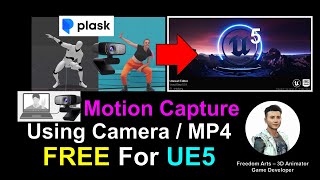
Webcam and MP4 AI Motion Capture for Unreal Engine 5.0.1 - Plask AI Tutorial
Learn to create AI-powered motion capture animations using webcam or MP4 video for Unreal Engine 5.0.1 with Plask. Step-by-step guide covers workflow from capture to import, enhancing 3D animation skills.