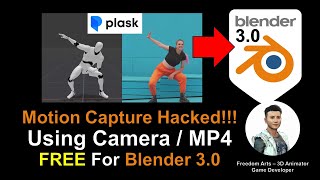
AI Motion Capture for Blender Using Camera or MP4 Video - Plask Tutorial
Learn to create AI-powered motion capture animations in Blender using webcam or video footage. Step-by-step guide covers Plask.ai integration, 3DXchange Pipeline, and iClone workflow for seamless animation transfer.
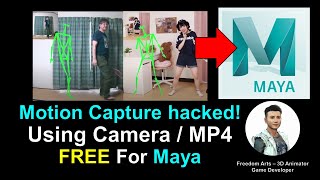
AI Motion Capture for Maya 3D Avatar Using Camera or MP4 Video - ThreeDPoseTracker Tutorial
Learn to create AI-powered motion capture for Maya 3D avatars using a camera or MP4 video with ThreeDPoseTracker. This tutorial covers the complete workflow from capturing motion to importing into Maya.
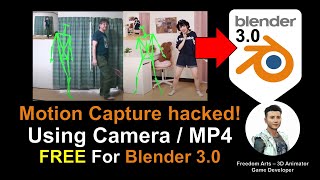
AI Motion Capture for Blender 3D Avatar Using Camera or MP4 Video - ThreeDPoseTracker Tutorial
Learn to create AI-powered motion capture for Blender 3D avatars using a camera or MP4 video with ThreeDPoseTracker. This tutorial covers the complete workflow from capturing motion to applying it in Blender.
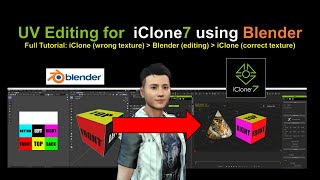
UV Editing for iClone Using Blender
Step-by-step guide for UV editing in Blender to enhance iClone models. Real-time demonstration with on-screen actions for easy follow-along and guaranteed results.
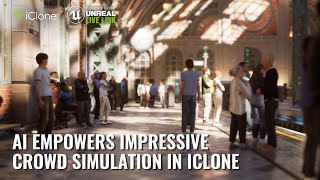
Blend iClone's Crowd Simulation with AI-Generated Facial and Clothing Textures
Explore advanced crowd simulation using iClone Crowd Sim, integrating AI-generated textures for realistic facial features and clothing in complex animated scenes.
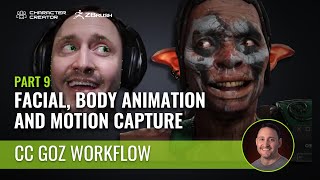
Facial Animation and AccuFace Mocap in Character Creator and iClone - Part 9
Enhance character animations with AccuFace mocap in iClone. Learn to export from Character Creator, import mocap data, and refine animations using iClone tools for realistic facial expressions.
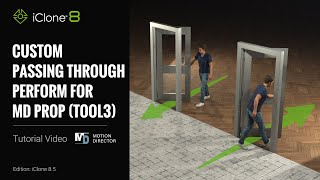
Custom Passing Through Performance for MD Props - iClone 8 Tutorial
Customize MD prop interactions with actors in iClone 8. Learn to create natural doorway walk-throughs and save time with reusable, customized interactions for Reallusion characters.
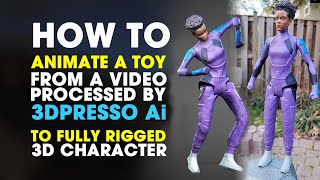
From Video to Fully Animated 3D Character Using 3DPresso AI, Blender, Accurig and iClone 8
Master the process of transforming a static figure into an animated 3D character using multiple tools including 3DPresso AI, Accurig, Blender, and iClone 8, with step-by-step guidance for character rigging and animation.
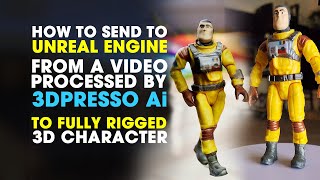
Sending 3D Characters from 3DPresso AI to Unreal Engine Using Live Link
Learn how to transfer and animate a 3D character from 3DPresso AI through multiple tools including Accurig, Blender, Character Creator 4, and iClone 8 for seamless integration into Unreal Engine.
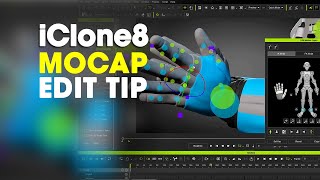
iClone 8 Motion Capture Editing - Creating Perfect Animation Loops and Finger Data
Master essential techniques for creating seamless animation loops and editing finger motion capture data in iClone 8, enhancing your character animation skills with professional mocap editing workflows.
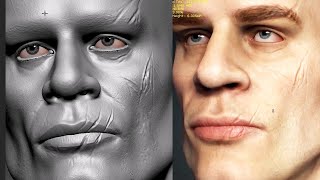
Character Creator Face Tools for ZBrush - Sculpting Models and Exporting to CC4
Master ZBrush face sculpting techniques and seamlessly export detailed character models to Character Creator 4, enhancing your 3D character creation workflow and design capabilities.
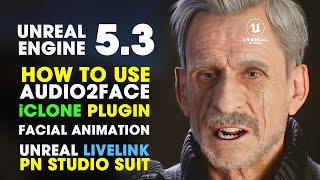
Facial Animation Using Audio2Face Plugin - From iClone 8 to Unreal Engine 5.3
Master facial animation techniques using Audio2Face plugin in iClone 8, creating expressive character animations and seamlessly integrating them into Unreal Engine 5.3 for high-quality rendering.
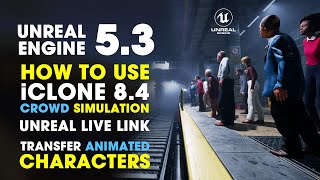
Using iClone 8 Crowd Simulation in Unreal Engine 5.3 with Live Link
Learn how to integrate iClone 8.4's Crowd Simulation with Unreal Engine 5.3 to populate an underground train station scene with animated characters using Live Link plugin functionality.
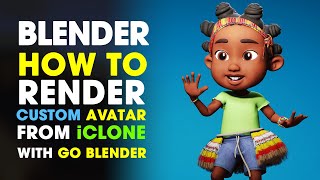
Rendering Custom Characters from iClone in Blender Using Go Blender Addon - Autosetup Tutorial
Master the process of rendering iClone characters in Blender using the Go Blender plugin, covering essential setup steps and workflow optimization for seamless character integration.
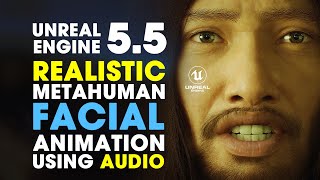
Unreal Engine 5.5 - Creating Realistic MetaHuman Facial Animation Using Audio
Master realistic MetaHuman facial animations in Unreal Engine 5.5 by converting audio inputs into lifelike expressions and lip movements, streamlining character animation workflows.
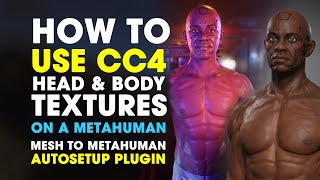
Using Character Creator Textures on MetaHuman in Unreal Engine 5.1 - Mesh to MetaHuman Tutorial
Learn how to apply Character Creator 4 and Daz textures to MetaHuman characters using Mesh to MetaHuman plugin in Unreal Engine 5.1, enhancing character expressiveness and realism for game development.
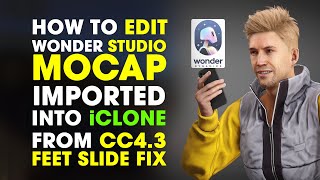
How to Edit Wonder Studio Motion Capture in iClone 8 and Character Creator 4
Master the workflow of importing and editing Wonder Studio motion capture data in iClone 8 and Character Creator 4 to achieve smooth, stable animations without foot sliding issues.
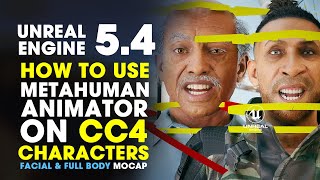
Using MetaHuman Animator for Facial and Full Body Motion Capture in Unreal Engine 5.4
Master facial and full body motion capture techniques in Unreal Engine 5.4, applying MetaHuman Animator to CC4 characters for creating lifelike animations and expressions using advanced control rig systems.
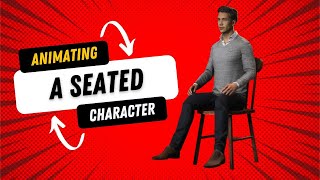
Animating a Seated Character in iClone 8 - Tips and Tricks
Learn essential techniques for animating seated characters in iClone 8, from proper positioning to natural movement creation and realistic posture adjustments.
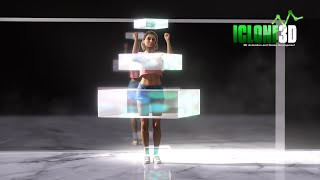
Animating Dance with Spinning Boxes in iClone 8 - Tips and Tricks
Master animation techniques in iClone 8 by learning to create dynamic dance sequences with spinning boxes, complete with downloadable motion files and step-by-step guidance.
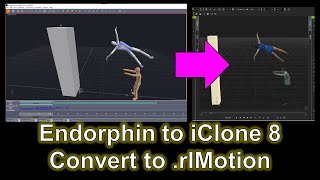
Endorphin to iClone 8 Motion Pipeline Tutorial
Learn to import Endorphin motion data into iClone 8 for 3D animation. Master the pipeline for seamless integration, enhancing your character animations with realistic physics-based movements.