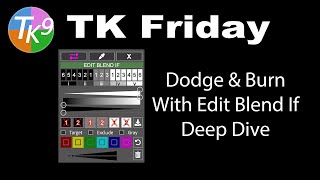
Dodging and Burning with Edit Blend If - Deep Dive
Mastering advanced dodging and burning techniques using TK9 Edit Blend If Panel. Enhance your photo editing skills with in-depth exploration of powerful tools for precise image adjustments.

Batch Retouch 1000+ Photos in 1 Click - Photoshop & AI
Learn to create a Photoshop system for batch-retouching thousands of portraits automatically. Covers blemish removal, dodging, burning, contouring, eye enhancement, and backdrop cleanup using AI plugins and custom actions.

Blend Subject and Reflections Using Blend Modes in Photoshop
Master Photoshop blend modes to seamlessly integrate subjects and reflections with backgrounds. Learn selection techniques, color matching, and light adjustment for realistic composites.
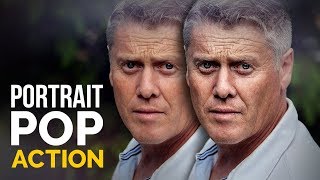
Make Portraits POP in Photoshop
Enhance portrait photography with a free Photoshop action. Learn to add depth, drama, and dimension using clarity, contrast, sharpening, and dodging techniques for striking results.
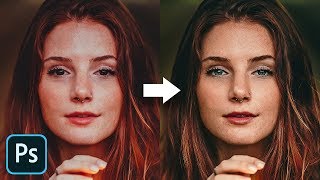
The Master Guide to Reconstructing Skin Tones - Photoshop Tutorial
Advanced Photoshop techniques for reconstructing skin tones, including color matching, curves adjustment, gradient maps, and retouching eyes. Learn to create realistic skin from scratch.

Blend Anything on Any Surface in Photoshop
Learn to realistically blend text, graphics, or logos onto any surface in Photoshop using Blend-If, Blend Modes, Liquify, and Displacement Maps for natural-looking results.
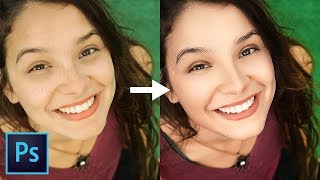
Master Dodging and Burning - Photoshop In-Depth Tutorial
Comprehensive guide to mastering dodging and burning techniques in Photoshop, from basics to advanced applications, enhancing portrait depth and dimension for stunning results.
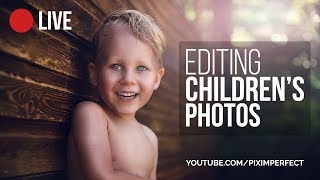
Retouching Children's Photos Complete Workflow in Photoshop - Live Replay
Comprehensive Photoshop workflow for retouching children's photos, covering skin softening, eye enhancement, and mood creation while preserving natural innocence.