Lightroom Tutorials
Comprehensive Lightroom tutorials covering advanced editing techniques, color grading, organization, and workflow optimization for photographers of all skill levels.
Cinematic Photo Editing in Lightroom Classic and Photoshop - Part 1
Learn cinematic photo editing techniques in Lightroom and Photoshop with photographer Idara Ekpoh. Master color grading, dodging and burning, selective adjustments, and creative effects to elevate your images.
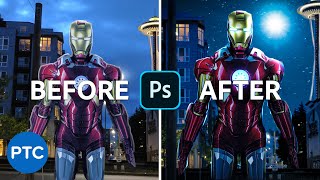
Editing Your Photos - Photoshop Compositing
Learn advanced Photoshop compositing techniques to create an Iron-Man image, including perspective correction, color adjustments, masking, and sky replacement in this comprehensive tutorial.
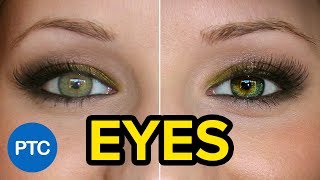
Techniques to Create Amazing Eyes in Photoshop - Eye Enhancement Photoshop Tutorial
Learn seven non-destructive techniques to enhance eyes in Photoshop, including retouching, sharpening, adding highlights, changing color, and creating multi-colored effects for stunning results.

Portrait Retouching in Lightroom and Photoshop - Tips and Techniques
Learn professional portrait retouching techniques using Lightroom Classic and Photoshop. Master adjustments, blemish removal, dodging and burning, and cutting out subjects to elevate your photo editing skills.
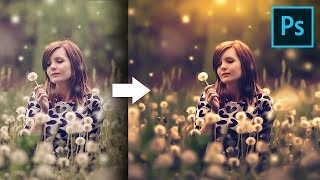
Unusual Slider to Create Painterly Effect in Photoshop
Discover a hidden slider in Adobe Camera RAW to create dreamy, painterly effects. Learn color grading, sun flares, and dodging techniques to enhance your images in Photoshop.
TK8 Dodge and Burn Workshop - Photoshop Techniques with Downloadable PDF Notes
Comprehensive workshop on dodging and burning techniques using TK8 plugin for Photoshop, with downloadable PDF notes for reference. Explores various methods to enhance image quality and contrast.
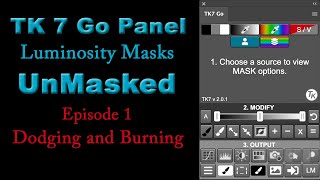
Luminosity Masks for Dodging and Burning - Episode 1
Discover the power of luminosity masks for dodging and burning in photography using TK7 Go Panel. Learn a quick and easy method to enhance your images with precision.
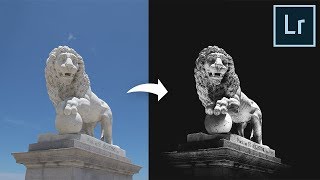
Make Flat Boring Photos Insanely Dramatic Just Using Lightroom
Transform flat, boring photos into dramatic masterpieces using Lightroom. Learn techniques for enhancing contrast, adding dimension, and directing viewer attention through black and white editing and adjustment brushes.

The Ultimate Landscape Plug-In for Photoshop
Comprehensive review of a powerful Photoshop landscape plugin, showcasing essential features like luminosity masks, advanced dodging and burning, and milky way editing for enhanced landscape photography.

How to Use Blend If Creatively in Photoshop Tutorial
Learn creative Blend If techniques in Photoshop to combine images into a stunning composite. Master selections, masking, dodging, burning, and color grading for professional-looking results.

Beginner Tips for Retouching Portraits in Photoshop Tutorial
Learn beginner-friendly techniques for enhancing portrait photos in Photoshop, including eye retouching, skin blemish removal, and dramatic lighting effects using non-destructive methods and essential tools.
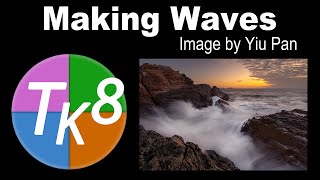
Full Edit Tutorial: Dramatic Wave Image Processing
Full edit tutorial of a dramatic wave image using TK8 plugin, covering color grading, blending modes, adjustments, and advanced techniques for enhancing contrast and details.
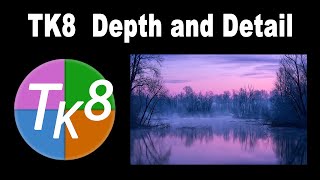
TK8 Depth and Detail - Enhancing Misty River Scenes in Photoshop
Learn advanced photo editing techniques using TK8 Plugin for Photoshop to enhance depth and detail in landscape images, focusing on masks, contrast adjustments, and targeted enhancements.

Dodging and Burning Techniques in Topaz Studio 2 and Photoshop
Learn effective dodging and burning techniques in Photoshop and Topaz Studio 2 to enhance landscape images and make them stand out. Discover similar methods in both applications for improved photo editing skills.
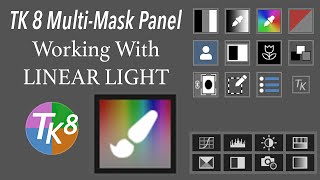
TK8 Multi-Mask Panel - Working with Linear Light and Paint Color Output Mode
Explore the new PAINT COLOR Output Mode in TK8 MULTI-MASK Panel for advanced color dodging, burning, and alteration techniques in photo editing.
Introduction to Luminosity Masks in Photoshop Using TK7 RapidMask Panel
Discover powerful Photoshop techniques using luminosity masks for tonal balancing and selective editing. Learn to enhance images with the TK7 RapidMask Panel in this hands-on tutorial.
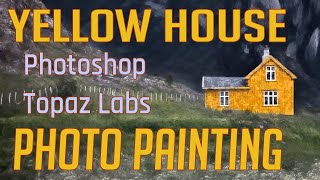
Photo Painting Tutorial: Yellow House with Photoshop and Topaz Labs Plugins
Transform a photo into a stunning painting using Photoshop and Topaz Labs plugins. Learn techniques like dodging, burning, and applying artistic filters to create a unique masterpiece from a simple image.
Topaz Studio 2 Tutorial - Texture Filter
Explore the Texture Filter in Topaz Studio 2 to enhance your images with creative textures. Learn techniques for adding depth and visual interest to your photographs through this powerful editing tool.
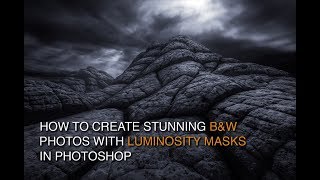
How to Edit Black and White Images with Luminosity Masks
Master black and white image editing with luminosity masks in Photoshop. Learn dodging, burning, contrast enhancement, and toning techniques to create stunning, mood-rich photographs.
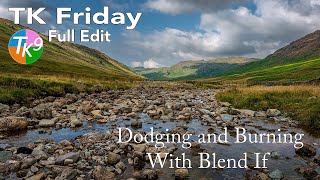
Dodging and Burning with Blend If - TK Friday Full Edit
Explore advanced dodging and burning techniques using Blend If in Photoshop. Learn to enhance images step-by-step, focusing on a rocky landscape photo to elevate your editing skills.