Adobe Illustrator Daily Creative Challenge - Scatter Brushes
Learn to create a unique promotional flyer using Scatter Brushes in Adobe Illustrator. Explore mud, pattern, and leaf brushes to enhance your design skills in this hands-on challenge.
Animating Fresco Illustrations - Part 1
Learn to animate Fresco illustrations with Stephanie DeAngelis. Transform a scenic storyboard into an animated GIF using Adobe Fresco and Photoshop. Gain insights on sketching, coloring, and animation techniques.
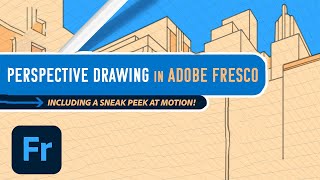
Adobe Fresco: Perspective Drawing and Motion Features Tutorial
Explore new Fresco features: guided perspective drawing and motion. Learn to create dynamic illustrations using grids, frames, timelines, and path animations for enhanced digital art.
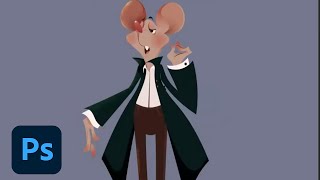
Designing Real Life-Inspired Figures and Fictional Characters - Part 2
Learn character design techniques, from basic shapes to texturing, while exploring pricing strategies and industry insights with illustrator Chioma Iloegbunam in this Adobe Live session.
Designing Real Life-Inspired Figures and Fictional Characters in Photoshop - Part 1
Illustrator Chioma Iloegbunam demonstrates character creation in Photoshop, focusing on music teacher-inspired designs and sharing tips on vector shapes, line art, texturing, and capturing personality through simple forms.
Illustrating Simple Characters and Environments - Part 2
Learn illustrator Codi Bear's "forced flat" technique for creating simple character and environment silhouettes. Explore character design, from ideation to final design, and create scenes based on live chat suggestions.
How to Use Procreate Effects to Create Storytelling Imagery with Hank Washington
Learn to create captivating storytelling imagery in Procreate with expert Hank Washington. Master effects, shading techniques, color mixing, and brush manipulation to bring your digital illustrations to life.
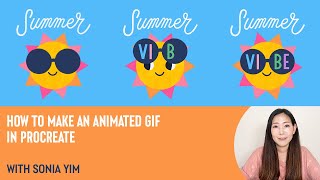
How to Make an Animated GIF in Procreate with Sonia Yim
Learn to create animated GIFs in Procreate with illustrator Sonia Yim. Master sketching, frame animation, layer organization, and easy tips for crafting cute, sun-themed animations using Design Cuts resources.
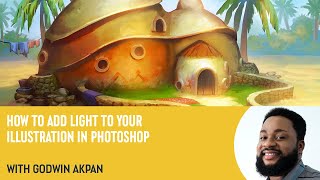
How to Add Light to Your Illustration in Photoshop with Godwin Akpan
Learn to enhance illustrations with light in Photoshop. Master techniques like cast shadows, field light, bounce light, ambient occlusion, and specular lighting to bring your artwork to life.
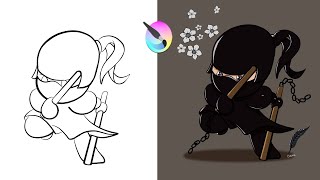
How to Draw, Paint, Add Highlights & Shadows in Krita - Chibi Ninja
Comprehensive Krita tutorial covering drawing, coloring, and enhancing a chibi ninja character. Learn essential tools, techniques, and shortcuts for digital art creation in this step-by-step guide.

Flyer Design in Photoshop - Create Music Festival and Art Deco Party Invitations
Learn to create stunning party flyers using Photoshop tools, stock items, and 3D assets. Master flyer sizes, organization, and design two eye-catching examples: a music festival flyer and an Art Deco invitation.
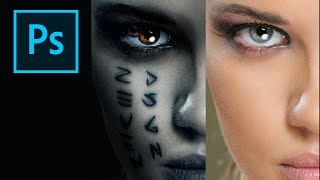
How to Create the Mummy Poster in Photoshop
Learn to recreate the iconic Mummy movie poster using Photoshop techniques. Master digital art skills and enhance your graphic design abilities in this step-by-step tutorial.
Falcon Lady Character Creation Tutorial
Create a stunning digital illustration of a falcon lady using Photoshop. Learn techniques for blending textures, adding details, and achieving a captivating fantasy aesthetic.
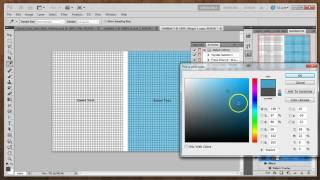
Create Your Own Web Background Patterns - Part 1: Pattern Basics
Learn to create seamless web background patterns using Photoshop, including grid, crosshatch, and tongue-tied designs. Explore color variations and texture additions for unique visual effects.
Halloween Blood Tutorial - Special Effects Makeup Techniques
Create realistic blood effects for Halloween using digital art techniques and tools.
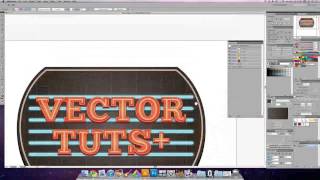
Create a Glowing Neon Sign Using the Appearance Palette - Part 2
Learn to craft intricate neon signs efficiently in Adobe Illustrator using the Appearance Palette, streamlining complex path creation for stunning visual effects.
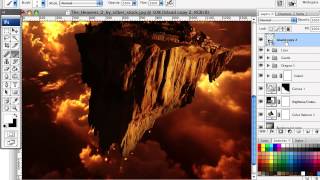
How to Create a Fantasy Flying Land Illustration with Fire Effects
Create a fantasy illustration with flying lands, dragons, and fiery effects using Photoshop techniques like layer adjustments, filters, and painting.
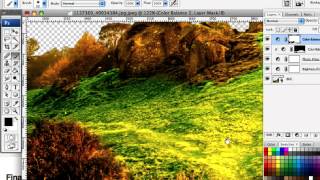
Creating a Touching Story Scene in Photoshop
Learn to craft an emotive story scene using photo manipulation and color adjustment techniques in Photoshop, enhancing your digital art skills and creative storytelling abilities.
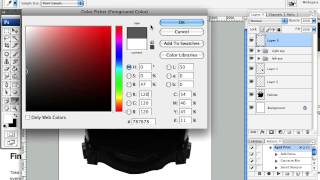
Creating a Space-Helmeted Future Retro Illustration
Learn to create a futuristic retro-style illustration featuring a space helmet, inspired by contemporary artists. Explore techniques for blending nostalgic and modern design elements.
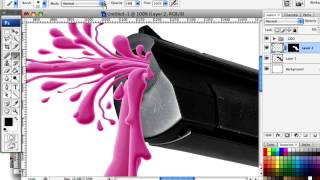
Splattered Vector and Photography Mash Up
Learn to blend vector work with photography, creating vibrant art for various projects. Master the Pen Tool in Photoshop to confidently produce stylish designs with a fun, colorful approach.
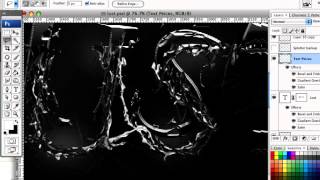
Create Destructive Black and White Lettering with a Dramatic Splash Effect
Learn expressive lettering techniques to create dramatic black and white designs with destructive effects, splashes, and unique visual elements using Photoshop tools and filters.