Daz Studio Lighting Tutorial - Catchlights
Learn to create realistic catchlights in Daz Studio using HDRI, plane, torus, and cone techniques. Enhance your 3D portraits with lifelike eyes and improve overall render quality.
Daz Studio Lighting Tutorial – Shadows
Learn effective shadow techniques for Daz Studio scenes, muscular characters, and non-muscular characters to enhance realism and depth in your 3D creations.
Daz Studio Lighting Tutorial - Gel Lights
Learn to create unique gel light patterns in Daz Studio for stunning portrait and beauty renders. Master spotlight setup, primitive settings, tonemapping, and bloom filters to make your artwork stand out.
Daz Studio Content Library
Explore Daz Studio's file structure, content management, and installation processes. Learn to organize your library and package props for sharing or selling.
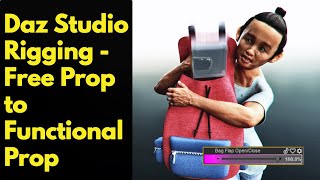
Daz Studio Rigging - From Free Prop to Functional Prop
Learn to rig a free backpack prop in Daz Studio, covering file conversion, bone creation, weight mapping, custom parameters, and ERC. Gain skills to transform static props into functional, animated assets.
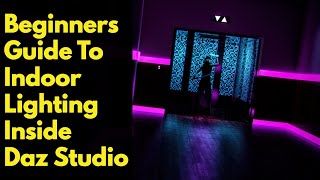
Daz Studio Indoor Lighting
Learn indoor lighting techniques for Daz Studio, covering rooms with and without windows. Explore HDRI usage, spotlights, emissive planes, and combined methods for realistic scene illumination.
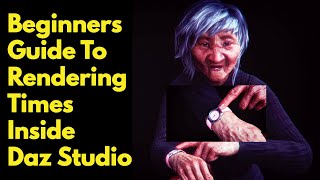
Daz Studio Render Settings
Optimize Daz Studio rendering times with expert tips on scene objects, lighting, viewport settings, scene size, and render configurations for faster, efficient 3D rendering.
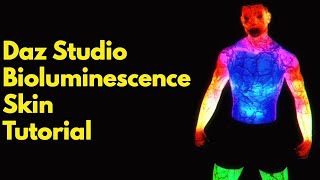
Daz Studio Bioluminescence Skin
Learn to create bioluminescent skin in Daz Studio using emissive primitives, geometry shells, and iray skin shader. Master techniques for realistic veins, thin skin effects, and dual-color luminescence.
Daz Studio Strand Based Hair Tutorial
Learn to create realistic, customizable hairstyles in Daz Studio using strand-based hair. Master techniques for painting, distributing, styling, clumping, tweaking, and coloring hair without 3D modeling experience.
Puppeteer Animation Inside Daz Studio
Learn to create dynamic animations in Daz Studio using puppeteer mode, expressions, poses, and cameras. Discover tips for efficient rendering and troubleshooting common issues in this comprehensive tutorial.
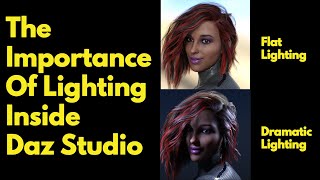
The Importance of Lighting Inside Daz Studio
Discover the crucial role of lighting in Daz Studio, enhancing your 3D scenes. Learn spotlight and point light techniques, tone mapping, and portrait lighting to elevate your renders.
Daz Studio Donut Tutorial
Learn to create a realistic 3D donut in Daz Studio, from texture mapping to adding icing and sprinkles. Master torus primitives, surface creation, and iray shader techniques in this comprehensive tutorial.
Daz Studio Iray Decal Node
Learn to use Daz Studio's Iray Decal Node: apply textures, save changes, and keep decals in position when posing figures. Master settings and discover pro tips for effective 3D character customization.
Daz Studio Layered Image Editor
Learn to use Daz Studio's Layered Image Editor (L.I.E.) to apply textures, work with masks, and customize clothing. Master saving presets and discover essential tips for efficient workflow.
Daz Studio Dforce Hair Tutorial
Learn to transform non-dforce hair into dforce hair in Daz Studio, including simulation techniques, wind effects, and saving methods for reuse. Master timeline and wind node usage for realistic hair animation.
Daz Studio Lighting Tutorial - Bokeh Effects
Learn to create and enhance bokeh effects in Daz Studio, including techniques for circular and moving bokeh, blade effects, lens bias, and saving templates for future use.
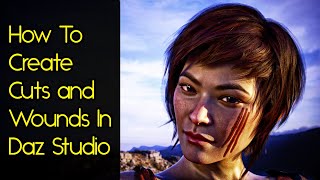
Daz Studio Blood Effects
Learn to create realistic cuts and wounds for Daz Studio figures using Photoshop and image editing techniques. Enhance realism with proper lighting and texture application.
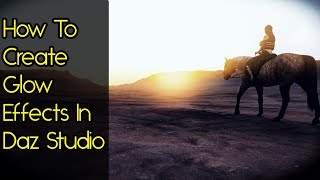
Daz Studio Lighting Tutorial - Bloom Effects
Learn three methods to create stunning glow and glare effects in Daz Studio, enhancing your 3D renders with realistic bloom and sun effects without relying on post-processing.
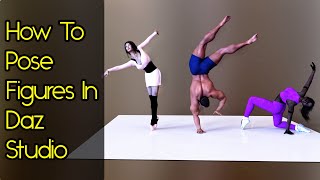
Daz Studio Posing Tutorial - Advanced
Master advanced posing techniques in Daz Studio: activpose, parameter sliders, powerpose, and puppeteer mode. Learn to save and share poses for the Daz3D store.
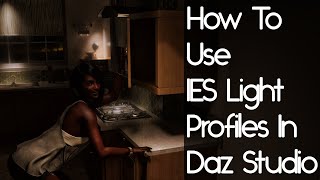
Daz Studio Lighting Tutorial - IES Profiles
Learn to create stunning indoor lighting in Daz Studio using IES profiles. Enhance scene mood and add extra lighting with this technique. Practical examples and tips provided.
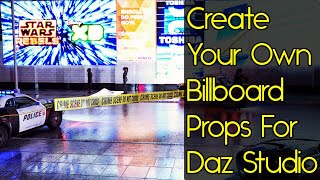
Daz Studio Props - Billboards
Learn to create custom billboard props in Daz Studio, saving memory and enhancing scene customization. Includes practical examples and techniques for efficient 3D design.