CrazyTalk Animator 2 Tutorial - iProp Action Menu and Sprite Library
Learn to create and animate iProps in CrazyTalk Animator 2, including sprite animations, motion clips, action menus, and sound effects for enhanced 2D animations.

CrazyTalk Animator 2 Tutorial - Advanced Timeline Editing
Learn advanced timeline editing techniques in CrazyTalk Animator 2, including motion clips, transition curves, time warps, prop replacement, clip editing, sound effects, and camera movement.

CrazyTalk Animator 2 Tutorial - Basic Timeline Editing
Learn essential timeline editing techniques in CrazyTalk Animator 2, including keyframe animation, motion clips, facial animation, and more. Master the tools to create dynamic and customized animations.
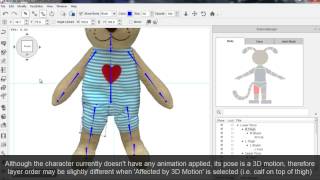
CrazyTalk Animator 2 Tutorial - Creating a Character from a 2D Image
Learn to create animated characters from 2D images using CrazyTalk Animator 2. Master sprite replacement, joint masking, multi-angle profiles, and motion refinement techniques.
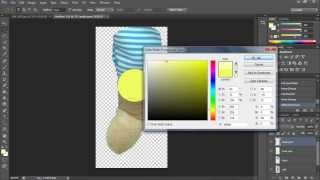
Creating a Character from a 2D Image
Learn to transform a 2D image into an animated character using Photoshop. Master techniques for extracting and preparing body parts for animation in CrazyTalk Animator 2, starting with a stuffed bear image.

CrazyTalk Animator 2 Tutorial - 2D Body Motion Puppeteering
Learn 2D body motion puppeteering techniques in CrazyTalk Animator 2, including animation profiles, slider controls, masking, mouse control, and movement tools for creating unique character animations.
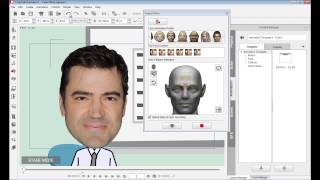
CrazyTalk Animator 2 Tutorial - Face - Basic Facial Puppeteering
Learn basic facial puppeteering in CrazyTalk Animator 2: choose profiles, use face controls, layer animations, and understand differences between image and sprite-based characters.
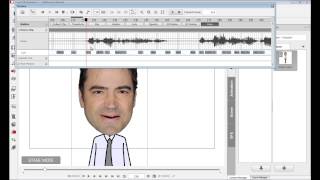
CrazyTalk Animator 2 Tutorial - Face - Audio Lip-Sync
Learn automatic lip-syncing techniques in CrazyTalk Animator 2, including audio recording, text-to-speech, phoneme mapping, and custom lip-sync creation for efficient character animation.
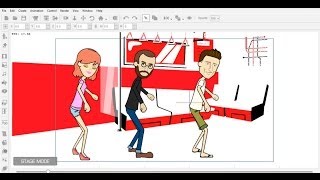
Importing External 3D Motions to CrazyTalk Animator
Learn to import, convert, and edit 3D motions for 2D characters in CrazyTalk Animator, enhancing animation possibilities and creative freedom for your projects.
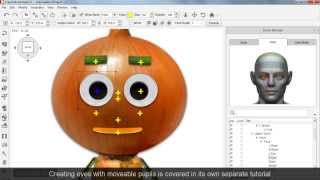
CrazyTalk Animator 2 - Basic Character Head Creation
Learn to create expressive character heads in CrazyTalk Animator 2. Master sprite-based and morph-based techniques for crafting unique facial animations and automatic lip-sync.
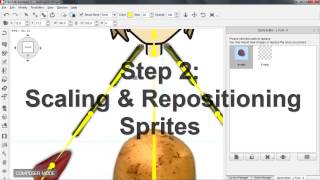
CrazyTalk Animator 2 Tutorial - Basic Character Body Creation
Learn to create basic character bodies in CrazyTalk Animator 2, covering sprite replacement, scaling, bone transformation, and angle copying for 3-profile characters compatible with front-facing animations.

Importing iClone Motions to CrazyTalk Animator 2
Learn to import and customize iClone motions in CrazyTalk Animator 2, enhancing 2D characters with 3D animations. Master sprite refinement, layer adjustments, and motion editing for optimal results.
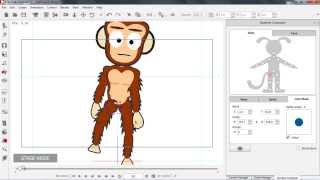
CrazyTalk Animator 2 Tutorial - 3D Performance with the Runtime Composer
Learn to modify 2D characters for 3D motions using CrazyTalk Animator 2's Runtime Composer. Master joint masks, bone transforms, sprite replacement, and custom character creation for enhanced animations.
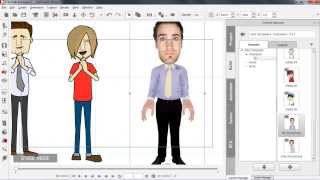
CrazyTalk Animator 2 Tutorial - Creating Re-usable Perform Motions
Learn to create reusable perform motions in CrazyTalk Animator 2, including body movements, facial expressions, and voice performances. Master techniques for 3D motion editing, lip-syncing, and facial animation.

CrazyTalk Animator 2 Tutorial - Intro to Character Animation
Learn character animation techniques in CrazyTalk Animator 2, including 3D motion editing, sprite switching, body transformation, facial puppetry, and automatic lip-syncing for creating dynamic animated characters.

Getting Started with CrazyTalk Animator 2
Learn to create animated characters with CrazyTalk Animator 2. Explore new features like 3D Motion Key Editor, Human IK, walk cycles, sprite replacement, and Render Style to enhance your animation skills.
CrazyTalk Tutorial - Sharing Projects on Web or iDevices
Learn to export animated projects to web browsers and iDevices using CrazyTalk 7.3. Master sharing options, including URL sharing, embedded codes, and iDevice downloads, to showcase your creations online.
CrazyTalk 7 - Easily Create Talking Avatars
Learn to create animated talking avatars with CrazyTalk 7. Explore new features, export projects to browsers and devices, and discover the benefits of facial animation through live demos.
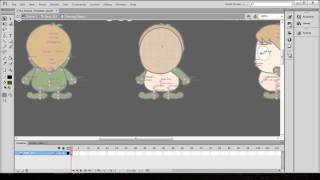
CrazyTalk Animator 2 Tutorial - Quick Custom Character Creation in Flash
Learn to create custom characters in Adobe Flash for CrazyTalk Animator 2. Covers color changes, eye and hand sprites, clothing design, character import, and motion application.

CrazyTalk Animator 2 Tutorial - Intro to Buddy's World
Explore Buddy's World in CrazyTalk Animator 2: Learn to set up scenes, customize characters, and create animations using the Power Tools Series.

CrazyTalk Animator 2 Tutorial - Animation with Buddy's World Characters
Learn to animate Buddy's World characters, customize body and facial movements, manipulate props, and create camera animations in CrazyTalk Animator 2. Master essential techniques for engaging character-driven animations.